

Marketing forms are one of the highest-leverage assets in your growth stack. They're often the first real interaction a prospect has with your brand, which means a clunky, generic form doesn't just hurt conversions — it actively damages first impressions.
The problem is that most form builders were designed for general use, not lead qualification or conversion optimization. They collect data just fine. But they don't help you figure out which leads are worth pursuing, route high-intent prospects to the right team, or feed your CRM with context that actually moves deals forward.
This list covers the top marketing form builder software tools evaluated on ease of use, conditional logic, integrations, lead qualification capabilities, and design flexibility. Whether you're running paid campaigns, gating content, or optimizing your contact page, there's a tool here for your workflow.
1. Orbit AI
Best for: Marketing teams that need to qualify and route leads directly within the form experience.
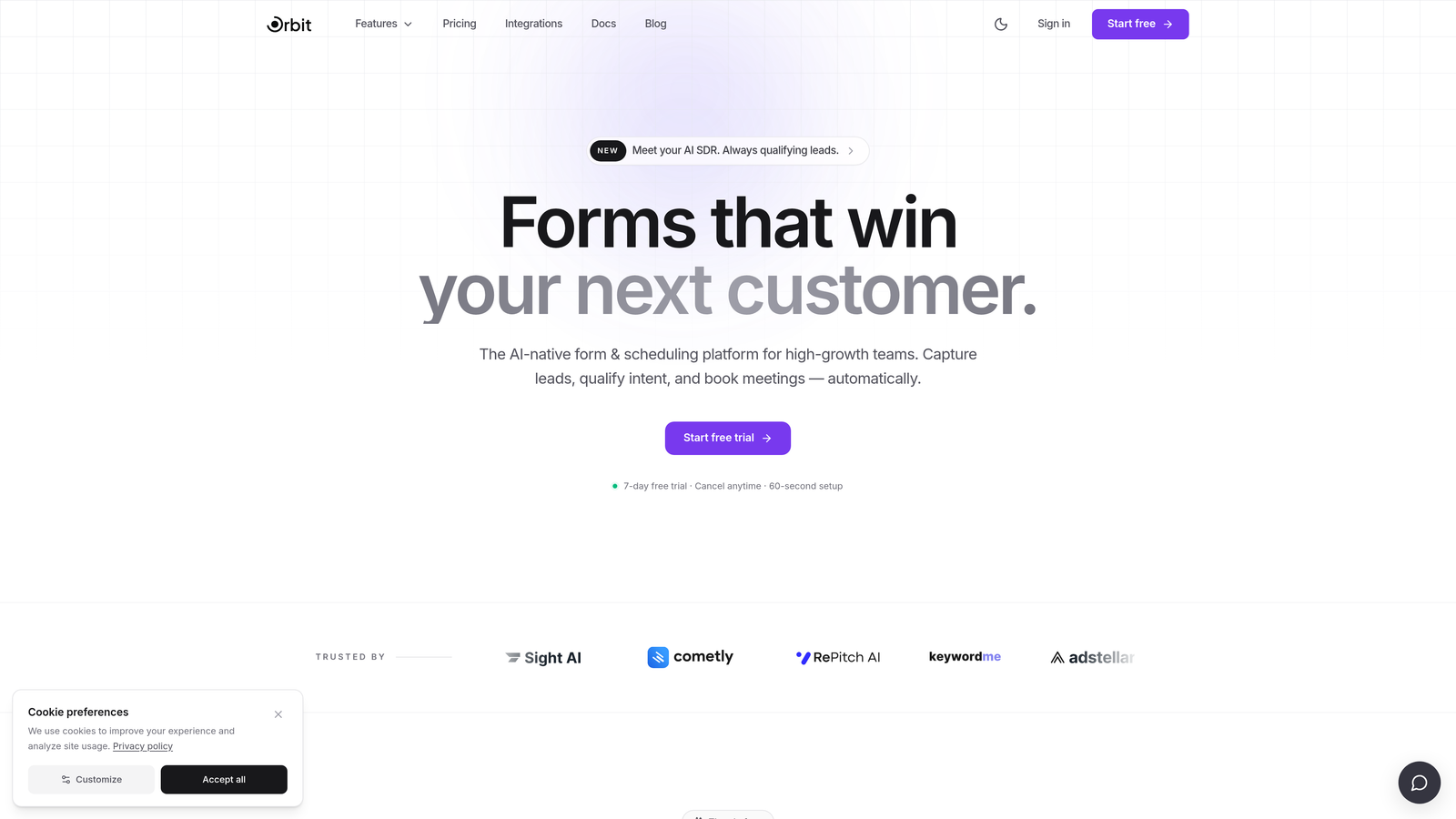
Orbit AI is an AI-powered form builder built specifically for lead qualification and conversion optimization.
Where This Tool Shines
Most form builders stop at data collection. Orbit AI goes further by embedding lead scoring and qualification logic directly into the form flow itself. That means your sales team receives pre-qualified leads without spending hours on manual review — the form does the filtering work upfront.
The platform is designed with high-growth SaaS teams in mind, where lead quality matters as much as lead volume. The modern, conversion-optimized UI also means your forms look like a natural extension of your brand rather than an afterthought bolted onto a landing page.
Key Features
AI-Powered Lead Qualification: Qualification logic runs inside the form flow, scoring and filtering leads in real time before they reach your CRM.
Real-Time Lead Scoring and Routing: Automatically routes high-intent prospects to the right sales rep or workflow based on their responses.
Conditional Logic for Personalized Paths: Dynamically adjusts the form experience based on what each respondent tells you, reducing friction and improving completion rates.
Conversion-Optimized Design: Modern, clean UI templates built to perform on landing pages, paid media campaigns, and gated content flows.
CRM and Marketing Tool Integrations: Connects with the tools your team already uses, keeping lead data flowing without manual exports.
Best For
High-growth SaaS teams and marketing teams running paid acquisition where lead quality is a priority. Particularly valuable for organizations that are tired of manually triaging form submissions and want their forms to do more intelligent work upfront.
Pricing
Visit orbitforms.ai for current pricing plans. A free tier is available to get started.
2. Typeform
Best for: Brands that want a conversational, engaging form experience for longer lead capture flows.
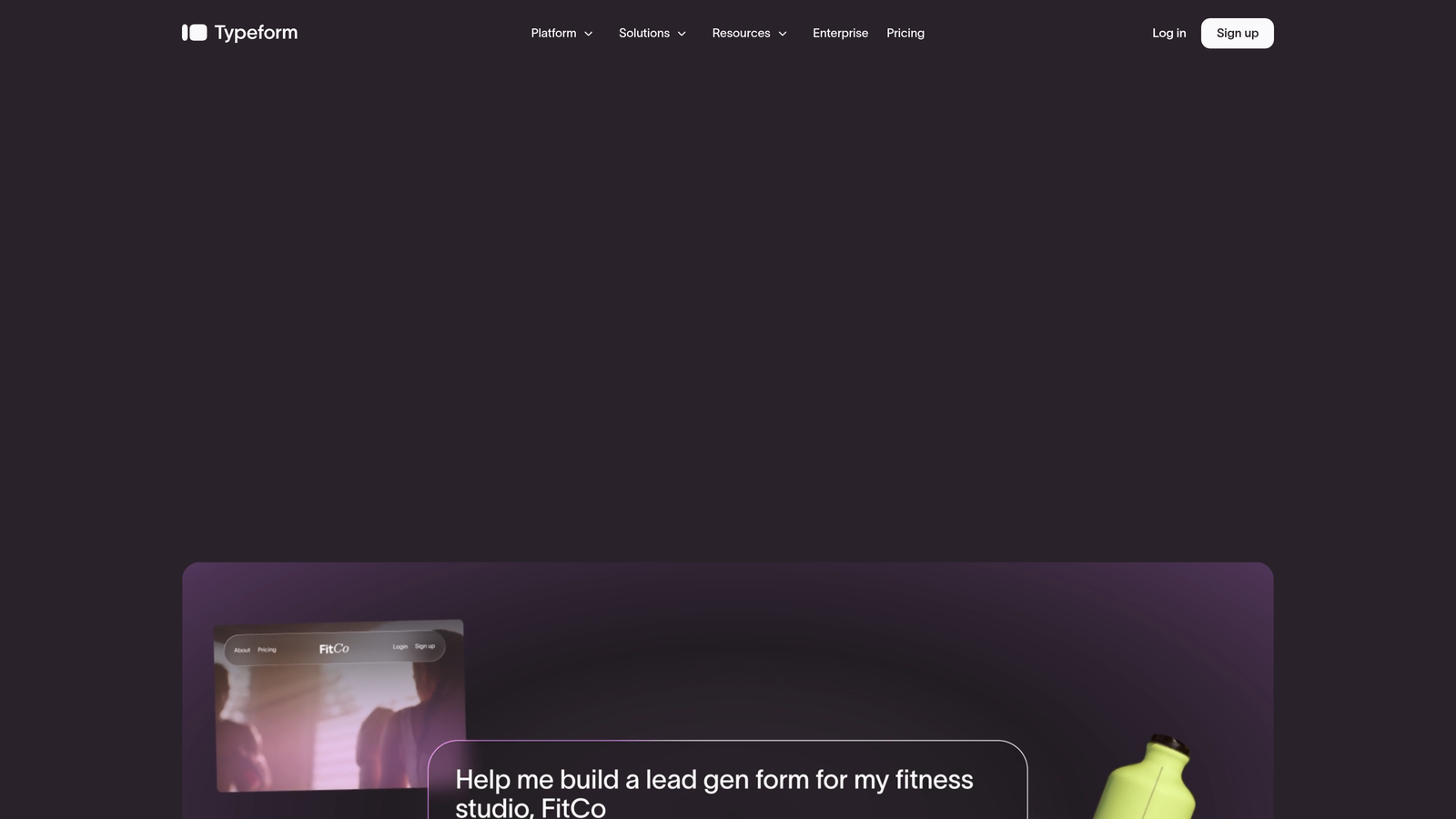
Typeform is a conversational form builder known for its one-question-at-a-time interface that can improve completion rates for longer surveys and lead capture flows.
Where This Tool Shines
Typeform's signature format presents one question at a time, which reduces cognitive load and tends to keep respondents engaged through longer forms. For B2C brands and agencies building surveys or multi-step lead flows, this format often outperforms traditional multi-field layouts.
Its integration library is broad, connecting with HubSpot, Salesforce, Zapier, and dozens of other tools. The drop-off analytics are particularly useful for identifying where respondents abandon a form, giving you actionable data to iterate on.
Key Features
Conversational One-Question-at-a-Time UI: Presents each question individually to reduce overwhelm and improve completion rates.
Logic Jumps: Conditional routing that sends respondents down different question paths based on their answers.
Broad Integration Library: Native connections with HubSpot, Salesforce, Zapier, and many other marketing and CRM tools.
Video and Image Embedding: Enrich form questions with visual media to add context or personality.
Analytics and Drop-Off Tracking: See exactly where respondents exit your form so you can optimize the flow.
Best For
Agencies, B2C brands, and marketing teams running surveys, NPS flows, or longer lead capture sequences where engagement and completion rate are the primary concern. Less suited for teams that need built-in lead qualification logic.
Pricing
Free tier available with limited responses. Paid plans start at $25/month, with pricing scaling based on response volume and features.
3. HubSpot Forms
Best for: Teams already operating within the HubSpot ecosystem who want zero-friction CRM sync.
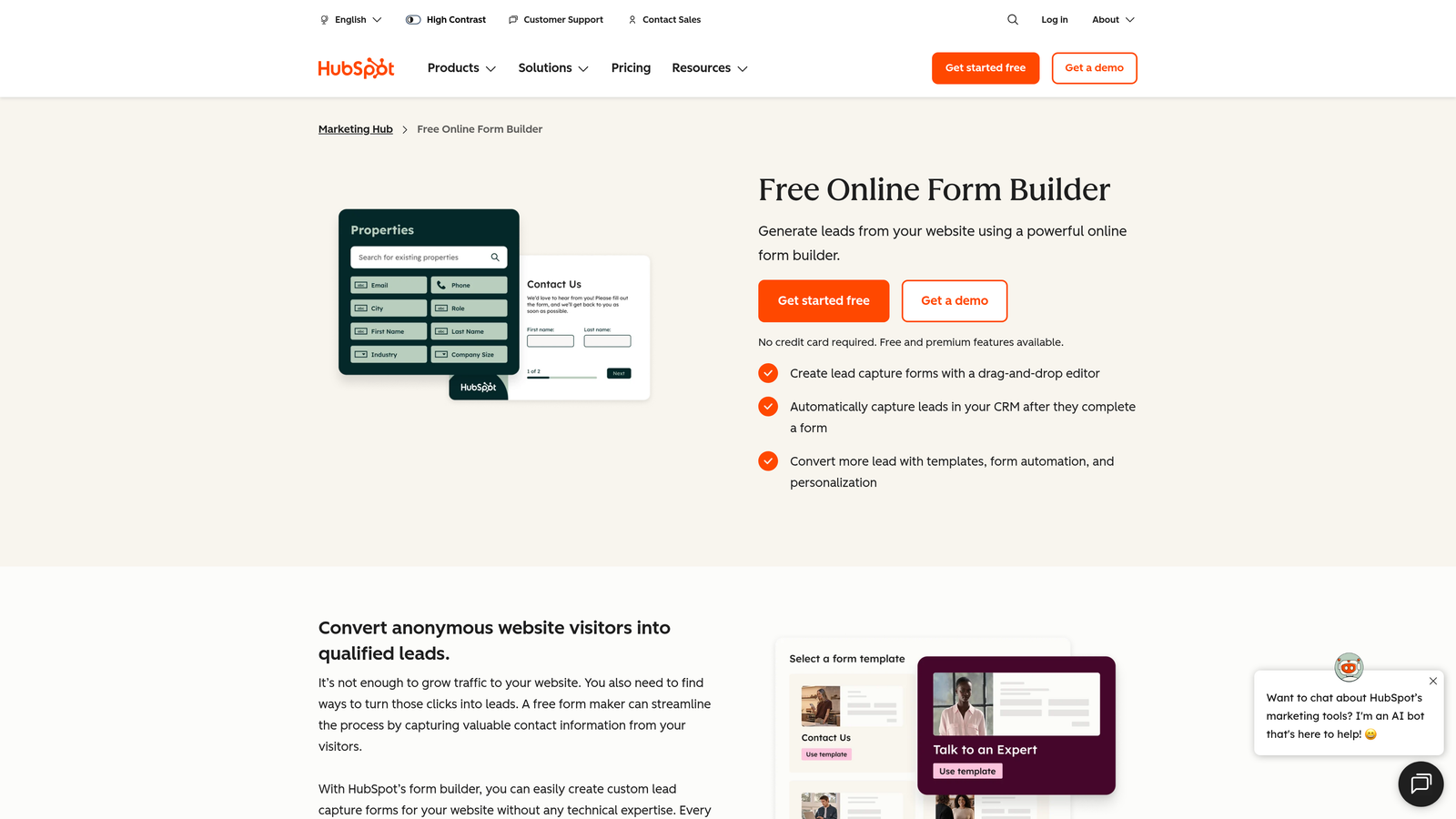
HubSpot Forms is a free form builder included in HubSpot's marketing platform, offering seamless native sync with HubSpot CRM and marketing automation workflows.
Where This Tool Shines
If your team lives in HubSpot, the native form builder is a natural fit. Every submission flows directly into your CRM, triggers workflows, and updates contact records without any middleware or manual imports. The progressive profiling feature is particularly clever: it avoids asking contacts for information you already have, which makes repeat interactions feel more intelligent.
The trade-off is design flexibility. HubSpot Forms are functional but not particularly customizable from a visual standpoint. If brand-consistent, beautifully designed forms are a priority, you'll likely feel constrained.
Key Features
Native HubSpot CRM and Email Sync: Every form submission updates contact records and can trigger automated workflows instantly.
Progressive Profiling: Replaces already-known fields with new questions, so returning contacts aren't asked for the same data twice.
Smart Forms: Adapts field display based on what HubSpot already knows about a contact.
Built-In Spam Filtering: Reduces junk submissions without requiring additional configuration.
A/B Testing: Available on higher-tier Marketing Hub plans for testing form variants.
Best For
Marketing and RevOps teams fully committed to the HubSpot platform. Not recommended for teams on other CRMs or those who need significant design control over their form appearance.
Pricing
Free with any HubSpot account. Advanced features require Marketing Hub paid plans, which start at $800/month.
4. Jotform
Best for: Teams or agencies that need a broad template library and versatile form types across multiple use cases.
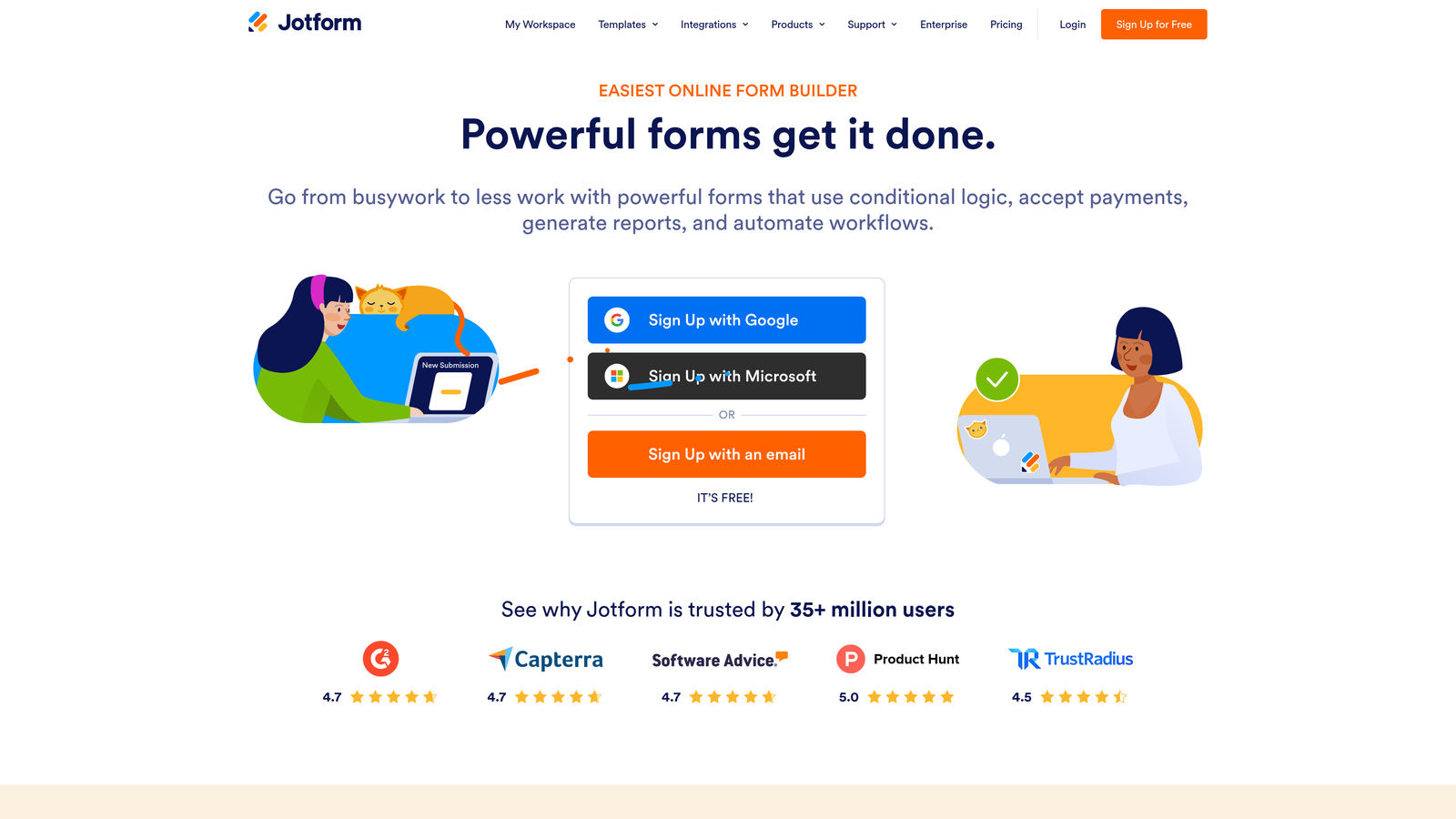
Jotform is a feature-rich, general-purpose form builder with one of the largest template libraries available, covering everything from lead capture to payment collection.
Where This Tool Shines
Jotform's sheer breadth is its biggest advantage. With over 10,000 templates spanning virtually every industry and use case, it's an excellent starting point for teams that need to spin up a variety of form types quickly. Agencies managing forms across multiple clients will find the template variety and collaboration features particularly useful.
Native payment integrations with Stripe, PayPal, and Square make it a practical choice for teams that occasionally need to collect payments alongside lead data — without stitching together separate tools.
Key Features
10,000+ Templates: One of the largest template libraries in the category, covering nearly every industry and form type.
Native Payment Integrations: Direct connections with Stripe, PayPal, and Square for collecting payments within forms.
Conditional Logic and Calculation Fields: Build dynamic forms that respond to user input and perform real-time calculations.
Team Collaboration and Approval Workflows: Useful for agencies or teams where multiple stakeholders need to review form submissions.
HIPAA-Compliant Option: Available for teams handling sensitive health data, making it viable in regulated industries.
Best For
Agencies managing diverse client form needs, teams that need payment collection built in, and organizations in regulated industries that require HIPAA compliance. Not specifically optimized for marketing lead qualification.
Pricing
Free tier available with submission limits. Paid plans start at $34/month, with higher tiers unlocking more submissions and advanced features.
5. Gravity Forms
Best for: WordPress-based marketing sites that need advanced form logic and a deep customization ecosystem.
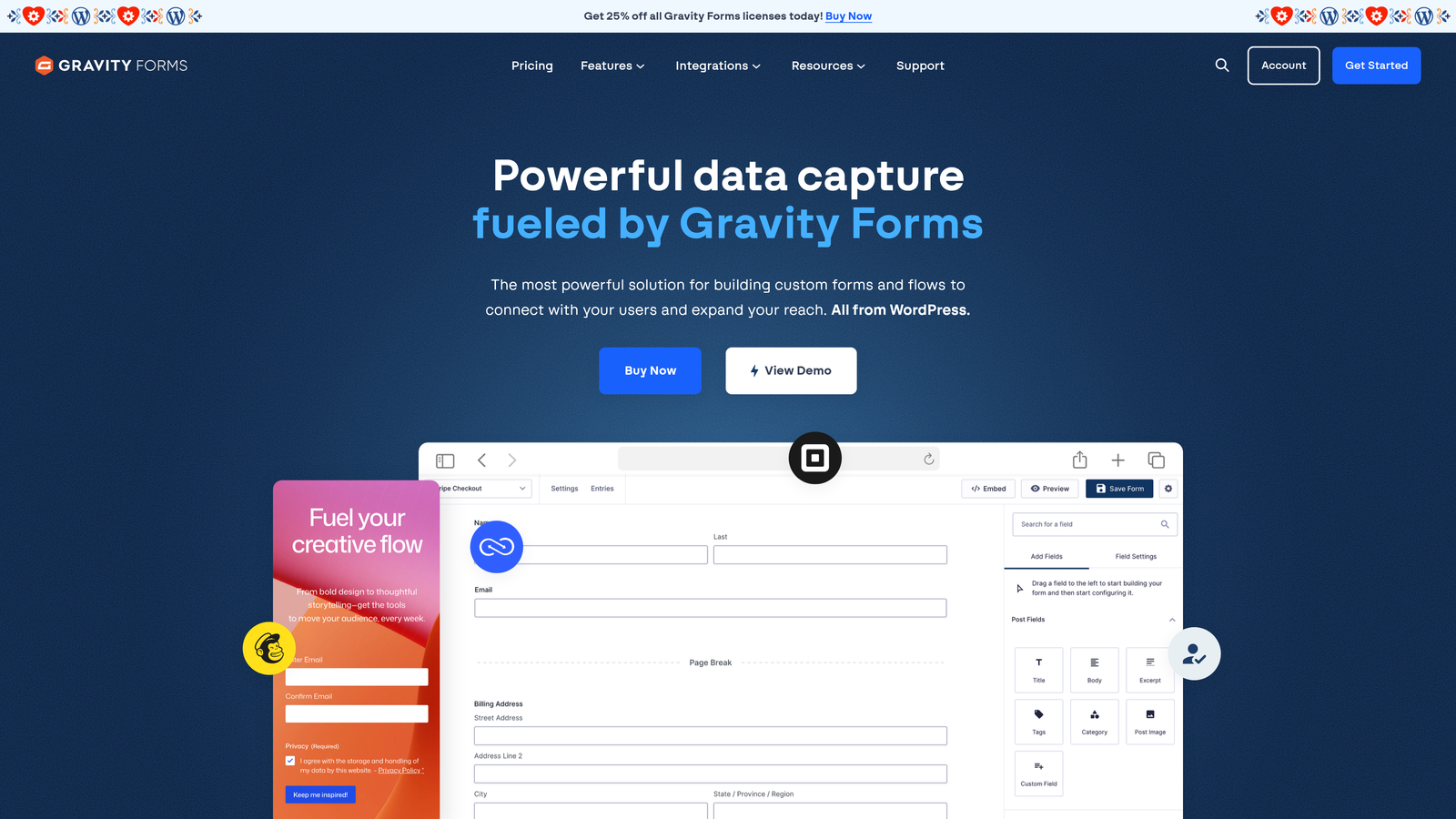
Gravity Forms is a powerful WordPress plugin for building advanced marketing forms with deep customization, an extensive add-on ecosystem, and developer-friendly architecture.
Where This Tool Shines
Gravity Forms is the go-to choice for developers and technically sophisticated marketing teams running WordPress. The add-on marketplace connects it to CRMs, payment processors, and marketing automation tools, giving you significant flexibility without custom development. Advanced conditional logic lets you build multi-branch form flows that rival dedicated form platforms.
The developer-friendly architecture — with hooks, filters, and a well-documented API — means custom integrations are straightforward for teams with engineering resources. All form entries are stored in the WordPress database, which is useful for teams that want full data ownership.
Key Features
Advanced Conditional Logic: Build complex, multi-branch form flows based on user responses with fine-grained control.
Large Add-On Marketplace: Extend functionality with official and third-party add-ons for CRMs, payments, and marketing tools.
Multi-Page Forms with Progress Indicators: Break long forms into digestible steps with visible progress tracking.
Developer-Friendly Architecture: Hooks, filters, and a robust API make custom integrations accessible for engineering teams.
WordPress Database Storage: Form entries stored natively in WordPress, giving teams full ownership and control of their data.
Best For
WordPress-powered marketing sites with developer resources or technical marketing teams. Requires a WordPress installation, so it's not suitable for teams on other platforms or those who want a no-code, standalone form solution.
Pricing
Annual license starting at $59/year for the Basic plan. No free tier available; all plans require a paid license.
6. Unbounce
Best for: Paid media teams who want the form and landing page to function as a single, optimized conversion unit.
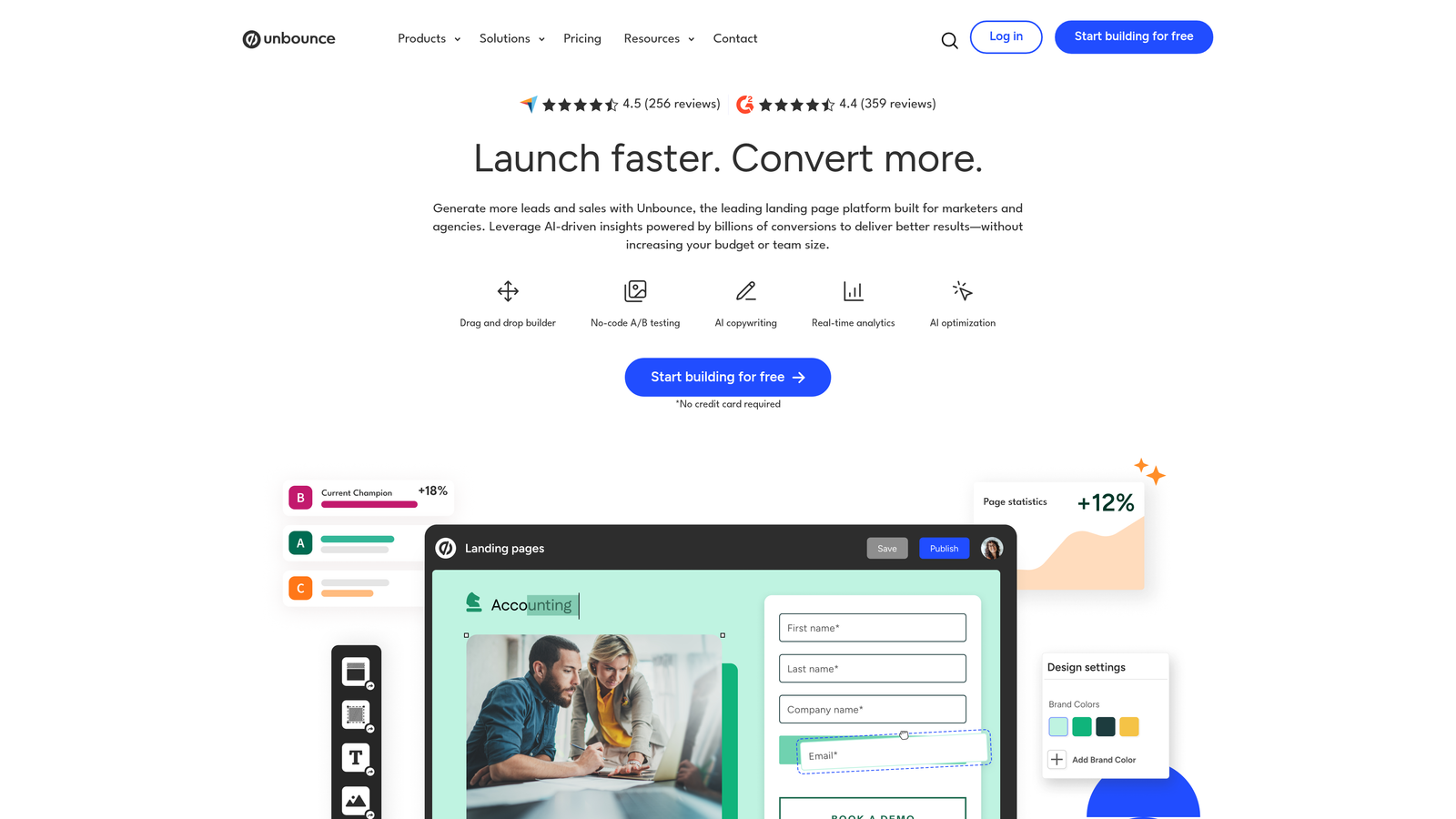
Unbounce is primarily a landing page builder with deeply integrated form capabilities, making it ideal for performance marketing teams running paid campaigns.
Where This Tool Shines
Unbounce's key insight is that the form and the landing page are one conversion unit, not two separate tools. Building them together means the design, copy, and form logic all operate in a single environment, which reduces friction and ensures visual consistency. For paid media teams, this is a significant workflow advantage.
The Smart Traffic feature uses AI to automatically route visitors to the best-performing landing page variant based on their attributes — without waiting for a traditional A/B test to reach statistical significance. Dynamic text replacement lets you personalize form page copy to match the ad that brought the visitor there.
Key Features
Forms Built Natively Inside Landing Pages: Design and manage your form and page as a single conversion unit within one platform.
Smart Traffic AI: Automatically routes visitors to the best-performing page variant based on visitor attributes.
Dynamic Text Replacement: Personalizes landing page and form copy to match the keywords or ad copy that drove the click.
A/B and Multivariate Testing: Test multiple variants of your landing page and form combinations to find top performers.
CRM and Email Integrations: Connects with major CRMs and email platforms to route lead data downstream.
Best For
Paid media and performance marketing teams running Google Ads, Meta, or other paid campaigns where the landing page and form are a unified conversion experience. Not ideal as a standalone form tool — there's no form-only plan.
Pricing
Plans start at $99/month. There is no standalone form-only pricing option; Unbounce is priced as a full landing page platform.
7. Tally
Best for: Lean marketing teams and early-stage startups that want a capable, no-cost form solution without branding restrictions.
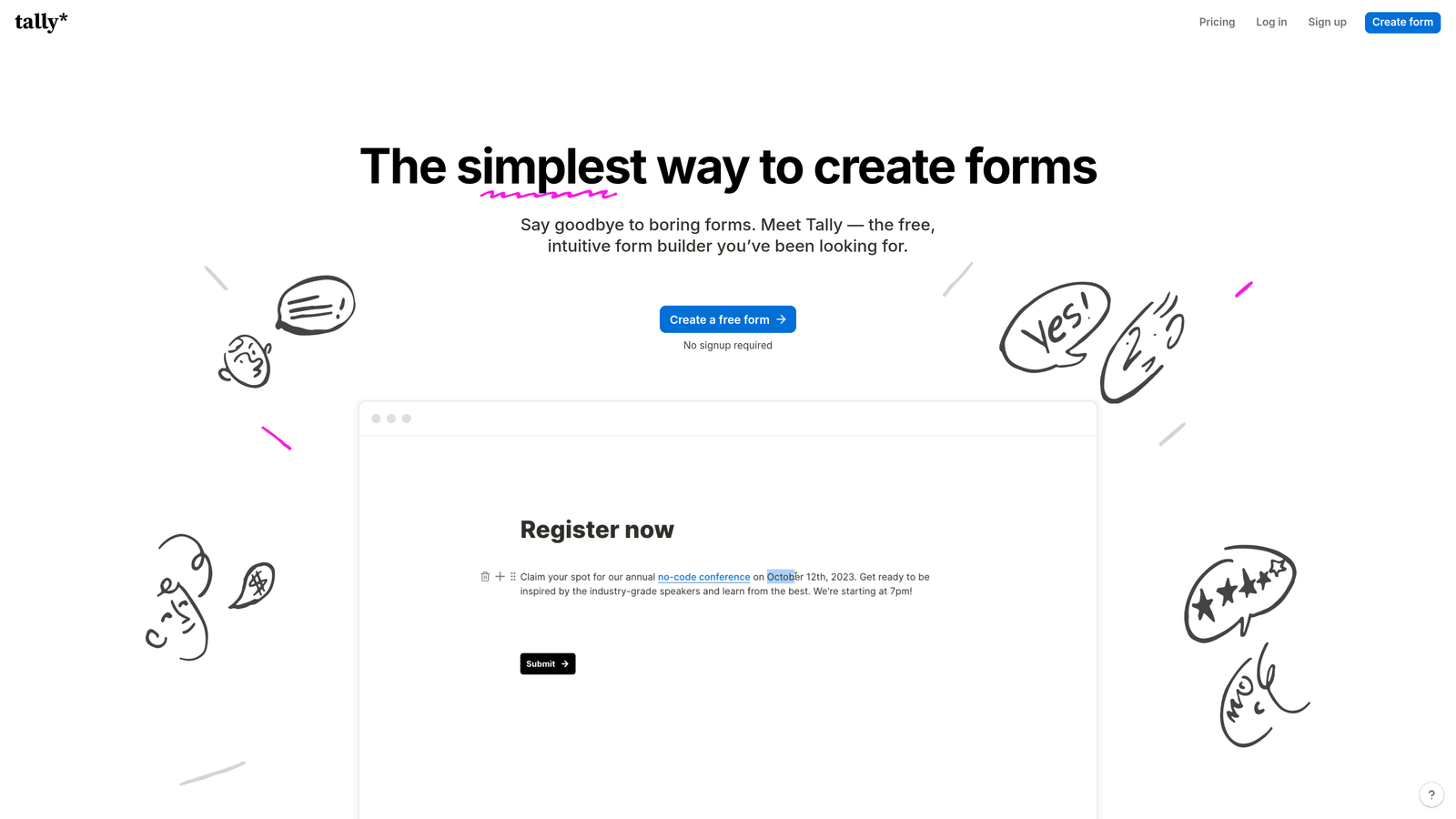
Tally is a minimalist, Notion-inspired form builder with a surprisingly generous free tier — unlimited responses, no Tally branding — making it a strong pick for budget-conscious teams.
Where This Tool Shines
What sets Tally apart immediately is what it doesn't do: it doesn't put its logo on your forms, and it doesn't cap your responses on the free plan. For early-stage startups or lean marketing teams that need functional, clean forms without a monthly bill, that combination is genuinely rare in this category.
The block-based, Notion-like editing experience makes building forms feel intuitive for teams already comfortable with modern productivity tools. Conditional logic and hidden fields are available even on the free tier, giving you more form intelligence than you'd expect at no cost.
Key Features
Unlimited Forms and Responses on Free Tier: No response caps or form limits, even on the free plan — a significant differentiator.
No Tally Branding on Free Plan: Your forms look clean and on-brand without requiring a paid upgrade to remove tool branding.
Conditional Logic and Hidden Fields: Build dynamic, personalized form flows without upgrading to a paid plan.
Notion-Like Block-Based Editor: Familiar, intuitive editing experience for teams already using modern productivity tools.
Zapier, Make, and Native Integrations: Connect form submissions to your broader marketing and CRM stack.
Best For
Early-stage startups, indie makers, and lean marketing teams that need capable forms without the overhead of a paid subscription. Teams with more complex lead qualification needs or enterprise integration requirements will likely outgrow Tally's feature set.
Pricing
Free tier with unlimited responses and no branding requirements. Pro plan available at $29/month for advanced features and integrations.
8. Paperform
Best for: Teams that want lead capture, payments, and scheduling consolidated into a single form platform.
Paperform is a flexible form builder that combines lead capture, surveys, scheduling, and native payment processing in one platform.
Where This Tool Shines
Paperform's appeal is consolidation. Instead of stitching together a form tool, a payment processor integration, and a scheduling widget, Paperform handles all three natively. For marketing teams that run webinars, sell digital products, or need booking forms alongside standard lead capture, this reduces tool sprawl meaningfully.
The design canvas is more flexible than most form builders, supporting rich media, custom layouts, and a document-like form experience that feels more like a branded landing page than a standard form. Conversion tracking is built in, giving you visibility into form performance without requiring a separate analytics layer.
Key Features
Native Payment Processing: Accept payments via Stripe, Braintree, and PayPal directly within forms — no third-party integration required.
Flexible Design Canvas: Supports rich media, custom layouts, and a document-style form experience for brand-consistent presentation.
Conditional Sections and Logic: Personalize form paths based on respondent answers with section-level conditional control.
Appointment and Booking Form Support: Schedule meetings and appointments natively within the form flow.
Analytics with Conversion Tracking: Monitor form performance and conversion rates without adding a separate analytics tool.
Best For
Marketing teams that want to reduce tool count by combining lead capture, payments, and scheduling in one place. Also well-suited for teams selling digital products or running event registrations alongside standard lead generation.
Pricing
Plans start at $24/month. A 14-day free trial is available; there is no permanent free tier.
9. Google Forms
Best for: Internal data collection and simple surveys where design and lead qualification are not priorities.
Google Forms is Google's free, no-frills form tool that integrates with Google Sheets and Workspace — reliable for basic use cases but limited for serious marketing work.
Where This Tool Shines
Google Forms earns its place on this list for one reason: it's completely free, universally accessible, and requires zero setup. For internal surveys, employee feedback, or quick data collection within a Google Workspace environment, it gets the job done without any friction.
The native Google Sheets export means responses are immediately available in a format most teams know how to work with. For simple use cases, that's genuinely sufficient — and the collaboration features of Google Workspace make sharing and managing forms easy across a team.
Key Features
Completely Free: No cost, no response limits, no form limits with any Google account.
Native Google Sheets Export: Responses flow directly into Google Sheets for immediate access and analysis.
Basic Conditional Logic: Simple branching based on multiple-choice answers, though significantly less powerful than dedicated form tools.
Google Workspace Collaboration: Share and co-edit forms with teammates using existing Google account permissions.
No Response or Form Limits: Collect as many responses as you need without hitting usage caps.
Best For
Internal use cases, quick team surveys, and event RSVPs within Google Workspace environments. Not recommended for external marketing lead capture, paid campaign landing pages, or any scenario where design quality, CRM integration, or lead qualification matters.
Pricing
Completely free with any Google account. No paid tiers or upgrades.
Which Marketing Form Builder Is Right for You?
The right tool depends on what you're actually trying to accomplish with your forms — and the options above cover a wide spectrum of use cases, budgets, and technical requirements.
If lead qualification is your primary goal and you're running a high-growth SaaS or B2B marketing operation, Orbit AI is the clearest choice. It's the only tool on this list built from the ground up around qualifying leads inside the form experience itself, rather than treating qualification as a downstream CRM problem.
For teams already deep in the HubSpot ecosystem, HubSpot Forms is the path of least resistance — native CRM sync with no extra configuration. If you're running paid media campaigns and want the form and landing page to operate as a unified unit, Unbounce is purpose-built for that workflow.
Teams on a tight budget will find Tally hard to beat at zero cost, while those needing payment collection alongside lead capture should take a close look at Paperform. WordPress-powered sites with developer resources will likely gravitate toward Gravity Forms for its flexibility and add-on ecosystem.
Here's a quick use case guide to help you decide:
AI-powered lead qualification: Orbit AI
Conversational, high-completion forms: Typeform
HubSpot CRM integration: HubSpot Forms
Multi-use agency or template variety: Jotform
WordPress marketing sites: Gravity Forms
Paid media campaign pages: Unbounce
Budget-friendly with no branding: Tally
Payments plus lead capture: Paperform
Internal surveys only: Google Forms
If you're ready to move beyond forms that just collect data and start using forms that actively qualify your pipeline, Start building free forms today with Orbit AI and see how intelligent form design can elevate your conversion strategy.


