

Your website forms are often the first real conversation you have with a potential customer. And if that conversation feels clunky, outdated, or generic, you're losing leads before they even start. The good news? Modern form builders have come a long way from basic drag-and-drop fields and static submission pages.
Today's best tools offer conditional logic, AI-powered lead qualification, multi-step flows, native CRM integrations, and mobile-first design that actually converts. But picking the right one depends entirely on your goals: Are you optimizing for lead quality? Building complex multi-step flows? Running high-volume campaigns on a lean budget?
This list covers the top modern form builders for websites in 2026, evaluated on design flexibility, conversion features, integrations, and value for high-growth teams. Whether you're a SaaS startup, a marketing agency, or a B2B sales team, there's a tool here built for your workflow.
1. Orbit AI
Best for: High-growth SaaS, B2B, and marketing teams focused on lead qualification and conversion.
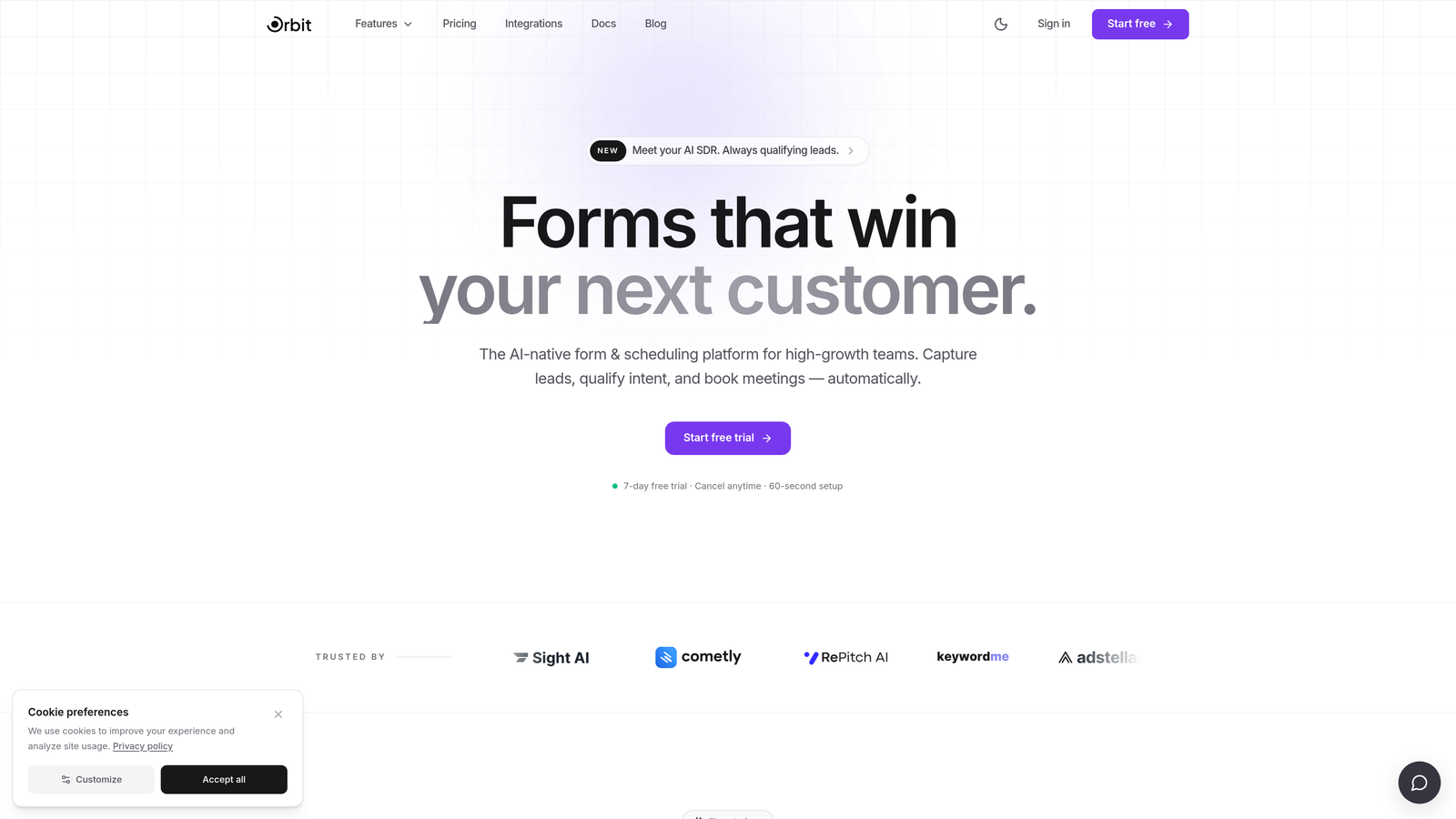
Orbit AI is an AI-powered form builder designed specifically for conversion-focused teams who want forms that do more than collect data.
Where This Tool Shines
Most form builders stop at the submission. Orbit AI starts there. Its core differentiator is built-in AI lead qualification at the point of capture, meaning your forms don't just gather information, they score and qualify prospects automatically before a lead ever hits your CRM.
The design philosophy is equally intentional. Orbit AI is built for teams that care about both aesthetics and performance: clean, modern form UI paired with multi-step flows engineered for conversion. If you're tired of choosing between beautiful forms and smart forms, this is the tool that refuses to make you pick.
Key Features
AI-Powered Lead Qualification: Automatically scores and qualifies leads at the point of form submission, reducing manual sales triage downstream.
Conversion-Optimized Design: Modern, clean UI built with high-converting form flows in mind, not just aesthetics.
Multi-Step Form Flows: Build sophisticated multi-step experiences tailored for lead generation campaigns and product signups.
SaaS and B2B Focus: Purpose-built for the use cases high-growth teams actually run: demos, trials, applications, and inbound lead capture.
Design and Performance Together: Rare combination of beautiful form design with measurable conversion performance baked into the core product.
Best For
SaaS companies, B2B sales teams, and marketing agencies that need forms to do real qualification work, not just route submissions to a spreadsheet. Particularly valuable for teams scaling inbound lead generation where lead quality matters as much as volume.
Pricing
Visit orbitforms.ai for current pricing plans and available tiers.
2. Typeform
Best for: Teams wanting a conversational, branded form experience for surveys and lead gen.
Typeform is a conversational form builder known for its one-question-at-a-time interface that makes forms feel more like a dialogue than a data entry exercise.

Where This Tool Shines
Typeform pioneered the conversational form format, and it's still one of the best at it. The one-question-at-a-time flow reduces cognitive load and tends to improve completion rates compared to traditional long-form layouts. For brand-forward teams, the visual polish is hard to beat.
Its Logic Jumps feature enables meaningful conditional branching, so respondents only see questions relevant to their path. The native integrations with HubSpot, Salesforce, and Zapier make it easy to slot into most existing marketing stacks.
Key Features
Conversational UI: One-question-at-a-time format that reduces abandonment and improves the respondent experience.
Logic Jumps: Conditional branching that personalizes the form path based on previous answers.
Native Integrations: Direct connections to HubSpot, Salesforce, Slack, and Zapier without needing workarounds.
Typeform AI: AI-assisted form creation to speed up the build process from prompt to published form.
Templates: Strong library of quiz, survey, and lead gen templates with polished visual design.
Best For
Marketing teams, agencies, and SaaS companies that prioritize brand experience and survey-style lead capture. Less ideal for teams that need deep lead qualification logic or complex backend routing without additional tooling.
Pricing
Free plan available; paid plans start from approximately $25/month. Verify current pricing at typeform.com.
3. Jotform
Best for: Teams needing maximum template variety, payment collection, and broad industry coverage.
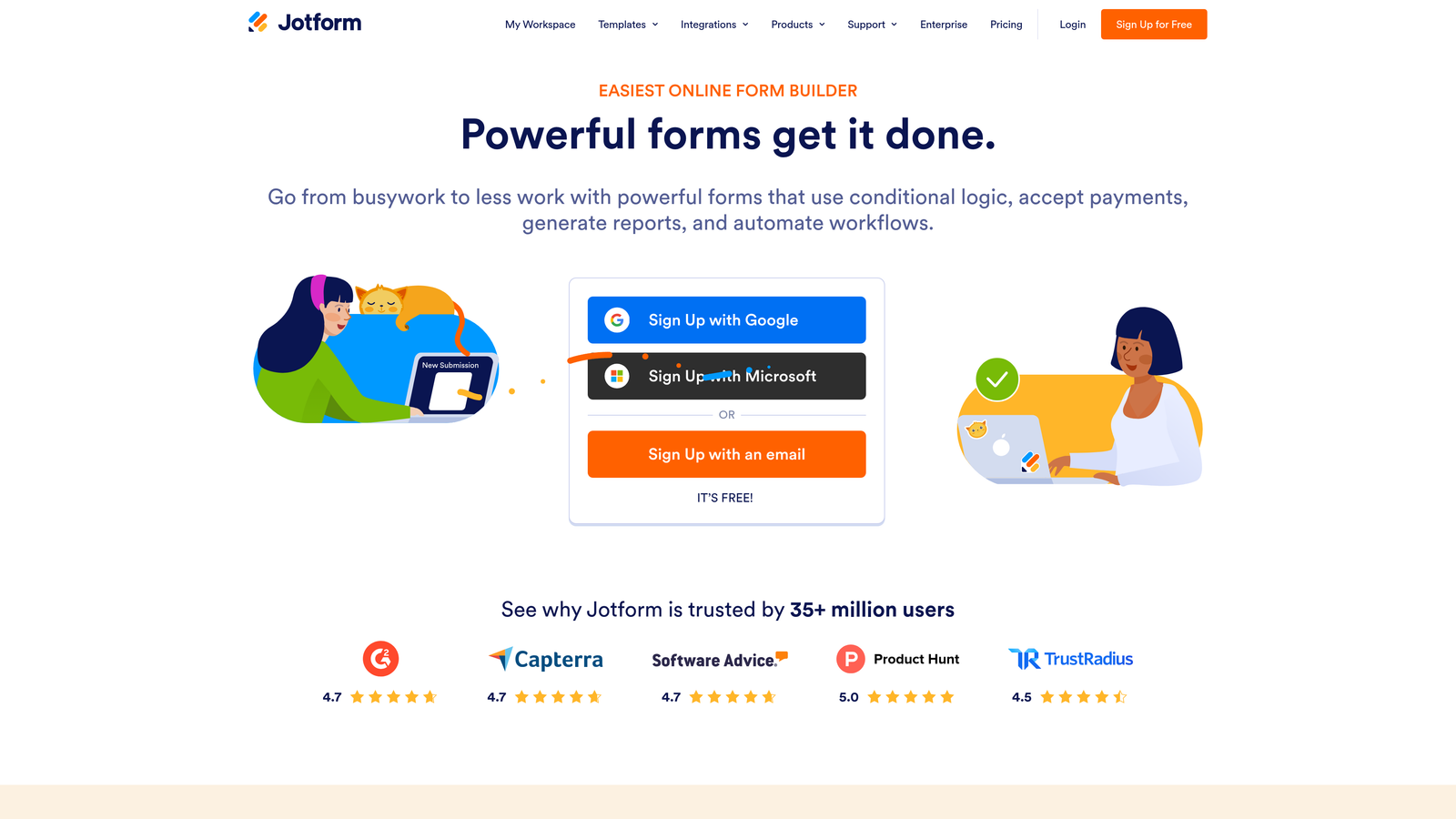
Jotform is one of the most feature-rich form builders on the market, with thousands of templates and broad integration support across industries.
Where This Tool Shines
If breadth is what you need, Jotform delivers. With over 10,000 templates spanning healthcare, education, e-commerce, nonprofits, and more, it's rare to encounter a use case Jotform hasn't already templated. This makes it particularly useful for agencies managing diverse client needs under one account.
Jotform's payment integrations are among the strongest in the category, supporting Stripe, PayPal, Square, and others natively. The newer Jotform AI feature allows teams to generate forms from natural language prompts, which meaningfully speeds up the build process for high-volume form creation.
Key Features
10,000+ Templates: Massive template library spanning virtually every industry and use case.
Payment Integrations: Native support for Stripe, PayPal, Square, and other payment processors.
Jotform AI: Create forms from natural language prompts for faster form generation.
Approval Workflows: Built-in workflow and team collaboration tools for multi-step approval processes.
HIPAA Compliance: Available on higher-tier plans, making it viable for healthcare-adjacent use cases.
Best For
Agencies, operations teams, and businesses with diverse form needs across industries. Also a strong fit for teams that need payment collection built directly into their forms without third-party workarounds.
Pricing
Free plan available; paid plans start from approximately $34/month. Verify current pricing at jotform.com.
4. HubSpot Forms
Best for: Teams already on the HubSpot CRM ecosystem looking for zero-friction lead capture.
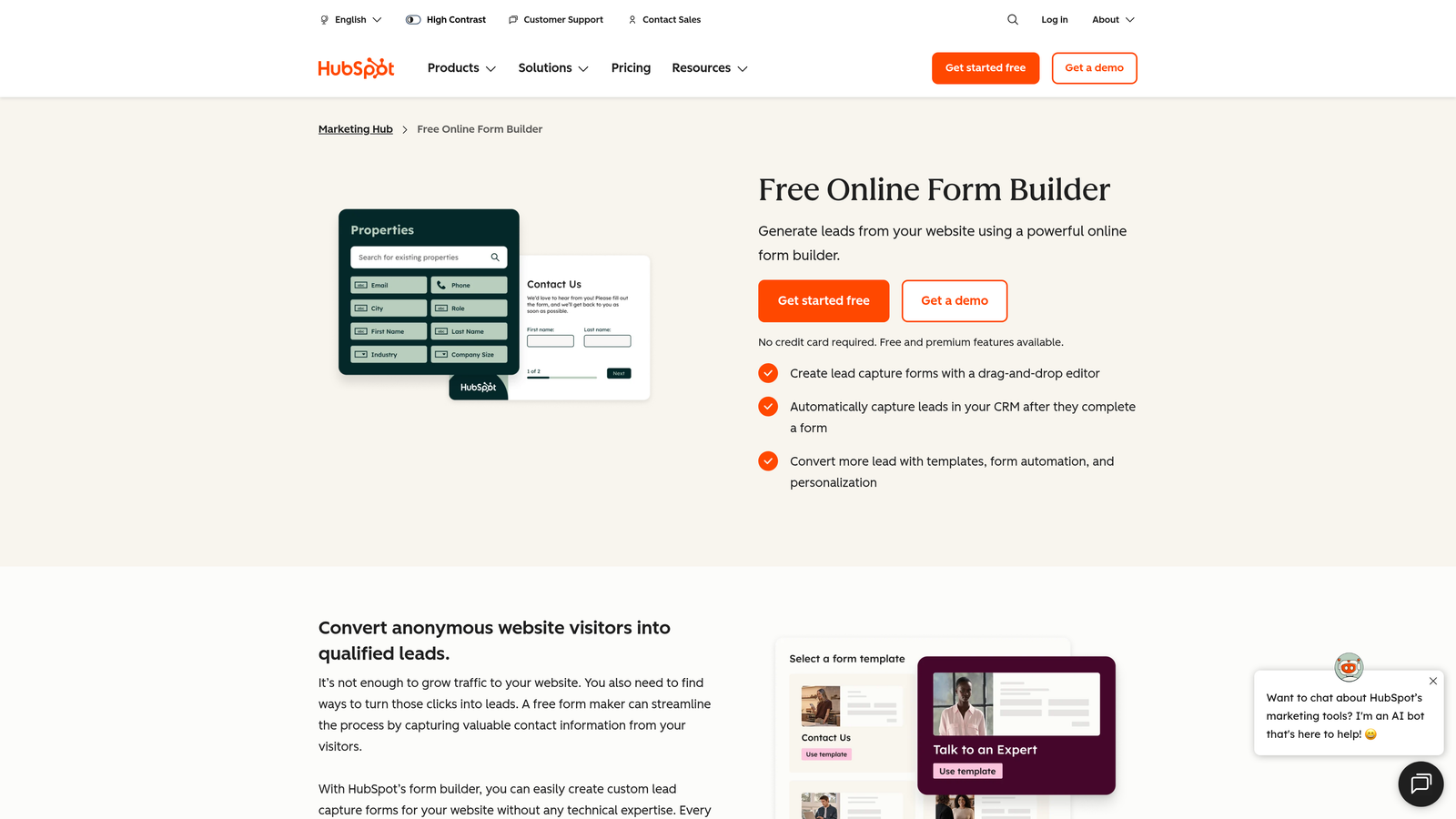
HubSpot Forms is a native form builder built into the HubSpot CRM platform, offering seamless lead capture that syncs directly to contact records.
Where This Tool Shines
The real value of HubSpot Forms isn't the form builder itself, it's the integration. When a lead submits a form, their data flows instantly into HubSpot's CRM with no middleware, no Zapier zap, and no manual import. For teams already living in HubSpot, this alone makes it the default choice.
Progressive profiling is a standout feature: HubSpot Forms can detect known contacts and swap out fields they've already answered for new ones, so you're always gathering fresh data without asking the same questions twice. That's a meaningful conversion and data quality win for active marketing programs.
Key Features
Direct CRM Sync: Form submissions flow instantly to HubSpot contact records with zero integration setup.
Progressive Profiling: Automatically replaces already-known fields with new questions for returning contacts.
Embedded and Popup Options: Deploy forms inline, as popups, or as standalone pages within HubSpot.
Smart Forms: Forms that adapt dynamically based on a contact's history and lifecycle stage.
Free Availability: Fully functional forms included with any free HubSpot account.
Best For
Marketing and sales teams already using HubSpot as their CRM. Less compelling as a standalone form tool if you're not on HubSpot, as the design customization is limited compared to dedicated builders.
Pricing
Free with any HubSpot CRM account; advanced features require paid Marketing Hub plans. See hubspot.com for details.
5. Tally
Best for: Individuals and small teams needing a generous free plan with a clean, intuitive editor.
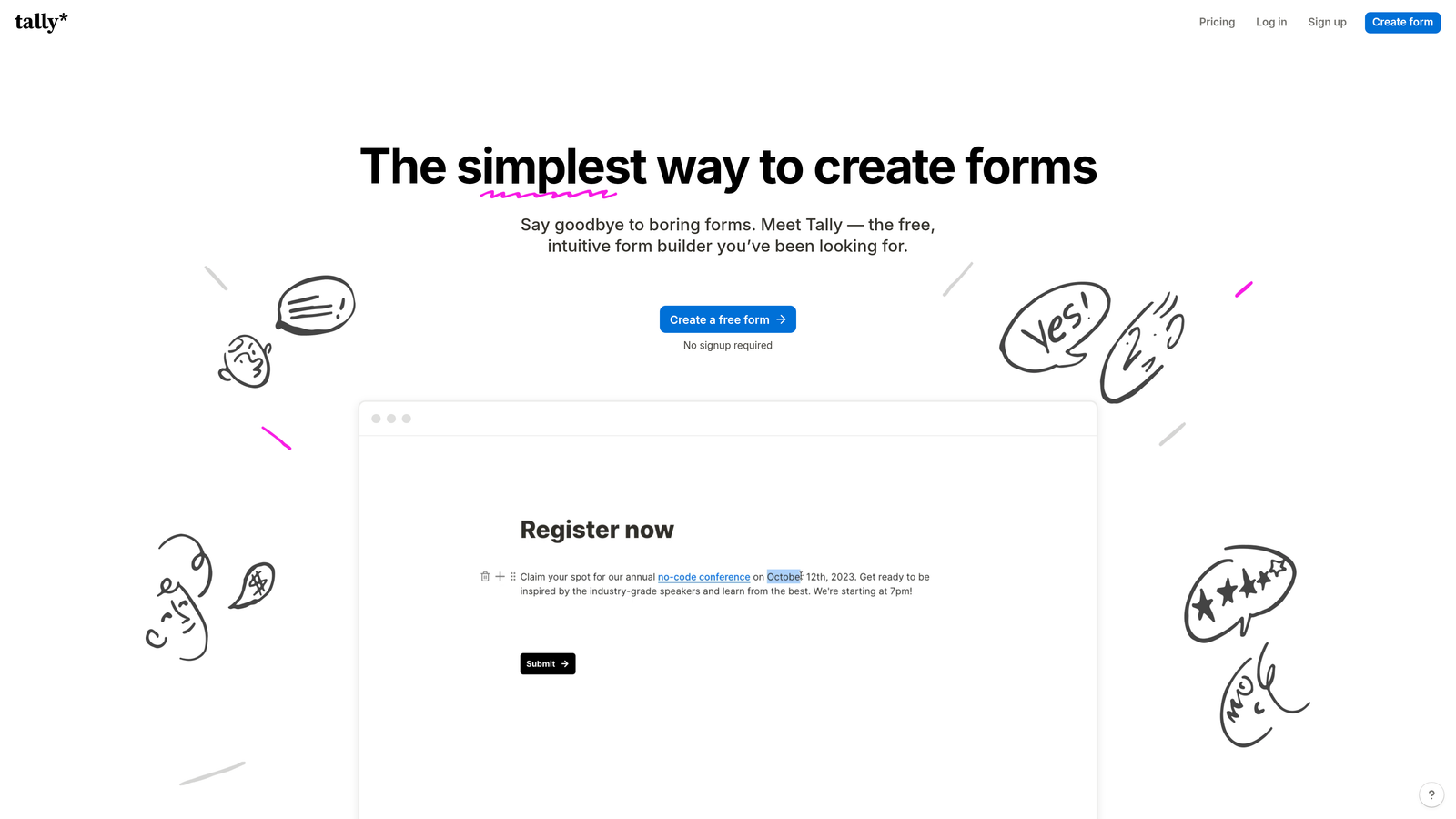
Tally is a Notion-inspired free form builder offering a block-based editor and one of the most generous free plans available in the category.
Where This Tool Shines
Tally's free plan is genuinely remarkable: unlimited forms and unlimited responses, with no submission caps or arbitrary feature walls that force an upgrade. For early-stage teams or solo operators who need capable forms without a monthly bill, it's hard to argue with.
The block-based editor will feel immediately familiar to anyone who uses Notion. It's intuitive, fast, and requires no technical background. Conditional logic and multi-page forms are available even on the free tier, which puts Tally ahead of several paid competitors on raw feature access.
Key Features
Unlimited Free Plan: Unlimited forms and unlimited responses on the free tier, a genuine differentiator in this market.
Block-Based Editor: Notion-style editing experience that's intuitive for non-technical users.
Conditional Logic: Multi-page forms with conditional branching available on the free plan.
Custom Domain Support: Available on Tally Pro for teams that need branded form URLs.
Zapier and Native Integrations: Connect to your existing stack via Zapier or Tally's native integration options.
Best For
Startups, freelancers, and small teams that need capable, good-looking forms without a monthly subscription. Also a strong choice for internal tools and lightweight data collection workflows.
Pricing
Free plan with unlimited forms and responses; Tally Pro approximately $29/month. Verify at tally.so.
6. Gravity Forms
Best for: WordPress developers and agencies needing deep extensibility and a robust add-on ecosystem.
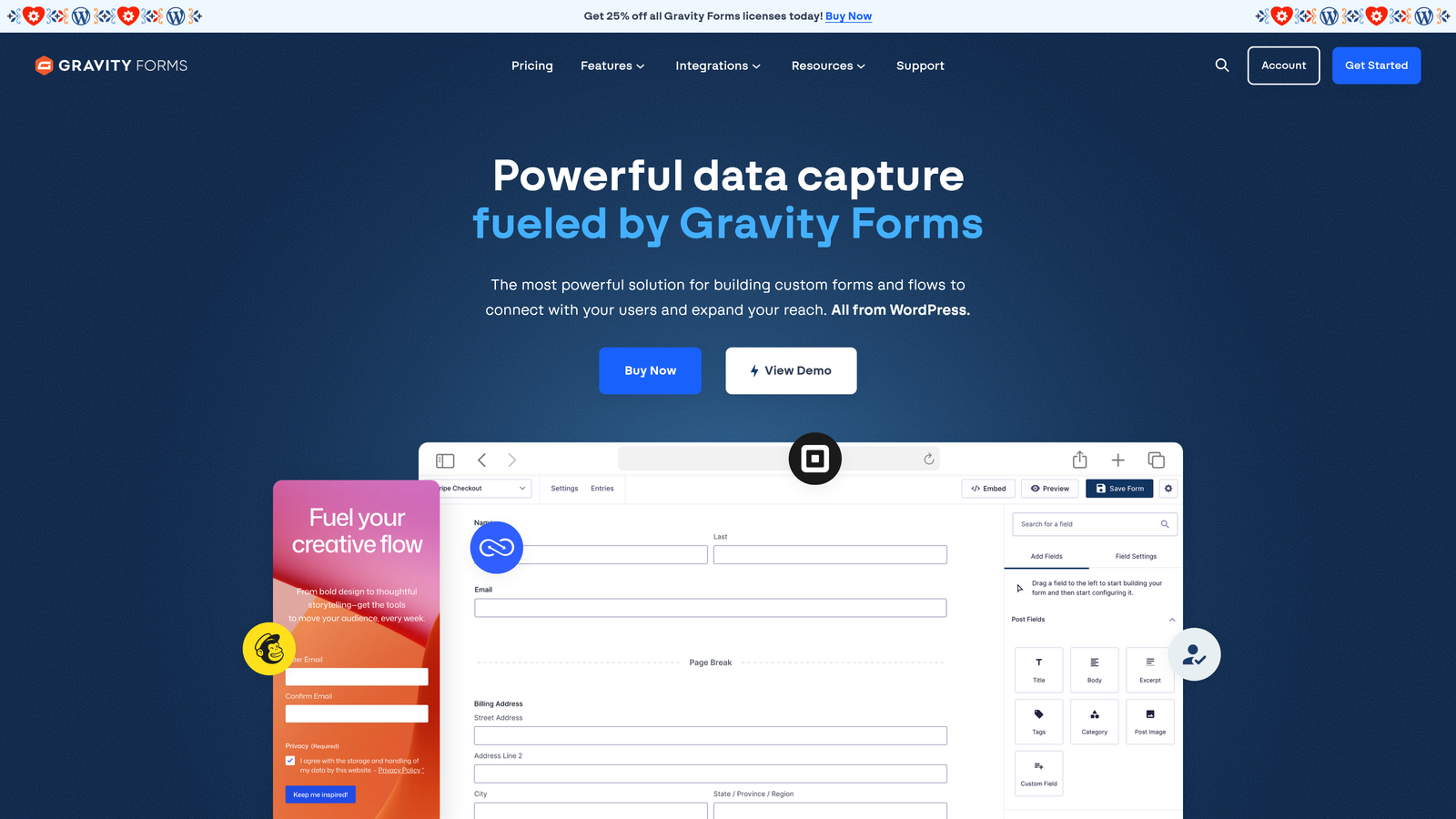
Gravity Forms is the go-to WordPress form plugin for developers and agencies, offering deep extensibility and a mature add-on ecosystem.
Where This Tool Shines
Gravity Forms is the undisputed standard for serious WordPress form work. Its hook and filter system gives developers fine-grained control over every aspect of form behavior, and the add-on library covers virtually every integration a professional site might need: Stripe, Mailchimp, Slack, Zapier, and dozens more.
For agencies managing multiple WordPress client sites, the ability to reuse form configurations, manage entries centrally, and route notifications with precision is genuinely valuable. The learning curve is steeper than consumer-grade tools, but the payoff in flexibility is substantial.
Key Features
Deep WordPress Integration: Native hooks and filters give developers full control over form behavior and data handling.
Extensive Add-On Library: Official and third-party add-ons for Stripe, Mailchimp, Slack, Zapier, and many more.
Conditional Logic: Multi-page forms, file uploads, and conditional field visibility built in.
REST API Support: Developer-friendly API for custom integrations and headless WordPress setups.
Entry Management: Built-in entry database with notification routing and export capabilities.
Best For
WordPress developers, digital agencies, and technically inclined teams who need a form solution that can be extended and customized without limits. Not suitable for non-WordPress sites.
Pricing
Annual license starting from approximately $59/year; WordPress installation required. Verify at gravityforms.com.
7. Paperform
Best for: Service businesses and creators who want forms that double as landing pages.
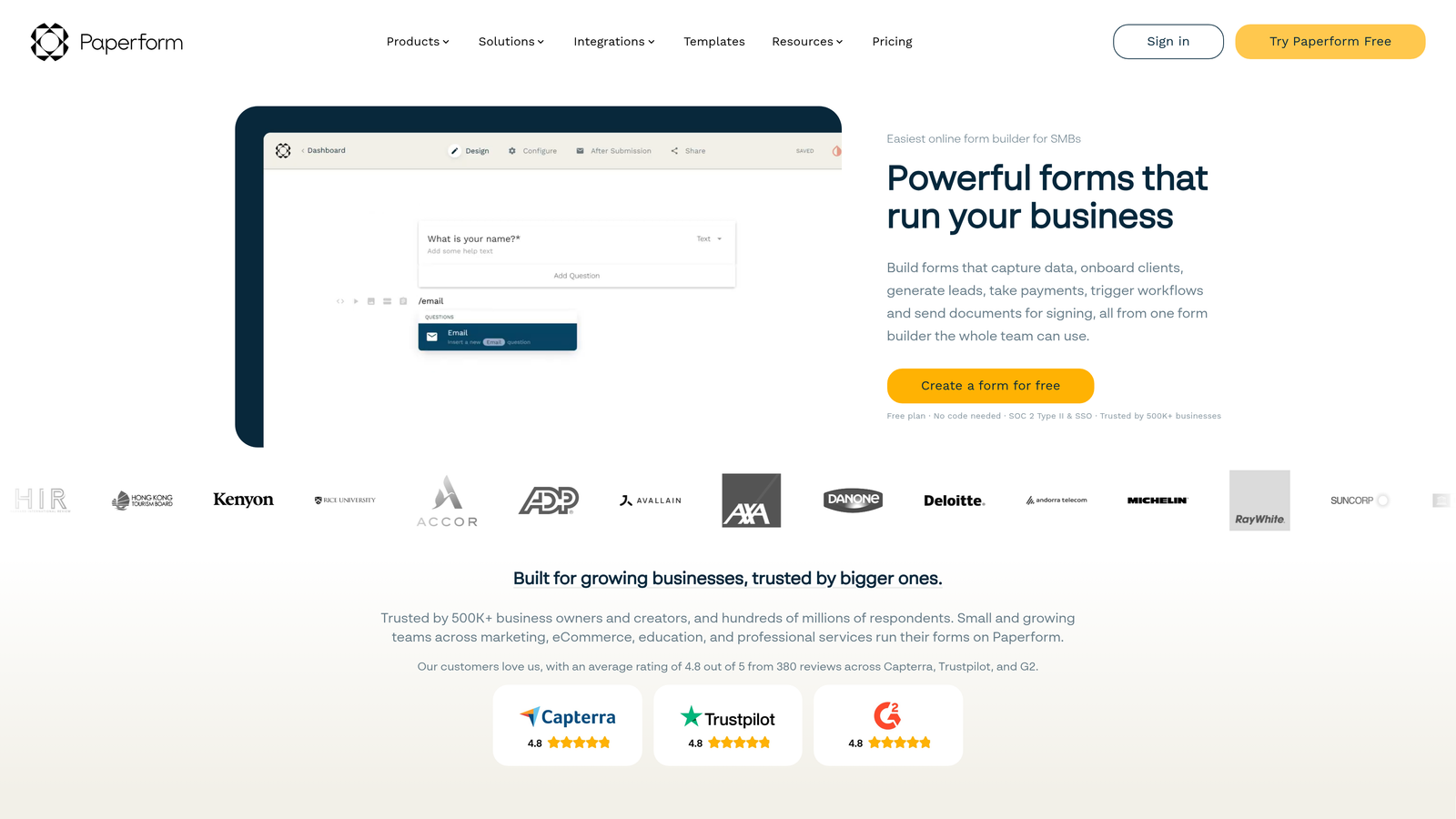
Paperform is a form builder that blurs the line between forms and landing pages, supporting rich media and freeform layouts within a single form experience.
Where This Tool Shines
Paperform's core insight is that a form doesn't have to look like a form. You can embed images, video, rich text, and even calculator fields alongside your input fields, creating experiences that feel more like a branded landing page than a data collection tool. For service businesses selling through their forms, this is a meaningful differentiator.
The freeform layout breaks away from the rigid vertical field stacking that most builders default to. You can place elements anywhere on the page, giving designers and marketers much more creative control over the final output.
Key Features
Rich Media Embeds: Add images, video, and formatted text directly within the form layout.
Freeform Layout: Place fields and content elements freely, not constrained to a linear field list.
Payment and Booking Flows: Native support for payment collection, appointment bookings, and application workflows.
Conditional Logic: Calculator fields and conditional branching for dynamic form experiences.
Custom Branding: Custom domain support and full branding control on paid plans.
Best For
Service-based businesses, coaches, consultants, and creators who want forms that sell or convert on their own, without needing a separate landing page. Less suited for high-volume B2B lead gen workflows.
Pricing
Essentials plan starts from approximately $24/month. Verify current pricing at paperform.co.
8. Fillout
Best for: No-code and ops teams building forms that connect natively to Airtable, Notion, or Supabase.
Fillout is a modern multi-step form builder with standout native integrations for Airtable, Notion, and Supabase, popular with operations and no-code teams.
Where This Tool Shines
Fillout has carved out a distinct niche by going deep on integrations that other form builders treat as afterthoughts. Native Airtable, Notion, and Supabase connections mean data flows directly into your source-of-truth databases without needing Zapier as a bridge. For ops teams and no-code builders, that's a significant workflow simplification.
The platform also punches above its price point on core features: multi-step forms, scheduling, payment support, and conditional logic are all available, and the free plan is genuinely competitive. It's a newer entrant that has gained real traction in the no-code community for good reason.
Key Features
Native Database Integrations: Direct connections to Airtable, Notion, and Supabase without middleware.
Multi-Step Forms: Build multi-page flows with scheduling and payment collection built in.
Conditional Logic: Branching and conditional field visibility for personalized form paths.
Generous Free Plan: Strong submission limits on the free tier, competitive with much pricier alternatives.
Clean Modern UI: Polished form design out of the box with minimal configuration required.
Best For
Operations teams, no-code builders, and startups using Airtable or Notion as their operational backbone. Also a strong Typeform alternative for teams who want similar design quality at a lower price point.
Pricing
Free plan available; paid plans from approximately $15/month. Verify at fillout.com.
9. Google Forms
Best for: Internal data collection and simple surveys where cost and setup time matter most.
Google Forms is Google's free, no-frills form tool, part of Google Workspace, best suited for simple internal data collection with zero setup cost.
Where This Tool Shines
There's a reason Google Forms is still widely used: it's completely free, requires no setup, and anyone with a Google account can build and share a form in under five minutes. For internal surveys, event registrations, employee feedback, or quick data collection tasks, it gets the job done without any friction.
The automatic Google Sheets integration is genuinely useful for teams already working in the Google ecosystem. Responses populate a spreadsheet in real time, making basic analysis and sharing straightforward without any export steps.
Key Features
Completely Free: No cost, no submission limits, no paid tier required for any core functionality.
Google Sheets Integration: Responses auto-populate a connected spreadsheet in real time.
Basic Conditional Logic: Section branching based on answers for simple routing needs.
Real-Time Collaboration: Multiple team members can edit forms simultaneously, like any Google doc.
Zero Learning Curve: Familiar interface that requires no training or onboarding.
Best For
Internal teams, educators, and anyone who needs simple, fast data collection at no cost. Not suitable for brand-forward lead capture, conversion optimization, or any external-facing form where design and qualification logic matter.
Pricing
Completely free with any Google account.
Which Tool Is Right for Your Team?
Every tool on this list earns its place, but the right choice depends on what you're actually optimizing for. Here's a quick way to think through it.
If you're a SaaS company, B2B sales team, or marketing agency that needs forms to actively qualify leads rather than just collect them, Orbit AI is the purpose-built choice. The combination of AI-powered lead qualification, modern multi-step flows, and conversion-focused design puts it in a category of its own for high-growth teams.
For teams already running HubSpot as their CRM, HubSpot Forms is the obvious default. The zero-friction CRM sync and progressive profiling features make it the most efficient option if you're already in that ecosystem.
If you need the most generous free plan on the market, Tally is hard to beat. Unlimited forms and responses with conditional logic on the free tier makes it a legitimate option for early-stage teams watching their tool spend.
For WordPress-powered sites with technical resources, Gravity Forms remains the most extensible and developer-friendly option. For no-code ops teams working in Airtable or Notion, Fillout's native integrations make it the natural fit. And for teams that want conversational, brand-forward survey experiences, Typeform is still the benchmark.
The broader takeaway: the market has moved well beyond basic form building. The tools that drive real results in 2026 are the ones that combine smart design with intelligent data handling. Your forms are a conversion asset, and they should be treated like one.
Transform your lead generation with AI-powered forms that qualify prospects automatically while delivering the modern, conversion-optimized experience your high-growth team needs. Start building free forms today and see how intelligent form design can elevate your conversion strategy.


