

Form builders used to be simple. Drop in some fields, add a submit button, done. But the tools available to growth teams in 2026 look almost nothing like those early drag-and-drop editors. Today's leading platforms come loaded with AI-driven lead qualification, intelligent conditional logic, conversion analytics, and deep integrations with the tools you already use.
This ranking evaluates nine modern form builders across five criteria: design flexibility, AI and automation capabilities, integration ecosystem, pricing transparency, and suitability for high-growth teams. The list spans AI-native platforms, database-first builders, and generous free tiers, so whether you're a lean startup or a scaling SaaS team, there's a fit here for you.
Let's get into it.
1. Orbit AI
Best for: High-growth teams that need AI-powered lead qualification built directly into the form experience.
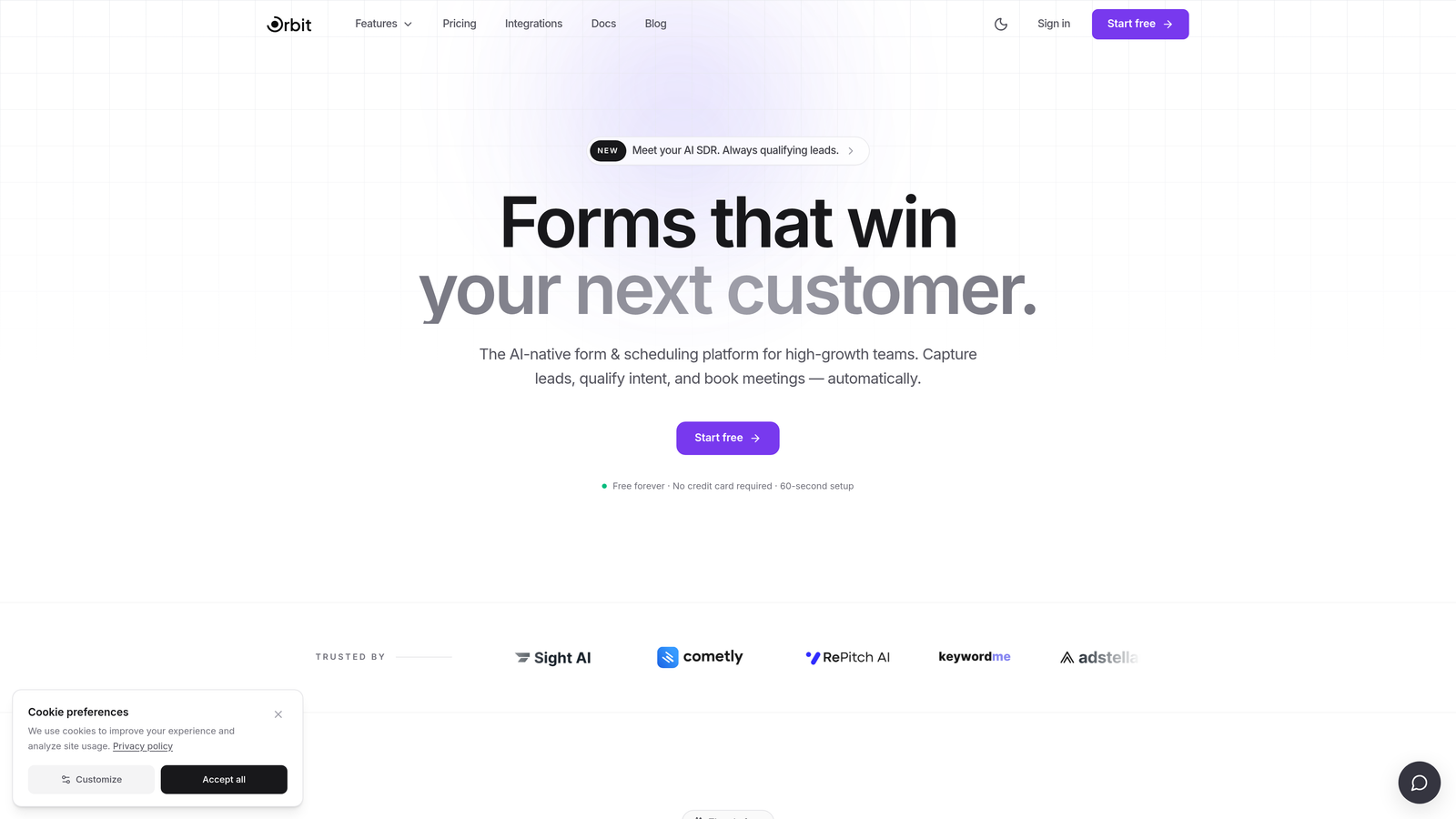
Orbit AI is an AI-native form builder purpose-built for lead generation and conversion optimization, combining intelligent scoring with visually polished design.
Where This Tool Shines
Most form builders collect data and hand it off. Orbit AI goes a step further by qualifying leads as they fill out the form, using AI-driven logic to score responses and route prospects in real time. For teams that are tired of manually sorting through submissions to find their best leads, this is a meaningful shift in how forms actually function.
The platform is also designed with conversion in mind from the ground up. Templates are built to reduce friction and maximize completion rates, and the mobile-first approach ensures the experience holds up across every device your audience uses.
Key Features
AI Lead Qualification and Scoring: Automatically scores and qualifies leads based on their responses, eliminating the need for a separate scoring layer downstream.
Conversion-Optimized Templates: Pre-built templates designed specifically for lead generation, with layouts that prioritize completion and engagement.
Intelligent Conditional Logic: Routes respondents through personalized paths based on response quality, not just answer values.
Mobile-First Design: Every form renders beautifully on mobile without additional configuration, ensuring no leads are lost to poor UX on smaller screens.
Best For
Orbit AI is the strongest fit for SaaS companies, growth marketers, and sales teams that need their forms to do more than collect data. If lead qualification is a bottleneck in your pipeline, this platform addresses it directly at the point of capture.
Pricing
Visit orbitforms.ai for current plan details. A free starting tier is available for teams ready to explore the platform.
2. Typeform
Best for: Teams that want a polished, conversational form experience with strong brand customization.
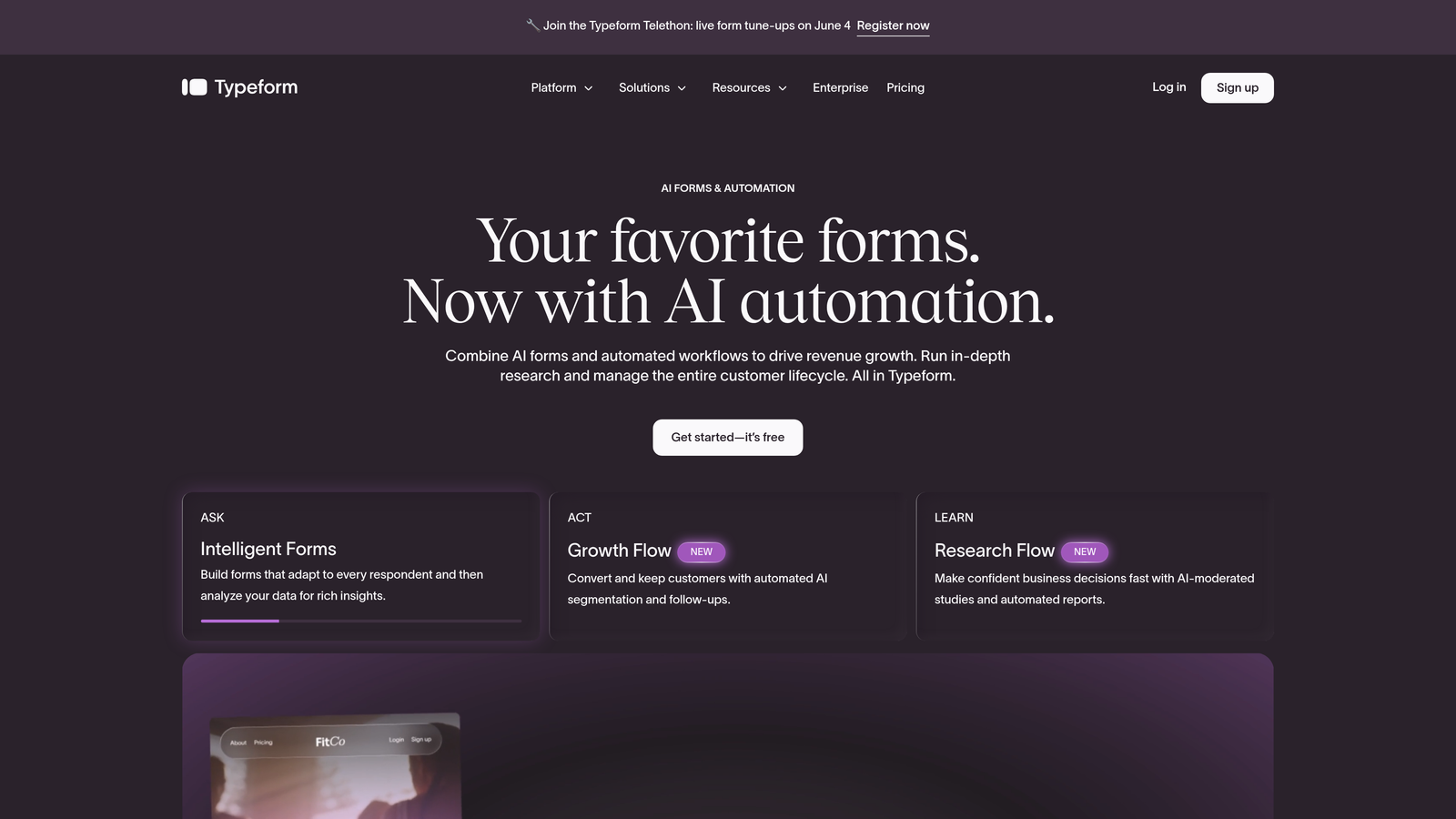
Typeform is the original conversational form builder, best known for its one-question-at-a-time format and highly engaging respondent experience.
Where This Tool Shines
Typeform made its name by making forms feel less like forms. The single-question flow reduces cognitive load for respondents and tends to drive higher completion rates for longer surveys and questionnaires. It's a natural fit for brand-conscious teams that want every touchpoint to feel premium.
The integration ecosystem is extensive, covering Zapier, HubSpot, Slack, and dozens of other tools. For teams already running a modern marketing stack, Typeform slots in without friction.
Key Features
Conversational One-Question Format: Presents questions sequentially to reduce overwhelm and improve completion rates.
Logic Jumps and Branching: Creates personalized form flows based on how respondents answer earlier questions.
Brand Customization: Extensive control over fonts, colors, backgrounds, and imagery to match your visual identity.
Wide Integration Ecosystem: Connects natively with Zapier, HubSpot, Slack, Google Sheets, and more.
Best For
Typeform works well for surveys, research forms, lead capture, and onboarding flows where the respondent experience matters as much as the data collected. Less ideal for teams that need native lead scoring or deep CRM automation without additional tooling.
Pricing
Free plan available with limited responses; paid plans start around $25/month. Pricing should be verified at typeform.com before purchase.
3. Jotform
Best for: Teams that need a versatile, all-in-one form builder with payment processing and document generation.
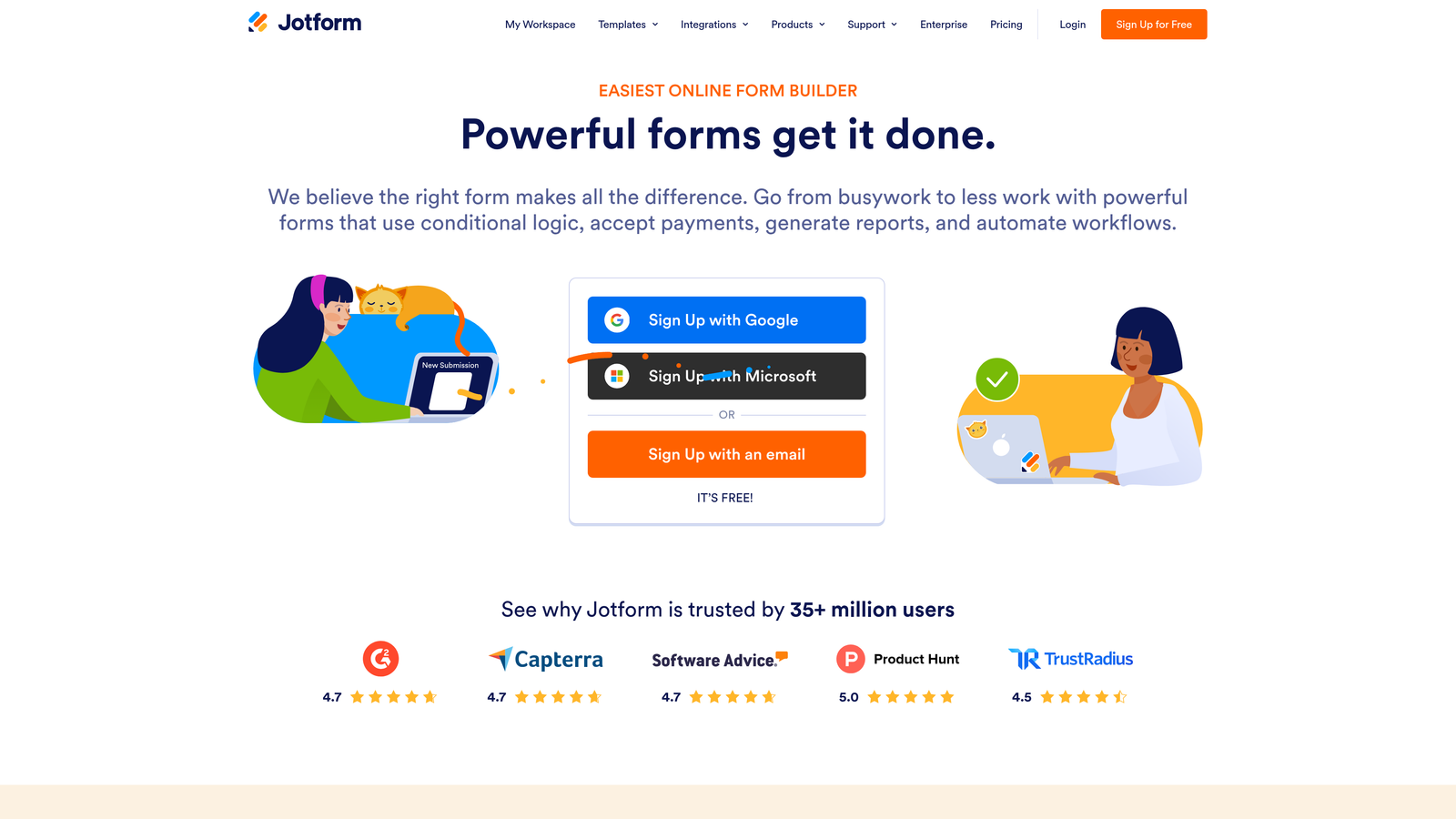
Jotform is a veteran platform with one of the largest template libraries in the industry, covering nearly every use case from simple contact forms to complex multi-step applications.
Where This Tool Shines
Jotform's depth is its defining strength. With over 10,000 templates and native support for payment collection, PDF generation, and submission management, it can handle workflows that would require multiple tools on other platforms. For operations-heavy teams, this breadth is genuinely valuable.
Jotform Tables adds a spreadsheet-like layer on top of submission data, making it easier for non-technical users to manage and act on responses without exporting to another tool.
Key Features
10,000+ Templates: Pre-built forms for virtually every industry and use case, dramatically reducing setup time.
Native Payment Processing: Accepts payments via PayPal, Stripe, and Square directly within forms.
Automated PDF Generation: Converts form submissions into formatted PDF documents automatically.
Jotform Tables: A built-in spreadsheet view for organizing and managing submission data without leaving the platform.
Best For
Jotform suits small businesses, agencies, and operations teams that need flexibility across many form types. It's particularly strong for payment collection, event registration, and document-heavy workflows. Less optimized for pure lead generation and conversion funnel use cases.
Pricing
Free plan supports up to 5 forms; paid plans start around $34/month. Check jotform.com for the latest tier details.
4. Tally
Best for: Individuals and small teams that want a capable, modern form builder without paying for it.
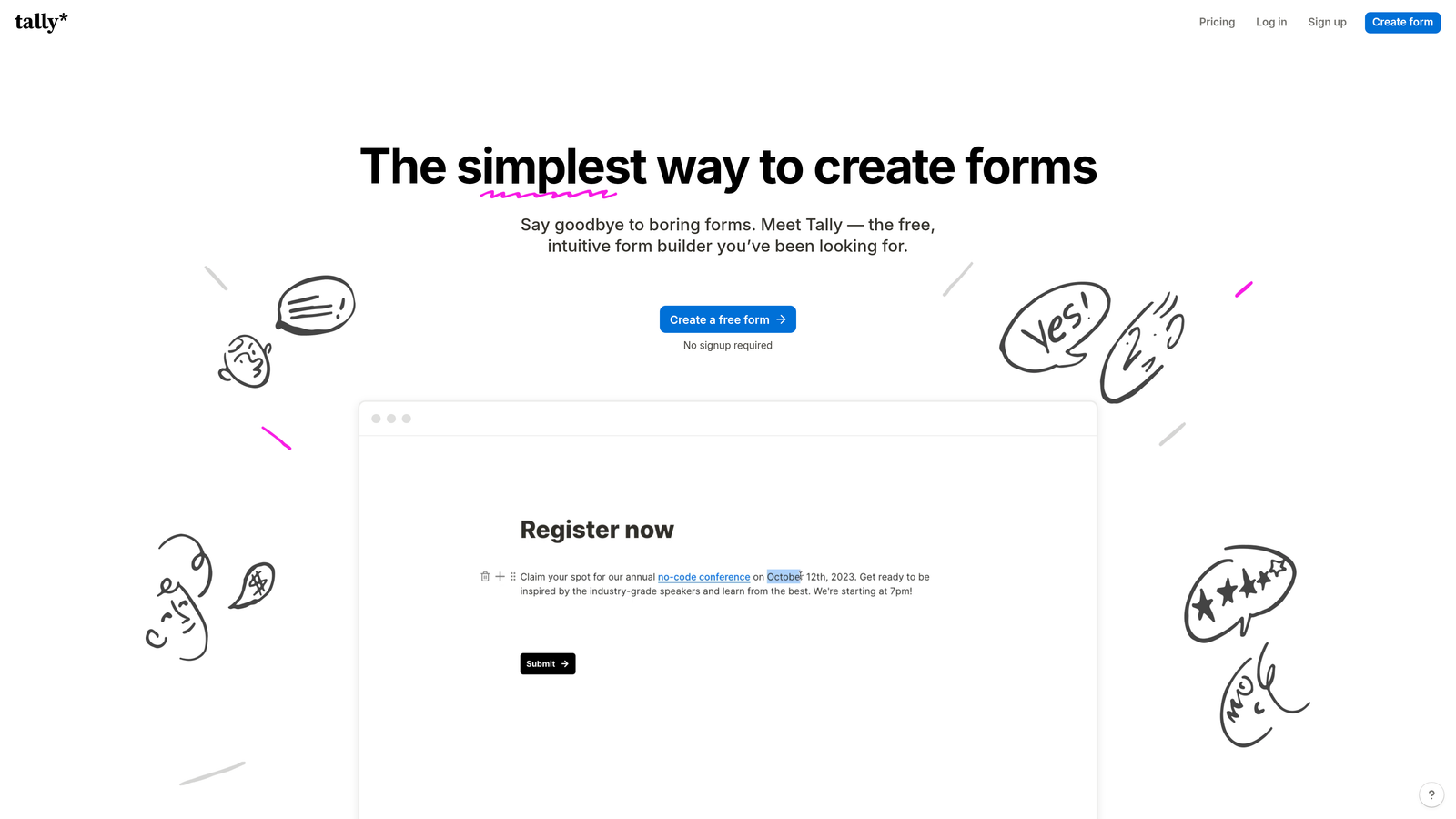
Tally is a Notion-inspired form builder offering unlimited forms and submissions on its free tier, with a clean block-based editor that makes form creation fast and intuitive.
Where This Tool Shines
Tally's free plan is genuinely generous in a market where most platforms gate their best features aggressively. Unlimited forms, unlimited submissions, conditional logic, hidden fields, and calculations are all available without paying a cent. For early-stage teams or solo operators, this removes a real budget barrier.
The editing experience borrows heavily from Notion's block-based approach, which makes it feel familiar to anyone already living in that ecosystem. Building a form feels less like filling out a template and more like writing a document.
Key Features
Unlimited Free Forms and Submissions: No artificial caps on the free tier, making it accessible for teams at any stage.
Block-Based Editor: Notion-style interface that makes form creation fast and visually intuitive.
Conditional Logic and Calculations: Advanced logic features included at no cost, not locked behind a paywall.
Clean Minimal Design: Understated aesthetic that works well for professional and product contexts.
Best For
Tally is ideal for startups, freelancers, and indie builders who need capable forms without a monthly commitment. Teams that need advanced lead scoring or heavy CRM automation will eventually need to look elsewhere, but for most general use cases, the free tier holds up well.
Pricing
Free plan with no submission limits; Pro plan at $29/month for additional customization and branding features.
5. Fillout
Best for: Teams that work heavily in Airtable, Notion, or Google Sheets and want forms that sync natively with those tools.
Fillout is a database-native form builder built around two-way sync with modern data tools, making it the go-to choice for teams whose workflows live in Airtable or Notion.

Where This Tool Shines
Where most form builders treat integrations as an afterthought, Fillout treats them as the core product. The two-way sync with Airtable, Notion, and Google Sheets means submissions don't just land in a database: they can pull from existing records to pre-fill fields, creating a seamless experience for returning users or update-style workflows.
Scheduling, payment collection, and file uploads are all built in as native field types, reducing the need to stitch together multiple tools for common form patterns.
Key Features
Two-Way Database Sync: Native integration with Airtable, Notion, and Google Sheets that works in both directions, not just on submission.
Pre-Fill from Existing Records: Populate form fields with data already in your database for update flows or returning users.
Built-In Scheduling and Payments: Native field types for booking and payment collection without third-party plugins.
Logic Branching and Multi-Page Forms: Conditional flows and multi-step layouts for more complex data collection needs.
Best For
Fillout is the strongest choice for product and ops teams whose source of truth lives in Airtable or Notion. If your team doesn't use those tools heavily, the core value proposition is less compelling.
Pricing
Free plan available; paid plans start around $19/month. Verify current pricing at fillout.com.
6. HubSpot Forms
Best for: Marketing and sales teams already running on HubSpot CRM who want zero-friction lead capture.
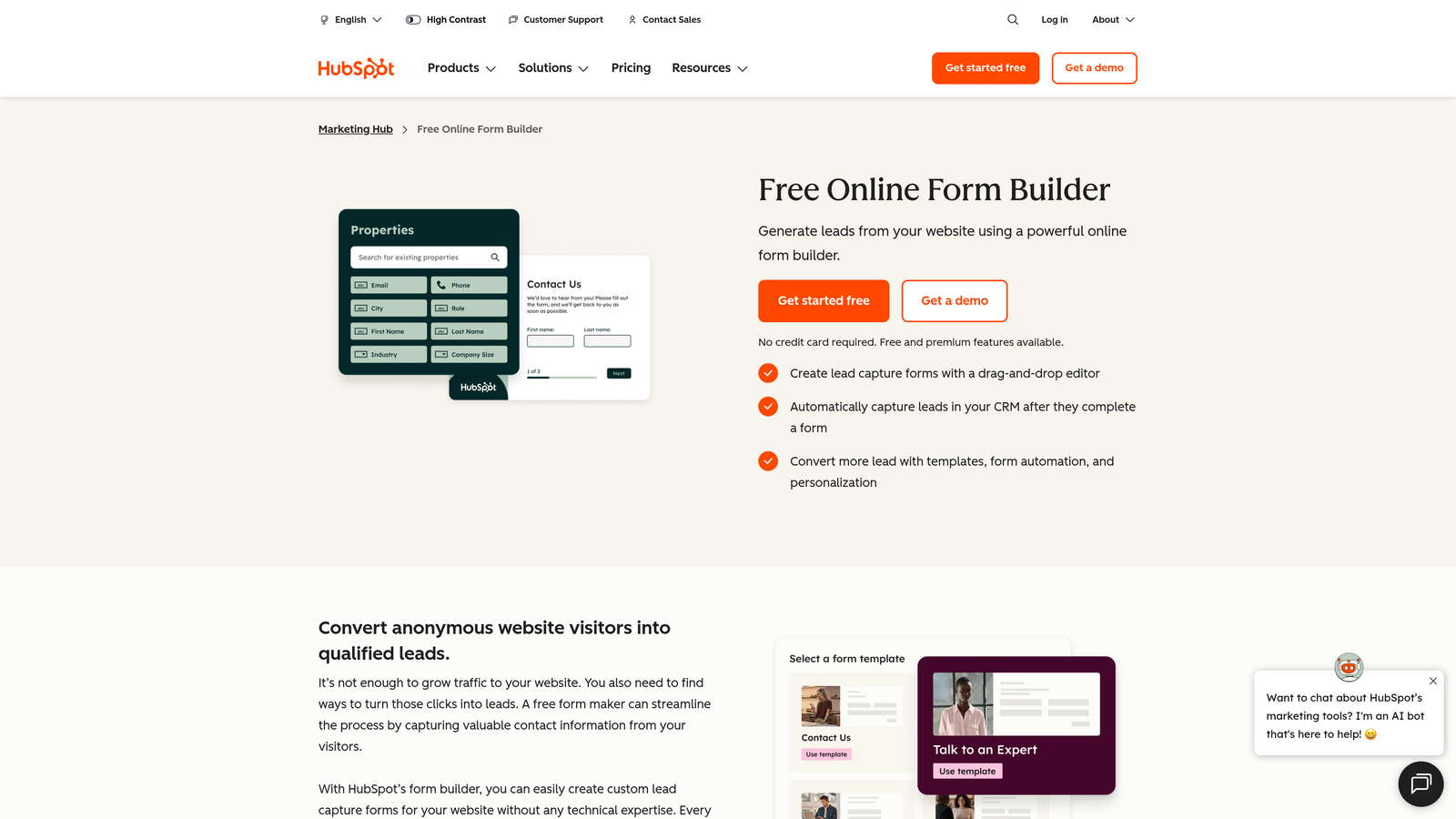
HubSpot Forms is a form builder tightly woven into the HubSpot ecosystem, automatically creating and updating CRM contacts from every submission.
Where This Tool Shines
If your team lives in HubSpot, the case for using HubSpot Forms is simple: no integration setup, no data mapping, no sync delays. Every submission lands directly in your CRM and can trigger automated follow-up workflows instantly. For teams already paying for HubSpot, it's essentially free infrastructure.
Progressive profiling is a standout feature. Instead of asking the same questions repeatedly, HubSpot Forms recognizes returning visitors and asks for new information each time, gradually building richer contact profiles without overwhelming any single interaction.
Key Features
Native CRM Integration: Submissions automatically create or update contact records in HubSpot without any additional configuration.
Progressive Profiling: Asks different questions to returning visitors to build contact profiles incrementally over time.
Workflow Triggers: Form submissions can immediately kick off automated email sequences, task assignments, or deal creation.
Built-In Analytics: Submission and conversion data feeds directly into HubSpot's reporting dashboard.
Best For
HubSpot Forms is the right choice for teams already invested in the HubSpot platform. For teams not on HubSpot, the form builder itself offers limited standalone value compared to purpose-built alternatives.
Pricing
Free with HubSpot's free CRM tier; advanced features are available within paid Marketing Hub plans. Check hubspot.com for current pricing.
7. Paperform
Best for: Small businesses and creators that want forms with the visual richness of a landing page.
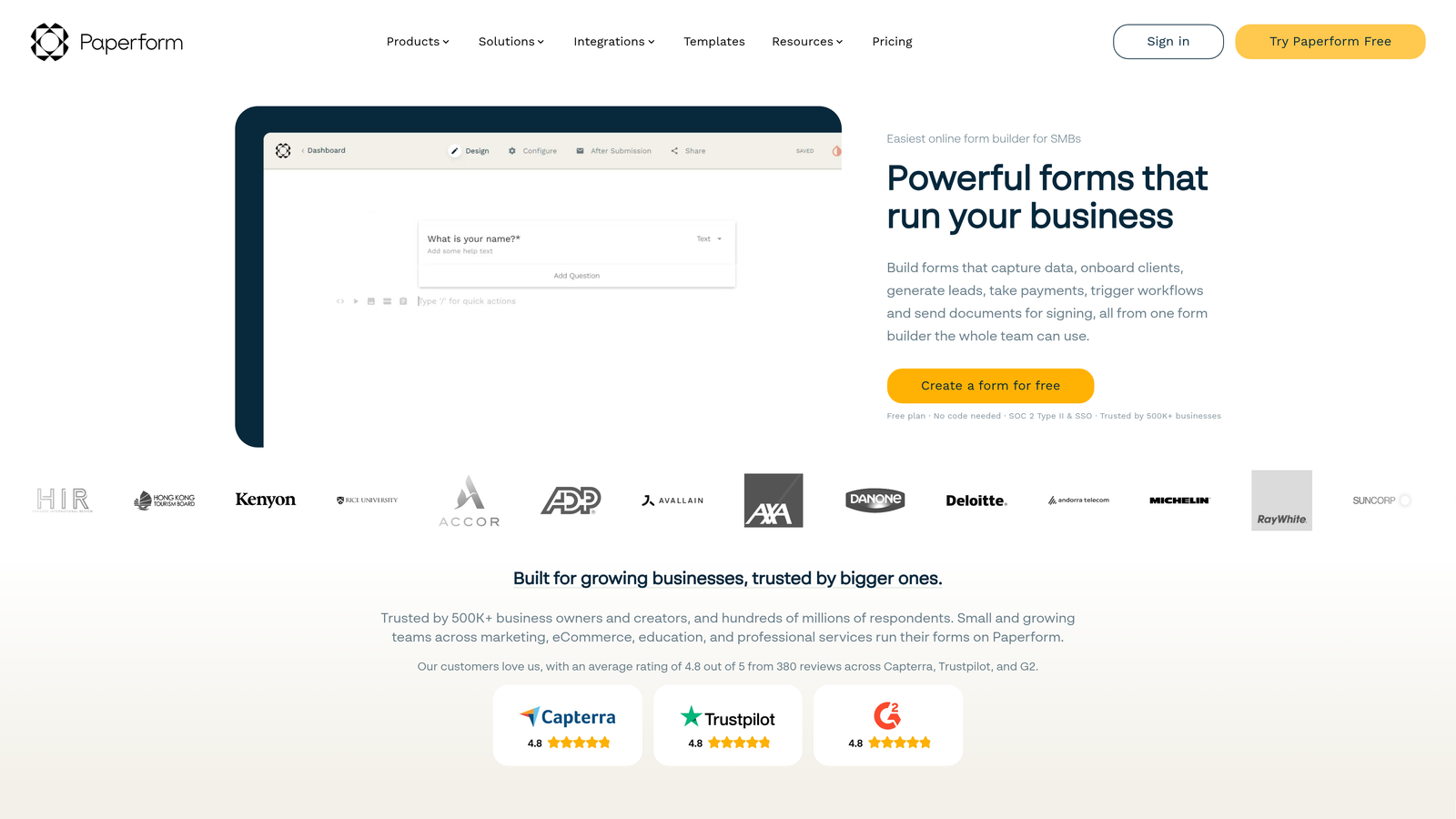
Paperform is a hybrid form builder and landing page creator that blends rich media content with traditional form fields, enabling a more editorial and engaging form experience.
Where This Tool Shines
Paperform occupies a unique middle ground: it's more expressive than a standard form builder but simpler than a full landing page tool. You can embed images, video, and formatted text directly alongside your form fields, creating experiences that feel more like interactive content than data collection.
The built-in payment processing supports products, bookings, and donations, making it a practical all-in-one for small businesses that don't want to manage a separate e-commerce or scheduling tool.
Key Features
Rich Content Blocks: Embed images, video, and formatted text directly within the form layout for a landing-page-quality experience.
Built-In Payment Processing: Accepts payments for products, services, bookings, and donations without third-party plugins.
Conditional Logic and Calculations: Dynamic fields and branching logic for personalized form flows.
Custom Themes and Branding: Full visual control over colors, fonts, and layouts to match your brand identity.
Best For
Paperform works well for coaches, consultants, small e-commerce businesses, and creators who want a single tool for forms, payments, and light landing pages. Teams focused purely on lead generation at scale may find more specialized tools better suited to their needs.
Pricing
Plans start around $24/month. Check paperform.co for current plan options and any available trial periods.
8. Formsort
Best for: Growth and product teams that need A/B testing, granular funnel analytics, and developer-extensible forms.
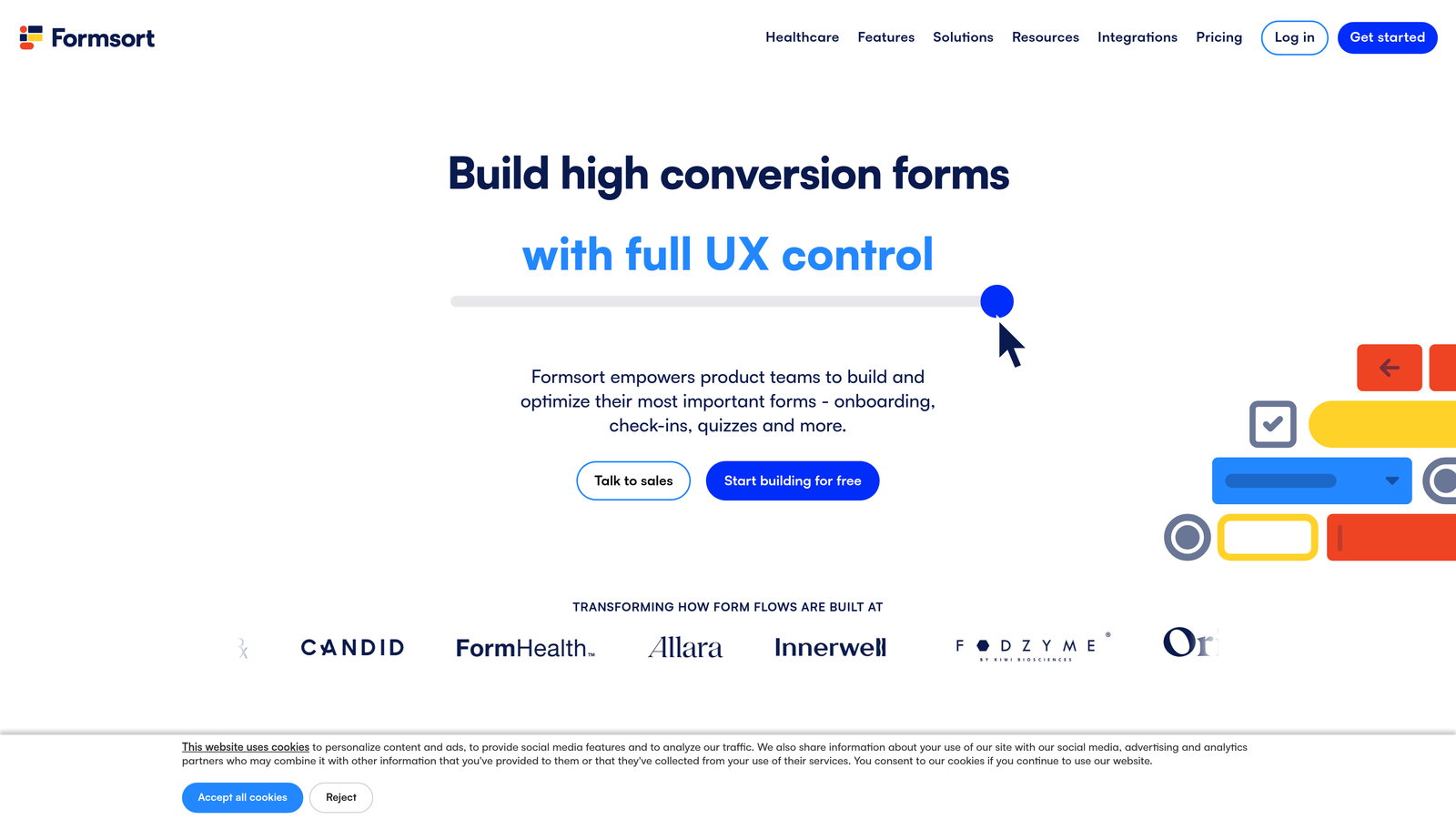
Formsort is a conversion-focused form builder designed specifically for growth teams, with native A/B testing, step-level analytics, and developer-friendly APIs built into the core product.
Where This Tool Shines
Formsort treats form optimization the way a CRO team treats landing pages: with data, experimentation, and iteration. Built-in A/B testing lets you run variants on individual steps or entire flows, and the granular analytics show exactly where respondents drop off. For teams serious about improving conversion rates, this level of visibility is hard to find elsewhere.
The developer-friendly architecture also means custom components and API integrations are first-class citizens, not workarounds. Engineering teams can extend Formsort without fighting the platform.
Key Features
Native A/B Testing: Test form variants at the step or flow level to identify what drives higher completion and conversion rates.
Granular Drop-Off Analytics: See exactly where respondents abandon the form, enabling precise optimization of problem steps.
Developer-Friendly APIs: Custom component support and robust APIs for teams that need to extend beyond out-of-the-box functionality.
Advanced Branching Logic: Complex qualification funnels with multi-condition branching for sophisticated lead routing.
Best For
Formsort is built for growth-stage companies with dedicated product or marketing teams that have the capacity to run experiments and act on analytics. It's overkill for simple use cases but powerful for teams optimizing high-volume lead funnels.
Pricing
Custom pricing based on usage and team needs. Contact Formsort directly at formsort.com for a quote.
9. Heyflow
Best for: Marketing teams that want multi-step lead funnels with pixel-level design control and no coding required.
Heyflow is a no-code interactive flow builder for creating visually polished multi-step lead funnels and qualification experiences that rival custom-coded solutions in design quality.
Where This Tool Shines
Heyflow's visual builder gives non-technical marketers a level of design control that typically requires a developer. The drag-and-drop editor supports pixel-level adjustments, and the output looks like something built by a design team rather than assembled from a template library. For brands where visual quality is non-negotiable, this matters.
Built-in tracking and funnel analytics give marketers performance data without needing to instrument everything manually. Flows can be embedded on existing pages or hosted as standalone landing pages, covering both use cases cleanly.
Key Features
Visual Drag-and-Drop Builder: Intuitive editor with fine-grained design control for creating multi-step flows that look custom-built.
Pixel-Level Design Control: Adjust layout, spacing, and styling with precision typically reserved for coded solutions.
Built-In Funnel Analytics: Track performance and drop-off across every step of the flow without additional setup.
Flexible Deployment: Embed flows on existing pages or host them as standalone landing pages with a single toggle.
Best For
Heyflow is a strong fit for performance marketing teams running paid acquisition campaigns that need high-converting, beautifully designed lead funnels without relying on engineering resources. The higher starting price reflects its positioning as a premium, design-forward tool.
Pricing
Plans start around $59/month. Check heyflow.com for current plan details and any available trial options.
Which Tool Belongs in Your Stack?
The right form builder depends less on which platform has the longest feature list and more on what your team actually needs to accomplish. Here's a quick-reference breakdown to help you decide.
Best for AI-driven lead qualification: Orbit AI is the clear choice here. No other platform on this list embeds intelligent lead scoring and routing directly into the form experience itself, eliminating the need for a separate qualification layer in your pipeline.
Best conversational experience: Typeform remains the gold standard for one-question-at-a-time flows where respondent experience and brand polish are the priority.
Best free option: Tally's free tier is genuinely hard to beat. Unlimited forms, unlimited submissions, and conditional logic at no cost makes it the default recommendation for budget-conscious teams.
Best for CRM-native workflows: HubSpot Forms wins if your team runs on HubSpot. The native contact sync and workflow triggers are worth more than any standalone form builder for teams already in that ecosystem.
Best for conversion funnel optimization: Formsort's built-in A/B testing and step-level analytics make it the strongest tool for teams that treat form optimization as a serious growth lever.
As you evaluate, think about where you are in your growth stage. Early teams often benefit most from generous free tiers and simplicity. Scaling teams need automation, qualification, and integrations that remove manual work from the lead pipeline.
If AI-powered lead qualification and conversion-optimized design are priorities for your team, start building free forms today with Orbit AI and see how intelligent form design can elevate your conversion strategy from the very first touchpoint.


