

Progressive profiling flips the traditional form approach on its head. Instead of bombarding visitors with 20 fields upfront, you collect data incrementally across multiple touchpoints, building richer lead profiles without sacrificing completion rates or user trust.
The challenge is that not every form builder genuinely supports this. Conditional logic and multi-page layouts are table stakes, but true progressive profiling requires field suppression for returning visitors, session-based recognition, and ideally some layer of lead intelligence that goes beyond just capturing data. For high-growth teams, that last piece is increasingly the differentiator.
This guide covers the top progressive profiling form tools available in 2026, drawn exclusively from platforms that support incremental data collection in meaningful ways. Whether you're a SaaS team running a demo request flow or a B2B marketer nurturing enterprise leads, there's a right fit here for your stack.
1. Orbit AI
Best for: High-growth SaaS and B2B teams that want AI-powered lead qualification built into their form experience.
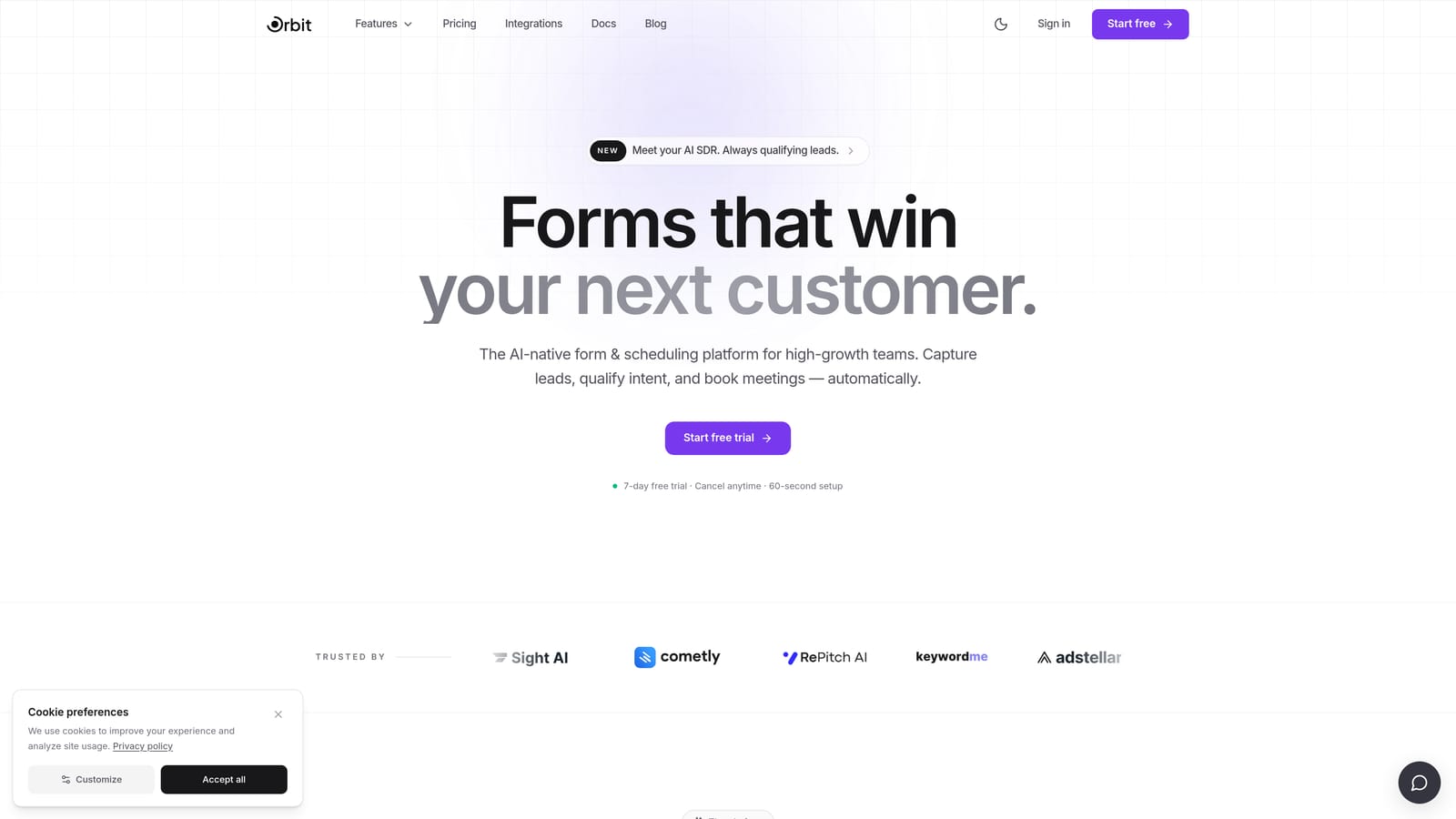
Orbit AI is an AI-powered form builder designed specifically for conversion optimization and lead qualification, with progressive profiling capabilities at its core rather than as an afterthought.
Where This Tool Shines
Most form tools treat data collection and lead qualification as two separate problems. Orbit AI brings them together: as a prospect moves through your form flows across sessions, the AI engine is scoring and routing leads in real time, not after the fact through a separate CRM workflow. That means your sales team gets qualified signals immediately, without manual middleware.
The design layer is equally considered. Orbit AI's templates are built for conversion, not just aesthetics. For teams where form experience directly affects pipeline quality, that combination of intelligence and design polish is hard to replicate by stitching together a generic form builder with a separate scoring tool.
Key Features
AI-Powered Lead Qualification: Scores and routes leads in real time as data is collected, surfacing high-intent prospects without manual CRM configuration.
Progressive Data Collection: Intelligently manages which fields appear across sessions, suppressing already-known information so returning visitors see only new, relevant questions.
Conversion-Optimized Templates: Beautifully designed form templates built specifically for SaaS and B2B lead generation workflows, not repurposed survey layouts.
Real-Time Qualification Signals: Delivers lead intelligence directly without requiring manual CRM middleware between form submission and sales action.
High-Growth Workflow Focus: Built around the needs of teams where form performance is tied directly to revenue outcomes, not just data collection.
Best For
Orbit AI is the strongest fit for SaaS companies and B2B marketing teams where lead quality and speed-to-qualification matter as much as form completion rates. If you're running demo request flows, gated content, or enterprise lead capture and you want AI doing the qualification work rather than a human reviewing raw submissions, this is built for that exact workflow.
Pricing
Check orbitforms.ai for current pricing and free trial options. Plans are designed with high-growth teams in mind.
2. Typeform
Best for: Teams that want a polished, conversational form experience with strong conditional logic and brand-forward design.
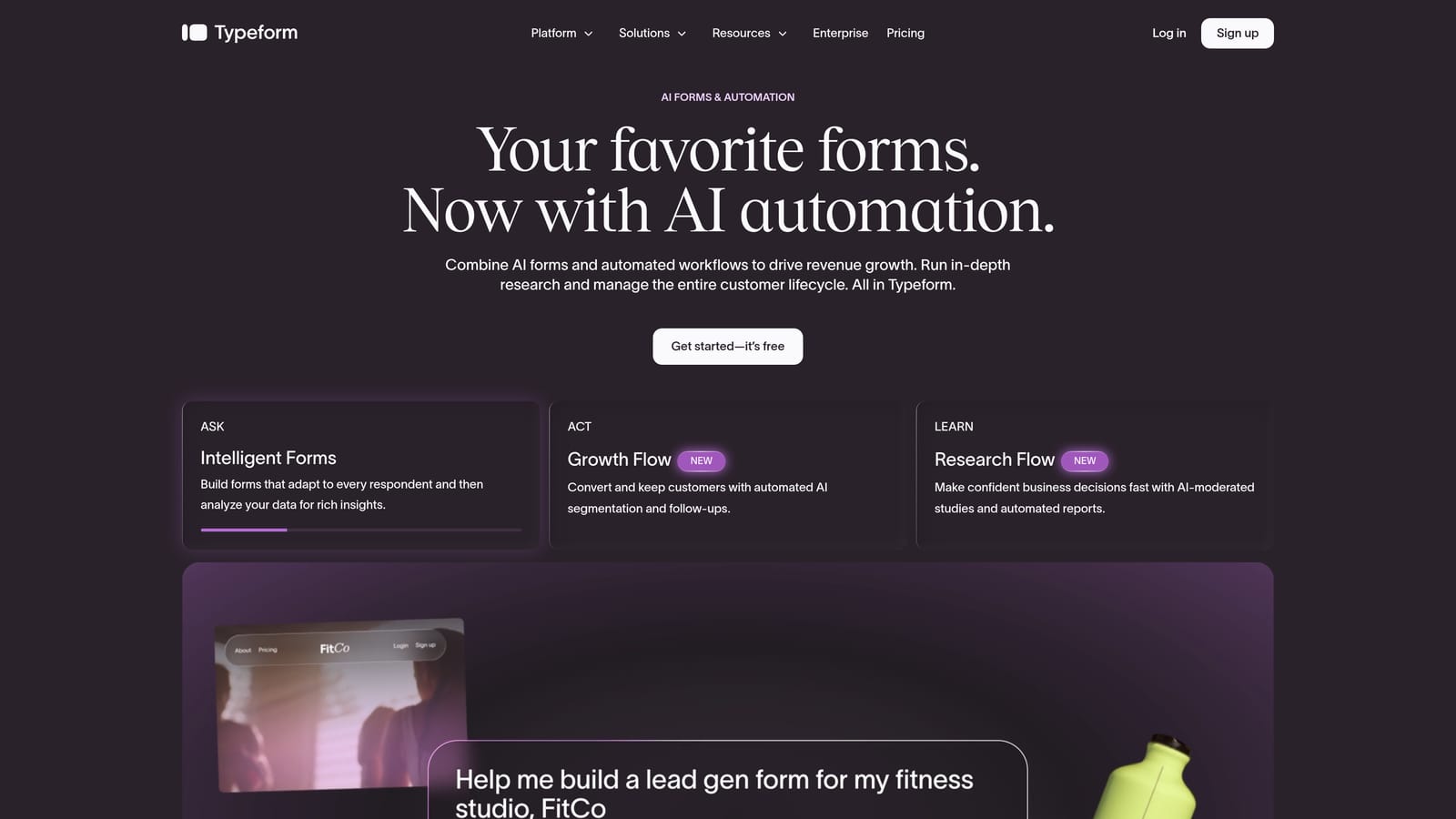
Typeform is a conversational form platform known for its one-question-at-a-time UI and deep conditional logic capabilities that make branching flows feel natural.
Where This Tool Shines
Typeform's Logic Jumps are genuinely powerful for building branching progressive flows. You can route respondents through entirely different question paths based on prior answers, which is the foundation of any good progressive profiling strategy. The experience feels less like filling out a form and more like a conversation, which tends to improve completion rates for longer qualification sequences.
Hidden fields let you pre-populate known data for returning contacts, which is useful when you're driving traffic from a CRM-triggered email or a personalized landing page. That said, native session-based field suppression across anonymous visits requires CRM middleware to handle gracefully.
Key Features
Logic Jumps: Conditional branching based on prior answers enables sophisticated, non-linear progressive question flows.
Hidden Fields: Pre-populate known contact data so returning visitors don't repeat themselves when driven from a known source.
CRM Integrations: Native connectors to HubSpot, Salesforce, and Zapier keep form data flowing to your existing stack.
Multimedia Embeds: Video and image support within forms adds engagement depth for interactive lead capture experiences.
Brand Design Flexibility: Strong visual customization makes Typeform a natural fit for brand-conscious marketing teams.
Best For
Typeform works well for marketing teams that prioritize form experience and engagement, particularly for top-of-funnel lead capture, surveys, and qualification flows where brand polish matters. It's less suited for teams that need native AI qualification or fully autonomous session-based field suppression without CRM support.
Pricing
Free tier available with limited responses; paid plans unlock higher response volumes and advanced logic. Check typeform.com for current pricing.
3. Jotform
Best for: Operations-heavy teams that need extensive integrations, compliance options, and multi-page form flexibility.
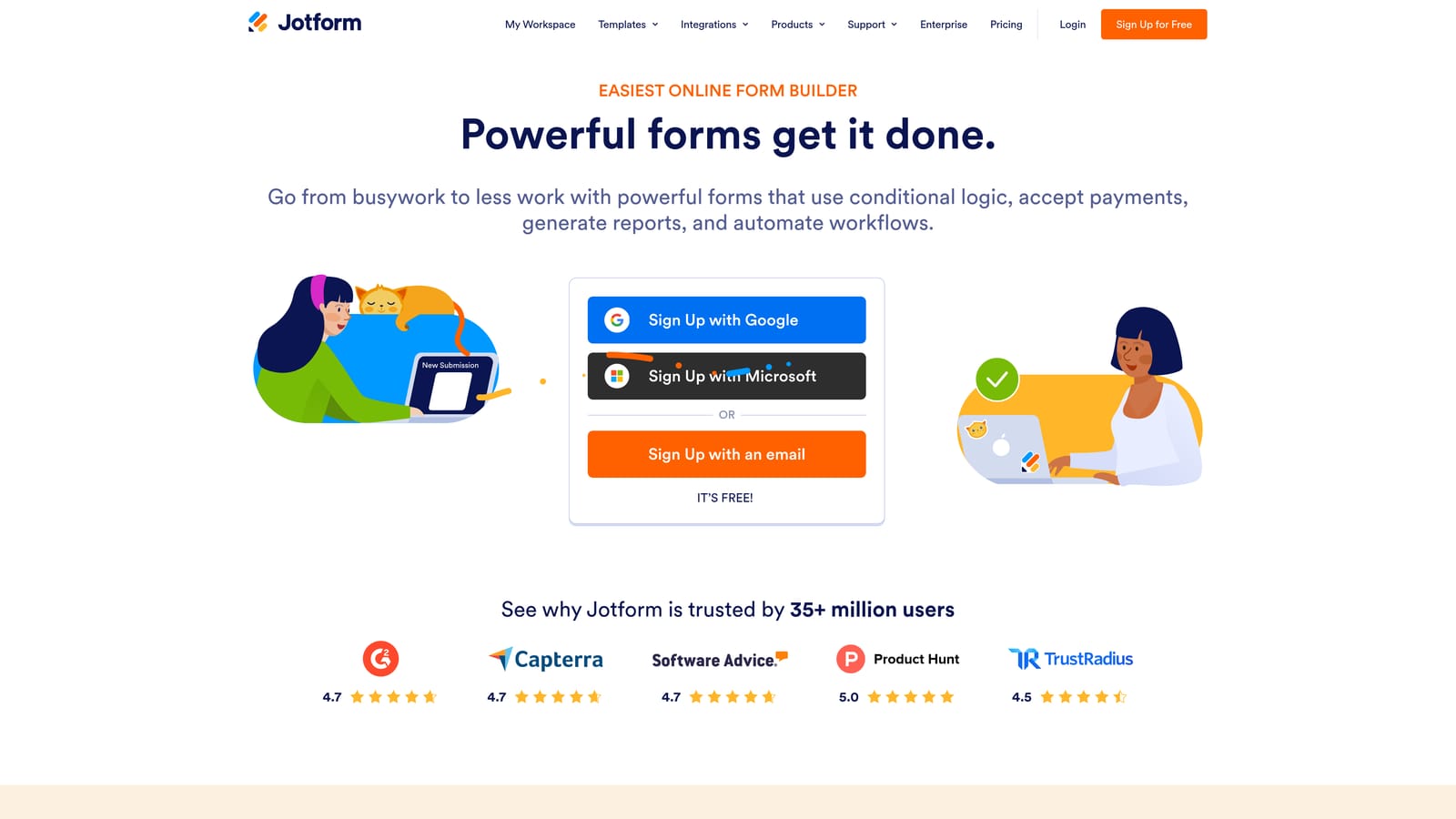
Jotform is a feature-rich, highly integrable form platform with one of the largest template libraries available and strong support for conditional logic and multi-step flows.
Where This Tool Shines
Jotform's depth of integrations is genuinely impressive. With 150-plus native connectors covering CRMs, payment processors, project management tools, and communication platforms, it fits into almost any existing tech stack without friction. For teams that need forms to talk to multiple systems simultaneously, that breadth is hard to match.
The pre-fill capability via URL parameters and CRM data enables a practical form of progressive profiling: known data gets populated automatically, and returning contacts only see new fields. It requires some setup on the CRM side, but the infrastructure is there to support it without heavy custom development.
Key Features
150+ Native Integrations: Connects to Salesforce, HubSpot, Mailchimp, and a wide range of other platforms without requiring Zapier as an intermediary.
Conditional Logic and Multi-Page Forms: Supports branching flows and multi-step layouts that form the backbone of progressive profiling sequences.
URL Parameter Pre-Fill: Known contact data can be passed into forms automatically, reducing redundant field entry for returning visitors.
Jotform Workflows: Multi-step approval routing and data orchestration for teams with complex internal processes tied to form submissions.
HIPAA-Compliant Plans: Enterprise and healthcare teams can collect sensitive data within compliant infrastructure.
Best For
Jotform is a strong choice for ops-heavy teams in healthcare, finance, or enterprise environments where compliance, workflow depth, and integration breadth matter more than conversion-optimized design or AI qualification. It's less focused on pure lead generation performance and more on flexible data collection across complex organizational workflows.
Pricing
Free tier available; paid plans scale by submission volume and feature access. Check jotform.com for current pricing.
4. Formstack
Best for: Mid-market and enterprise teams with serious compliance requirements and deep Salesforce integration needs.
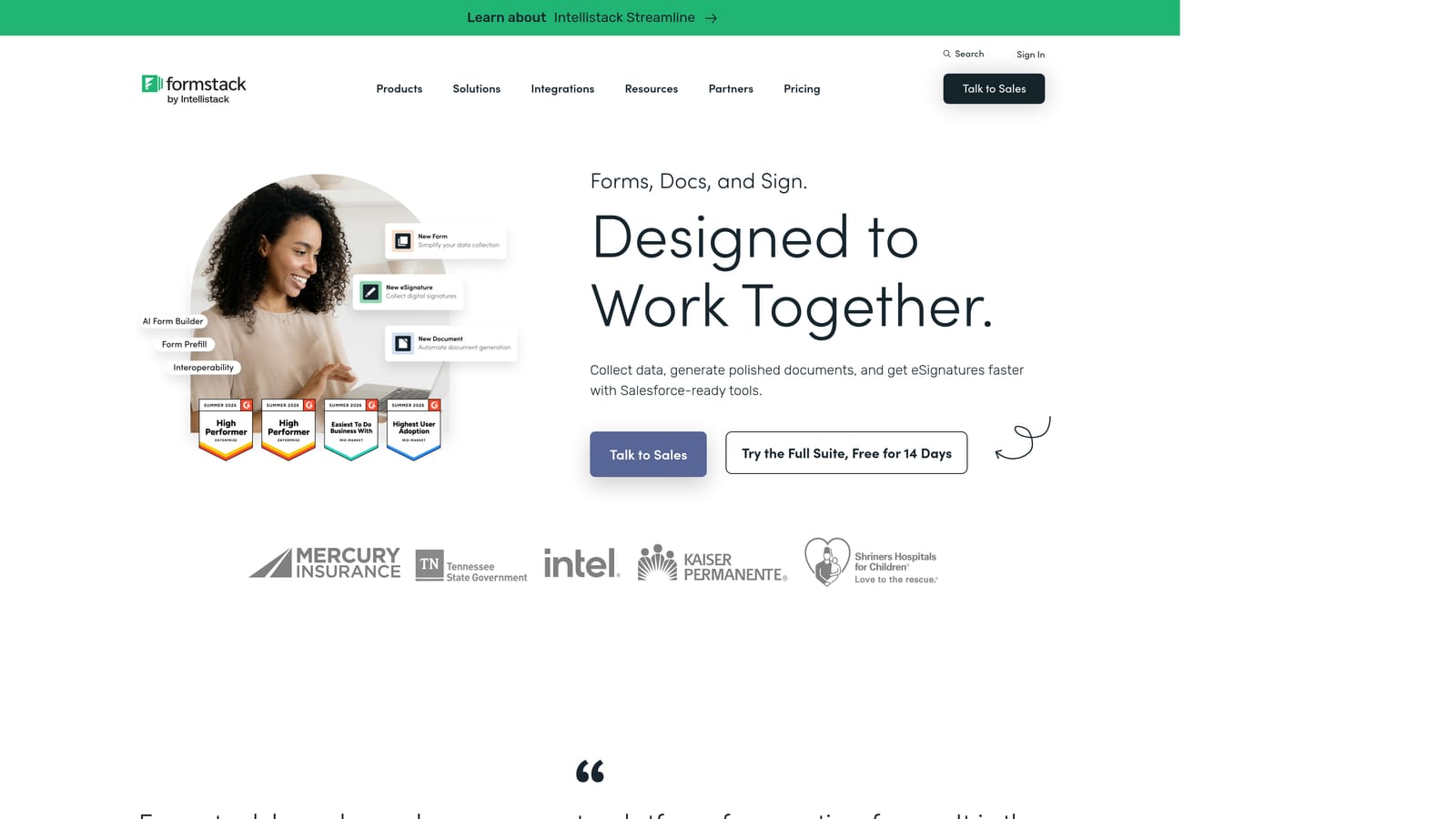
Formstack is an enterprise-grade form and workflow platform with strong compliance credentials and a dedicated Salesforce product that enables CRM-driven progressive profiling at scale.
Where This Tool Shines
Formstack for Salesforce is the standout capability here. For teams whose entire lead lifecycle lives in Salesforce, this product allows forms to read existing contact records and suppress fields where data already exists, which is about as close to native progressive profiling as you get without building custom infrastructure. The CRM connection is deep, not just a surface-level sync.
The compliance posture is also a genuine differentiator. HIPAA, SOC 2, and GDPR-ready infrastructure means that regulated industries can use Formstack for sensitive data collection without spinning up separate compliance tooling. For enterprise buyers, that matters enormously when evaluating vendors.
Key Features
Formstack for Salesforce: Deep CRM-driven progressive profiling that reads existing contact data and surfaces only new, relevant fields for returning prospects.
Compliance Infrastructure: HIPAA, SOC 2, and GDPR-ready across plans designed for regulated industries and enterprise procurement requirements.
Multi-Step Forms with Conditional Logic: Branching flows and field population from existing records enable sophisticated qualification sequences.
Advanced Workflow Automation: Approval routing and data orchestration for organizations with complex internal processes tied to form submissions.
Document Generation and E-Signature: Extends beyond forms into document workflows, useful for teams that need to move from data capture to contract in one platform.
Best For
Formstack is built for mid-market and enterprise organizations, particularly those in regulated industries or deeply invested in the Salesforce ecosystem. It's not the right fit for lean SaaS teams focused on conversion optimization aesthetics, but for compliance-first buyers who need workflow depth, it's a serious contender.
Pricing
Mid-market to enterprise pricing; not positioned for early-stage teams on a budget. Check formstack.com for current plans.
5. Paperform
Best for: Agencies and SMBs that need polished, design-flexible forms with conditional sections and built-in payment collection.
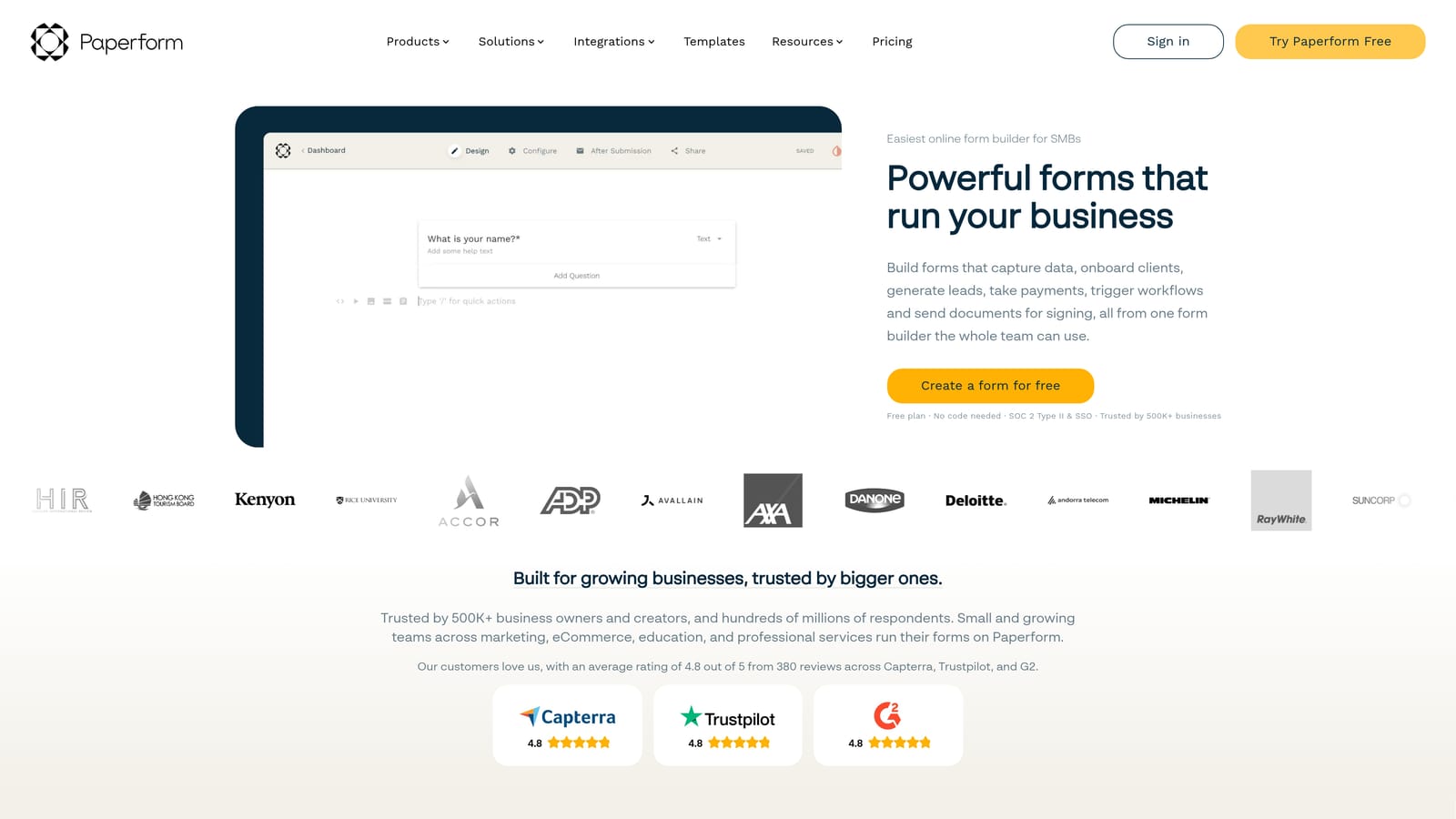
Paperform is a document-style form builder that makes form creation feel intuitive, combining conditional section logic, multi-step flows, and payment collection in a single flexible platform.
Where This Tool Shines
Paperform's document-style editor is genuinely different from most form builders. Instead of a structured field-by-field interface, you write and design forms the way you'd build a page, which makes it fast to create forms that feel polished without requiring design skills or custom CSS. For agencies building client-facing forms that need to look like they belong on a premium brand site, that's a meaningful advantage.
Conditional sections allow you to show or hide entire blocks of content based on prior answers, which creates a natural progressive flow within a single form session. Native payment collection via Stripe adds utility for teams that combine lead capture with registration, booking, or purchase flows in the same form.
Key Features
Document-Style Editor: Freeform creation interface that makes building polished, branded forms fast and intuitive without coding knowledge.
Conditional Sections: Show or hide entire content blocks based on prior answers, enabling branching progressive flows within a session.
Built-In Payment Collection: Native Stripe integration allows forms to handle lead capture and transactions simultaneously.
Zapier and Native Integrations: Connects to CRMs and marketing tools for data routing, though session-based field suppression requires external CRM logic.
Strong Design Customization: Extensive visual control without requiring a developer, making it ideal for brand-conscious teams.
Best For
Paperform is an excellent fit for agencies, consultants, and SMBs that need forms to look great and handle multiple use cases, including lead capture, event registration, and payments, without juggling multiple tools. Teams that need enterprise-scale AI qualification or deep CRM-driven progressive profiling will find it limiting.
Pricing
No permanent free tier; paid plans are affordable and aimed at SMBs and agencies. Check paperform.co for current pricing.
6. Tally
Best for: Early-stage teams and solo operators who need functional, conditional forms with a generous free tier and no overhead.
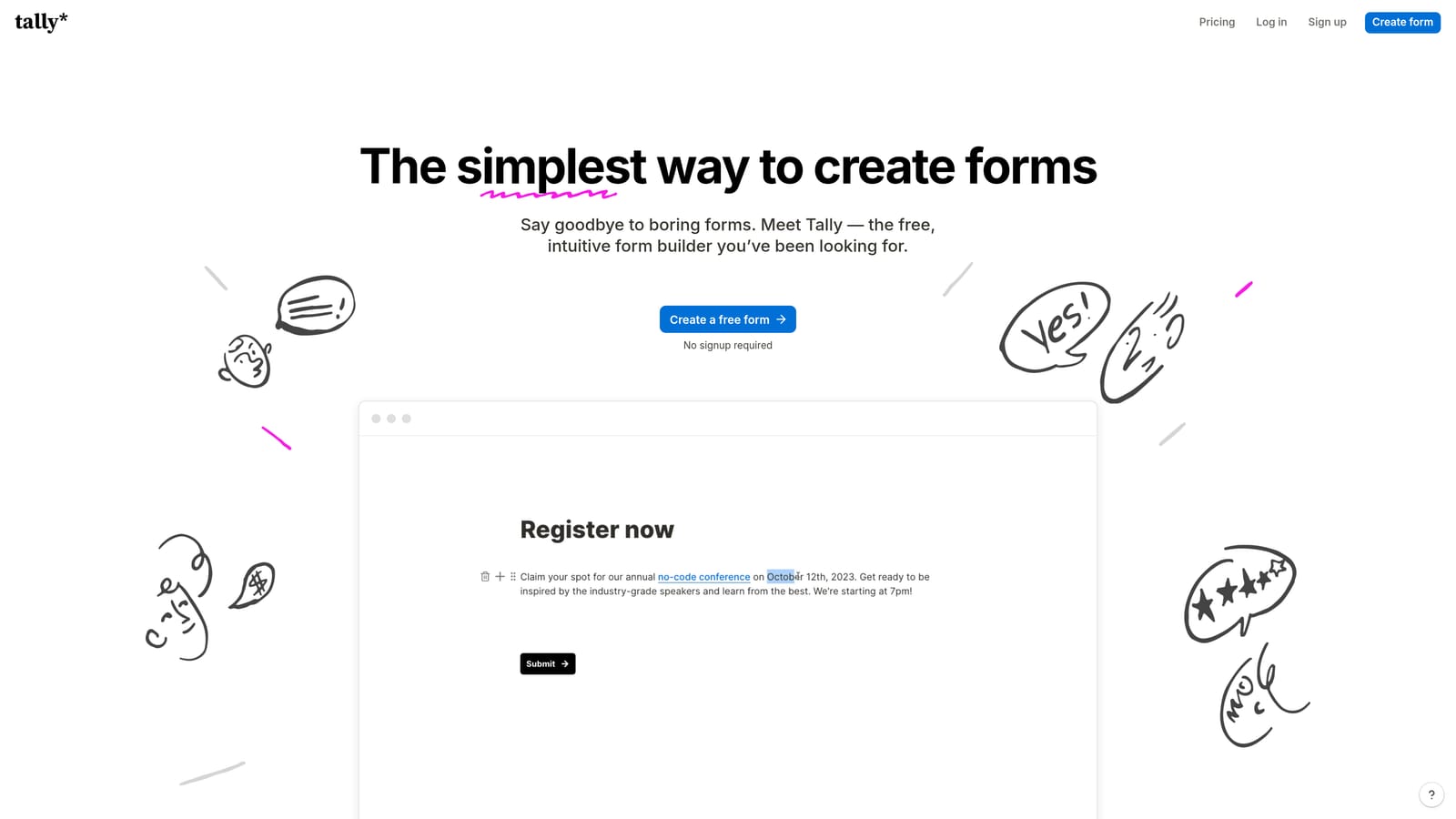
Tally is a free-first, Notion-style form builder with unlimited forms and submissions on its free tier, conditional logic, and hidden fields that support basic progressive profiling flows.
Where This Tool Shines
Tally's free tier is genuinely generous. Unlimited forms and submissions without a time limit is rare in this category, and for early-stage teams or lean operators who need functional forms without a budget line item, that's a compelling starting point. The Notion-style block editor is fast and familiar for teams already living in that kind of workspace.
Conditional logic and hidden fields give you the building blocks for basic progressive flows. You can route respondents through different question paths and pre-populate known fields when driving traffic from a known source. For more sophisticated session-based field suppression, you'll need external tooling, but for straightforward qualification sequences, Tally handles the fundamentals well.
Key Features
Generous Free Tier: Unlimited forms and submissions on the free plan, making it accessible for teams at any stage without immediate cost commitment.
Notion-Style Block Editor: Fast, familiar form creation interface that reduces the learning curve for teams already using block-based tools.
Conditional Logic and Hidden Fields: Core progressive profiling building blocks for branching flows and pre-populating known contact data.
Zapier and Make Integrations: Connects to CRMs and automation platforms for data routing, enabling progressive profiling workflows with external tooling.
Embeddable Forms: Clean embed options with no Tally branding on paid plans, suitable for teams embedding forms on marketing sites.
Best For
Tally is the right choice for early-stage startups, solo operators, or internal teams that need functional, conditional forms quickly and without cost. It's not built for enterprise-scale lead qualification or AI-powered scoring, but for teams that need to get a progressive profiling flow live on a tight budget, it's a strong starting point.
Pricing
Free tier available with unlimited forms and submissions; Pro plan unlocks advanced features and removes branding. Check tally.so for current pricing.
Which Tool Is Right for Your Team?
The right progressive profiling tool depends almost entirely on what you're optimizing for. Here's a quick way to think through the decision.
If AI-powered lead qualification is a priority and you want forms that score and route prospects in real time without manual CRM configuration, Orbit AI is built specifically for that use case. It's the strongest fit for SaaS and B2B teams where form performance is directly tied to pipeline quality.
If brand experience and conversational flow matter most and you're running top-of-funnel capture or surveys, Typeform's polished UI and Logic Jumps make it a natural choice, provided you're comfortable handling session-based suppression through your CRM.
If you're in a regulated industry or deeply embedded in Salesforce, Formstack's compliance infrastructure and Formstack for Salesforce product offer a level of CRM-native progressive profiling that's hard to replicate elsewhere. Jotform is similarly strong for ops-heavy teams that need integration breadth and compliance flexibility across a wide range of systems.
For agencies and SMBs that need polished, design-flexible forms with payment collection, Paperform delivers without requiring developer resources. And if you're early-stage or working with a tight budget, Tally's generous free tier gives you the conditional logic fundamentals to get a progressive profiling flow live without spending anything upfront.
The common thread across all of these is that true progressive profiling, where returning visitors see only new, relevant fields based on what you already know, requires some connection to your CRM or a native intelligence layer. The tools that handle this most seamlessly are the ones that invest in that integration depth, or in Orbit AI's case, build the qualification intelligence directly into the form experience itself.
Transform your lead generation with AI-powered forms that qualify prospects automatically while delivering the modern, conversion-optimized experience your high-growth team needs. Start building free forms today and see how intelligent form design can elevate your conversion strategy.


