

Web forms have come a long way from static HTML fields sitting at the bottom of a contact page. Today's smartest form solutions qualify leads before they hit your CRM, adapt their fields based on user responses, and feed rich data directly into your marketing stack. The difference between a passive form and an intelligent one can be the difference between a flooded pipeline of junk leads and a steady stream of high-quality prospects.
So what makes a form solution "smart"? Think conditional logic, AI-powered lead scoring, dynamic personalization, deep CRM integrations, and built-in analytics that tell you where people drop off and why. If you're building or optimizing your lead generation engine, it's worth understanding how to build effective web forms and how to improve form conversion rates before choosing your tool.
The tools below were selected based on intelligence features, ease of use, integration ecosystems, pricing flexibility, and scalability for growing teams. Here are the top smart web form solutions worth considering in 2026.
1. Orbit AI
Best for: High-growth teams that need AI-powered lead qualification built directly into the form experience.
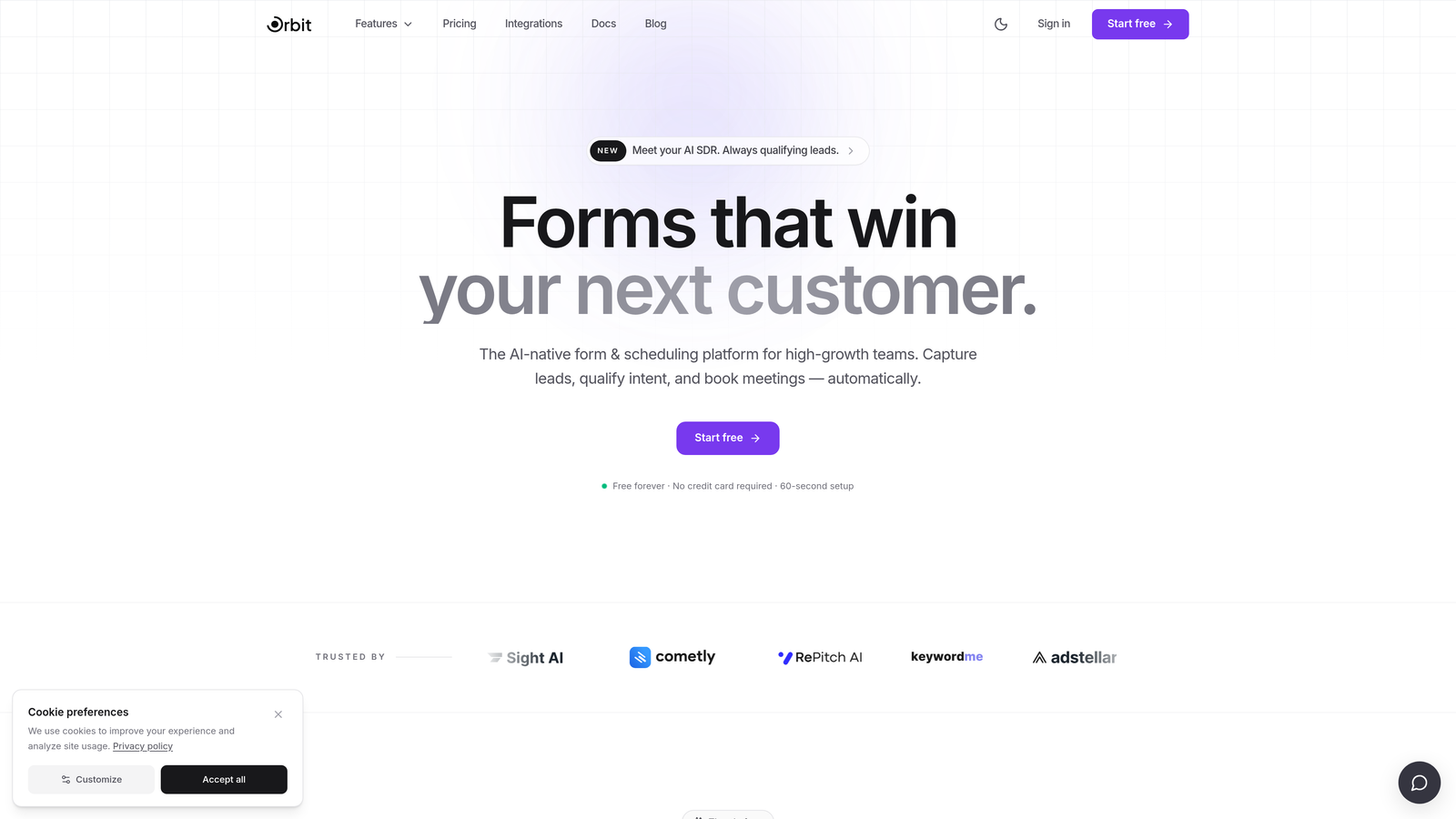
Orbit AI is an AI-native form builder designed specifically for teams that care as much about pipeline quality as they do about conversion volume.
Where This Tool Shines
Most form builders collect data and hand it off. Orbit AI goes further by qualifying leads at the point of capture, scoring and routing submissions based on the responses given. This means your sales team spends time on prospects that actually match your ideal customer profile, not every submission that comes through.
The platform also stands out visually. Forms built with Orbit AI look polished and modern out of the box, which matters when first impressions drive conversion. For teams that want intelligence and aesthetics without heavy configuration, this combination is genuinely rare in the market.
Key Features
AI-Powered Lead Scoring: Qualification logic runs inside the form itself, scoring leads automatically based on their responses before they reach your CRM.
Conversion-Optimized Templates: Pre-built templates designed specifically for lead generation use cases, not generic data collection.
Dynamic Form Fields: Fields adapt in real time based on what users select, creating a personalized path through the form for each respondent.
Modern Design Out of the Box: Clean, visually polished defaults that don't require design expertise to look professional.
CRM and Marketing Integrations: Connects with popular CRMs and marketing tools so qualified leads flow directly into your existing workflows.
Best For
Orbit AI is the right choice for SaaS companies, growth marketers, and sales teams that want forms to do more than collect contact details. If lead quality is a priority and you want qualification to happen before a lead ever touches your CRM, this is built for that problem specifically.
Pricing
Visit orbitforms.ai for current plan details. A free starting option is available for teams ready to explore the platform.
2. Typeform
Best for: Teams that want highly engaging, design-forward form experiences with a conversational flow.
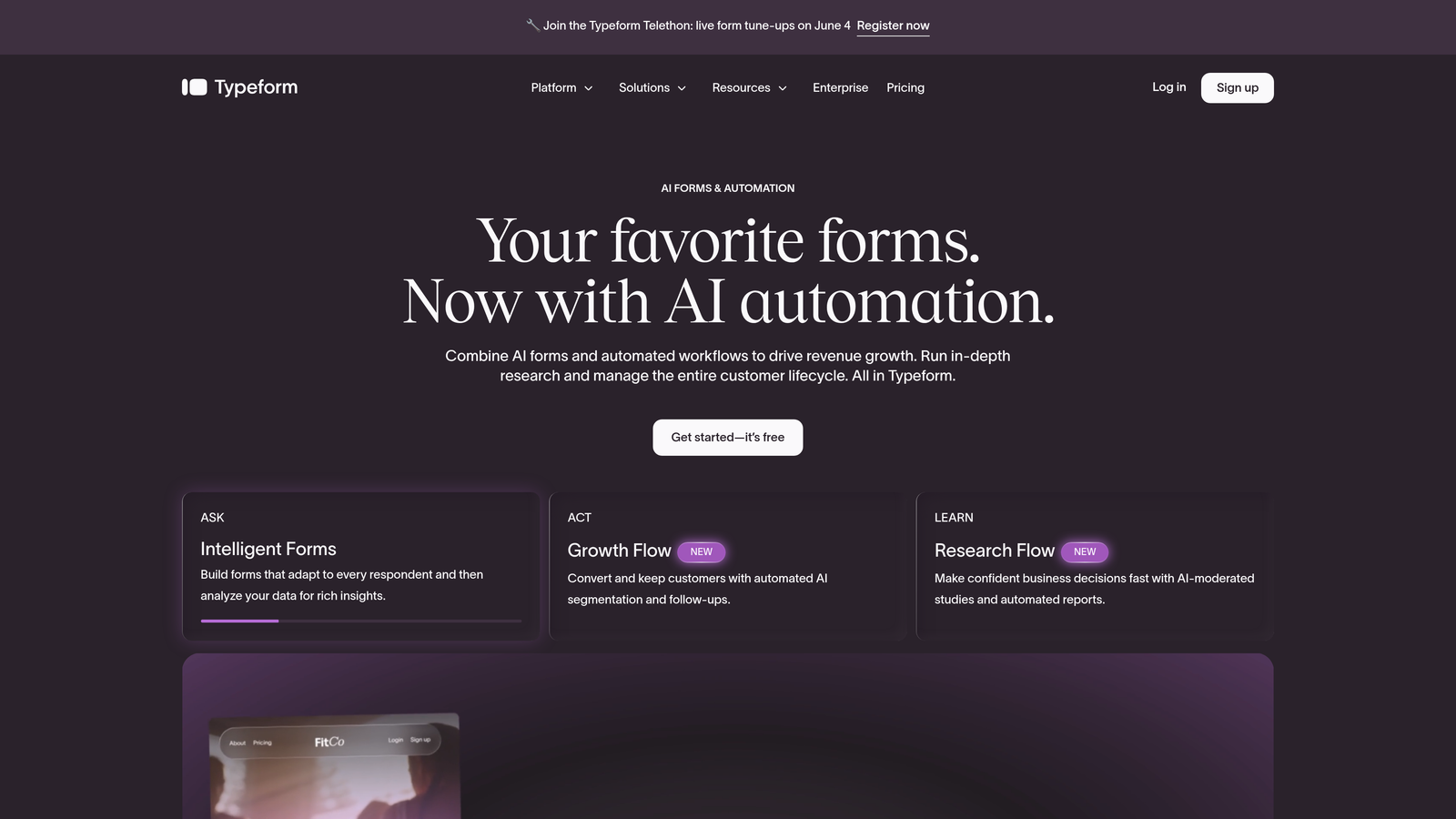
Typeform is a conversational form builder built around a one-question-at-a-time interface that reduces friction and keeps respondents engaged.
Where This Tool Shines
Typeform's signature format works because it mimics a real conversation. Instead of presenting a wall of fields, it guides respondents through questions one at a time, which typically results in higher completion rates for longer forms. This makes it particularly effective for surveys, lead generation questionnaires, and onboarding flows.
The design quality is another genuine strength. Typeform forms look premium without much customization effort, and the ability to embed rich media like video and images directly into questions adds a dimension most form builders can't match.
Key Features
Conversational One-Question UX: Presents one question at a time to reduce overwhelm and improve completion rates.
Logic Jumps and Branching: Routes respondents to different questions based on their answers, creating personalized form paths.
Rich Media Embeds: Supports video and photo question types for more engaging form experiences.
Beautiful Default Design: Visually polished templates that require minimal customization to look professional.
Integration Ecosystem: Connects with Zapier, HubSpot, Slack, Salesforce, and dozens of other tools.
Best For
Typeform suits marketing teams running lead generation campaigns, researchers conducting surveys, and product teams building onboarding flows where engagement and completion rate are the primary metrics.
Pricing
Free plan available with limited responses. Paid plans start at around $25/month and unlock higher response limits, logic features, and integrations.
3. Jotform
Best for: Teams that need a versatile, no-code form builder with payment collection and a massive template library.
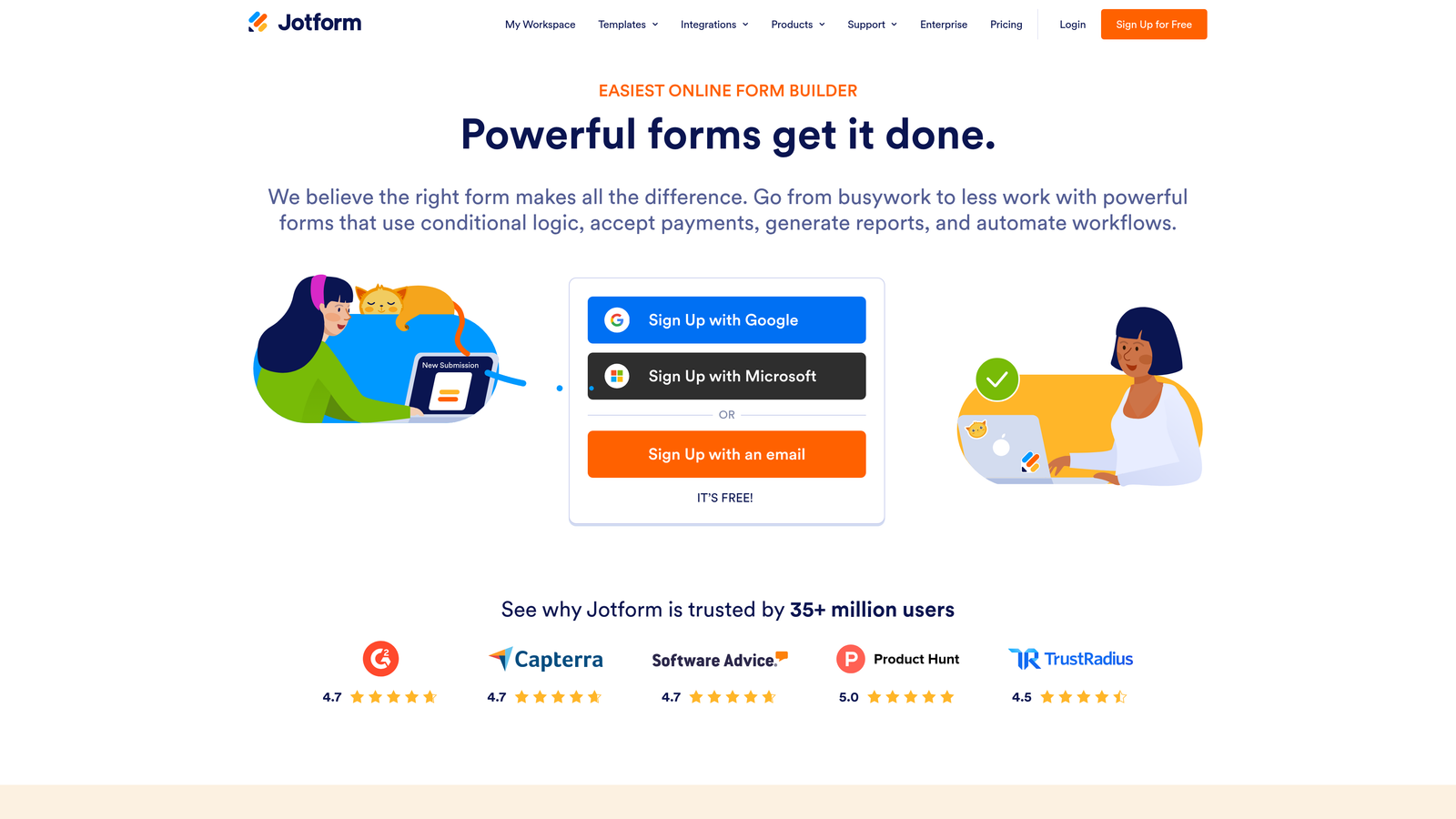
Jotform is one of the most feature-complete form builders on the market, covering everything from simple contact forms to complex multi-step applications with payment processing.
Where This Tool Shines
Jotform's template library is genuinely impressive, spanning thousands of pre-built forms across industries including healthcare, education, e-commerce, and nonprofits. For teams that need to move fast, starting from a template rather than a blank canvas saves significant time.
The platform's breadth is its core strength. Built-in payment processing, HIPAA-compliant plans, submission management via Jotform Tables, and an extensive integration list make it a one-stop shop for organizations that need flexibility across different use cases.
Key Features
10,000+ Templates: One of the largest template libraries available, covering virtually every industry and use case.
Drag-and-Drop Builder with Conditional Logic: Intuitive editor with branching logic built in, no coding required.
Built-In Payment Processing: Accepts payments via PayPal, Stripe, and Square directly within forms.
Jotform Tables: A built-in submission management layer that organizes and visualizes form responses.
HIPAA-Compliant Plans: Enterprise-grade compliance options for healthcare and regulated industries.
Best For
Jotform works well for operations teams, small businesses, and enterprise organizations that need a reliable, full-featured form builder without a steep learning curve. Particularly strong for payment collection and regulated industries.
Pricing
Free plan supports up to 5 forms. Paid plans start at around $34/month with higher submission limits and premium features.
4. HubSpot Forms
Best for: Teams already using HubSpot CRM who want native form-to-contact record integration with zero setup friction.
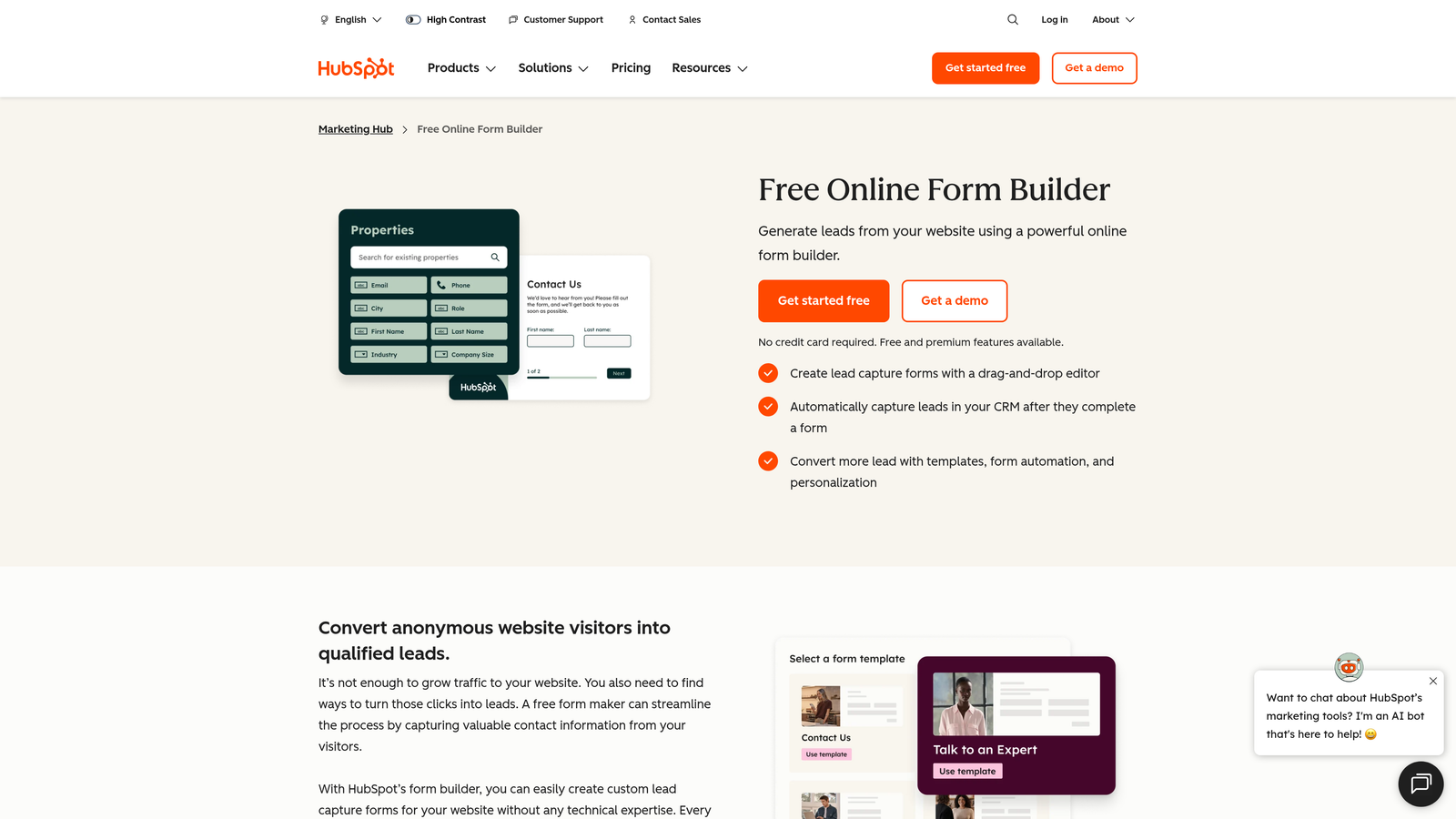
HubSpot Forms is a form builder deeply embedded in the HubSpot ecosystem, offering progressive profiling and smart fields that automatically enrich contact records.
Where This Tool Shines
If your team lives in HubSpot, this is the path of least resistance. Every form submission automatically creates or updates a contact record in the CRM, with no Zapier zap or manual import required. That native connection eliminates a common data quality problem: submissions that never make it into your CRM cleanly.
Progressive profiling is the standout intelligence feature here. Instead of asking the same questions to returning visitors, HubSpot Forms recognizes known contacts and surfaces new questions to progressively build out their profile over time. It's a smart way to gather richer data without increasing form friction.
Key Features
Native CRM Integration: Submissions automatically populate and update HubSpot contact records in real time.
Progressive Profiling: Asks new questions on repeat visits rather than repeating fields already answered.
Smart Fields: Hides fields for data already known about a contact, reducing form length for returning visitors.
Built-In Analytics and A/B Testing: Form performance data lives inside HubSpot alongside the rest of your marketing analytics.
Free Tier: Core form functionality is included with the free HubSpot CRM.
Best For
Teams running their marketing and sales operations on HubSpot. Less compelling as a standalone tool for teams not in the HubSpot ecosystem, but unbeatable for those who are.
Pricing
Free with HubSpot CRM. Advanced features like A/B testing and reporting require Marketing Hub paid plans starting at around $20/month.
5. Tally
Best for: Startups and product-led teams that want a generous free tier with a clean, Notion-like editing experience.
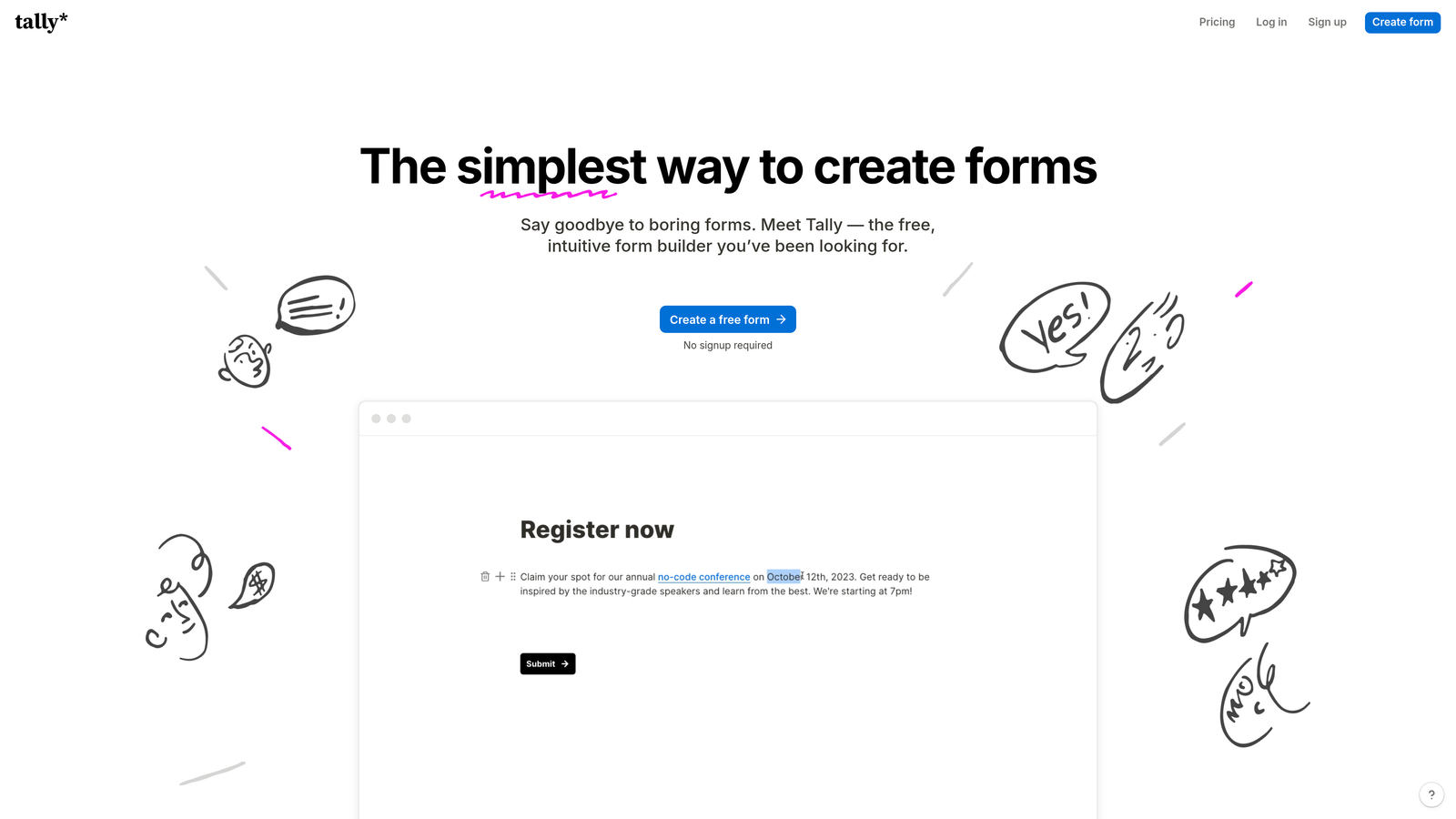
Tally is a minimalist form builder that offers unlimited forms and submissions on its free plan, making it one of the most accessible options for early-stage teams.
Where This Tool Shines
Tally's free plan is genuinely generous. Most form builders gate conditional logic, file uploads, or submission limits behind paid tiers. Tally includes most core features for free, which makes it a natural choice for bootstrapped teams or anyone who wants to move quickly without a billing conversation.
The block-based editor feels familiar to anyone who uses Notion, which lowers the learning curve considerably. Building a form in Tally feels less like configuring a tool and more like writing a document, which appeals to teams that value simplicity over complexity.
Key Features
Unlimited Forms and Submissions on Free Plan: No submission caps or form limits on the free tier, which is rare in this category.
Notion-Style Block Editor: Intuitive, document-like editing experience that's fast to learn and use.
Conditional Logic and Hidden Fields: Smart branching and hidden field support included without requiring a paid plan.
File Uploads and Payments: Accepts file submissions and payment collection directly within forms.
Custom Domains on Paid Plan: Tally Pro adds custom branding, domain removal, and advanced features for teams that need a polished public-facing experience.
Best For
Early-stage startups, indie makers, and product teams that want capable forms without immediate cost. Also a strong choice for internal tools and quick surveys where design polish is secondary to speed.
Pricing
Free for most features. Tally Pro is $29/month and adds custom branding, domain removal, and priority support.
6. Formstack
Best for: Enterprise teams that need forms connected to document generation, e-signatures, and automated business workflows.
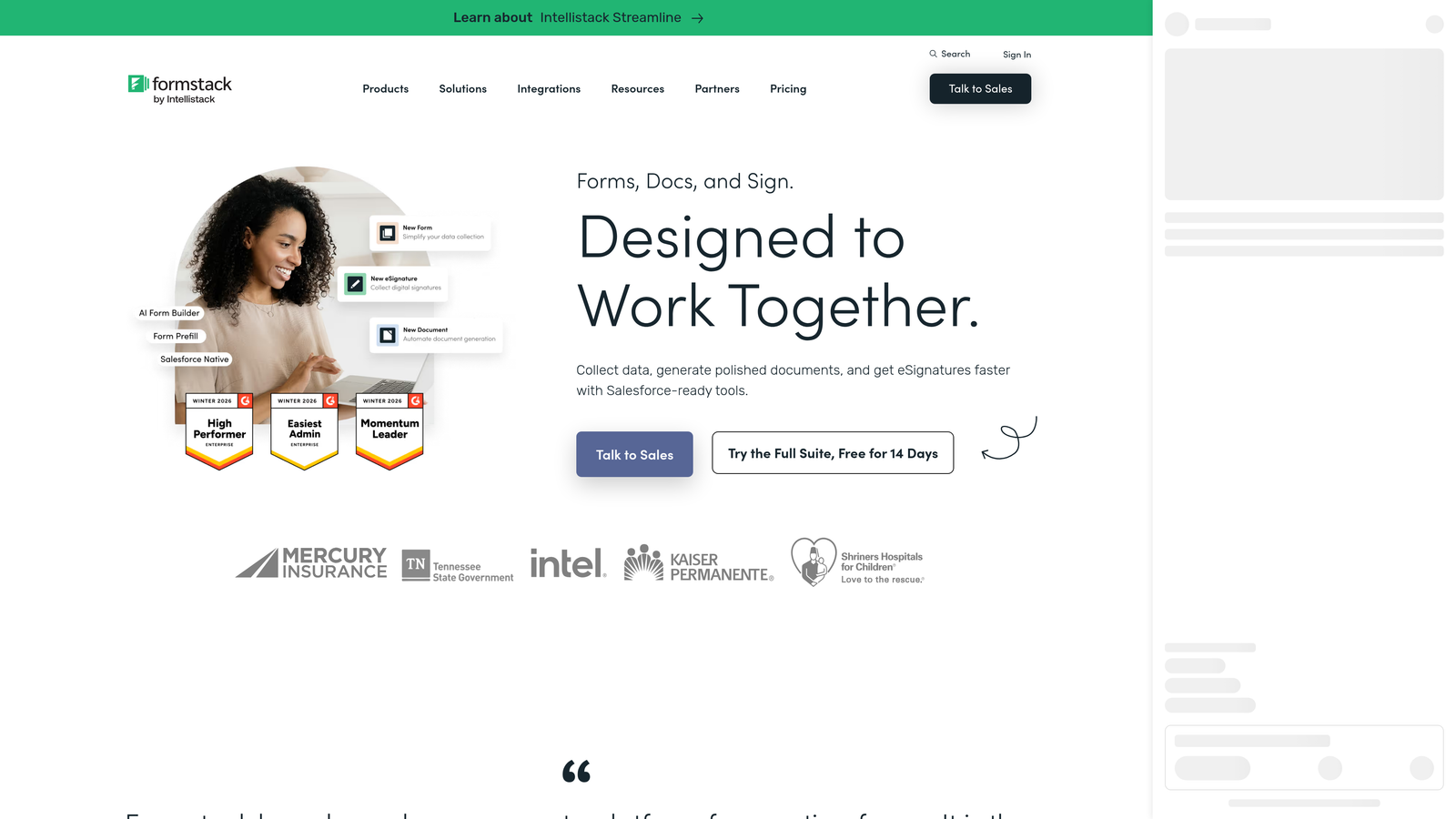
Formstack is an enterprise-grade platform that extends beyond form building into a full workflow automation suite covering documents, signatures, and process automation.
Where This Tool Shines
Formstack's differentiation is its depth beyond the form itself. Where most tools stop at collecting and routing submissions, Formstack connects form data to document generation and e-signature workflows, making it well-suited for contract-heavy processes, onboarding flows, and regulated industries that need a full audit trail.
Compliance is another area where Formstack earns its enterprise positioning. HIPAA, GDPR, and SOC 2 compliance options are available, which is a meaningful differentiator for healthcare, financial services, and legal teams that can't compromise on data handling.
Key Features
Workflow Automation Suite: Connects forms, documents, and e-signatures into end-to-end automated business processes.
Conditional Logic and Multi-Page Forms: Sophisticated branching and multi-step form support for complex data collection needs.
Compliance Options: HIPAA, GDPR, and SOC 2 compliance available for regulated industries.
Salesforce-Native Integration: Deep, native Salesforce integration for teams running enterprise CRM workflows.
Conversion Analytics and A/B Testing: Built-in tools to measure and optimize form performance over time.
Best For
Mid-market and enterprise organizations that need forms as part of a broader workflow automation strategy, particularly in healthcare, legal, finance, or any sector with strict compliance requirements.
Pricing
Starts at around $50/month. Enterprise plans are available with custom pricing for larger organizations.
7. Paperform
Best for: Teams that want forms to function as standalone landing pages with rich content, media, and product displays.
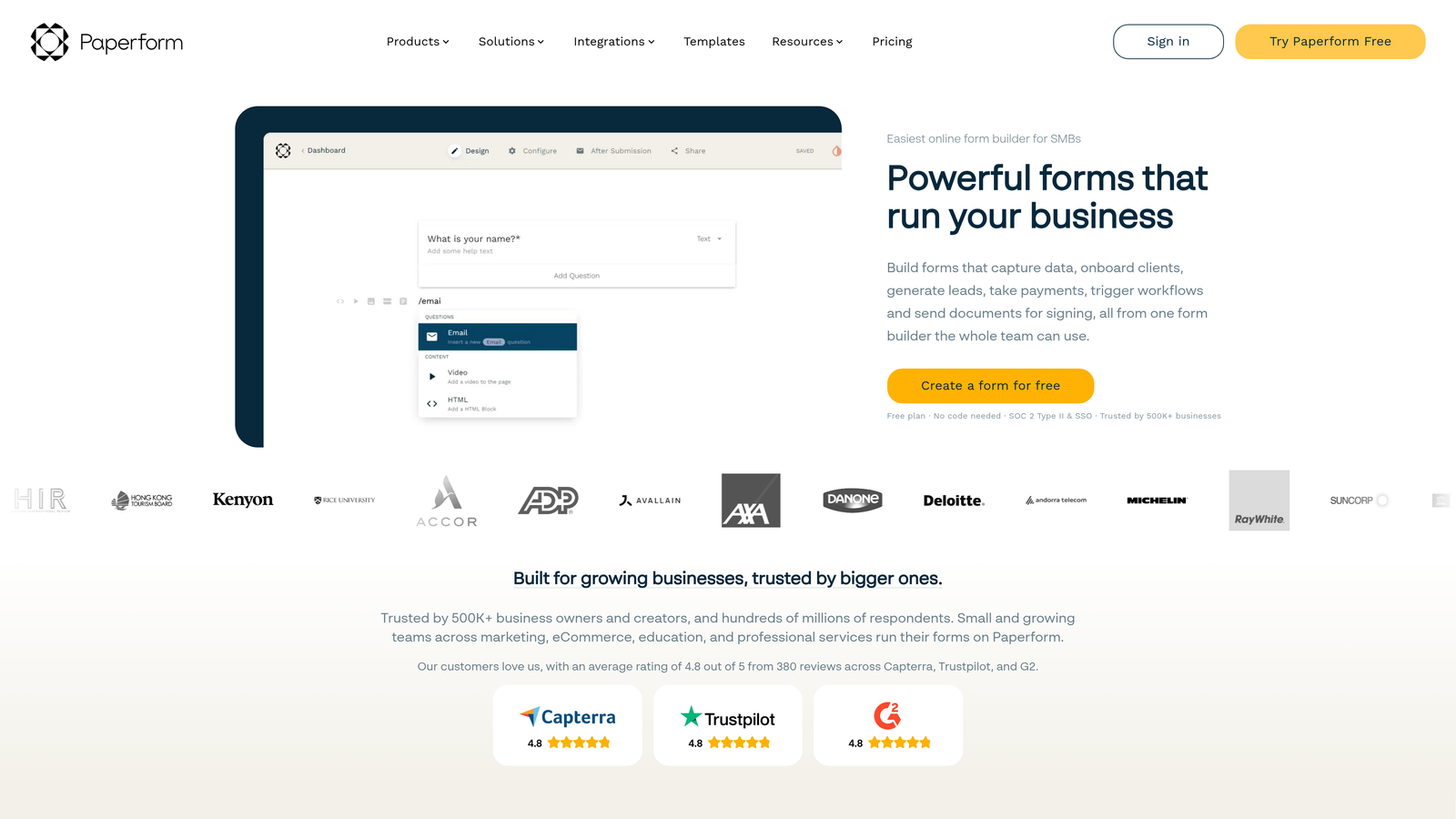
Paperform is a form builder that blurs the line between forms and landing pages, letting users blend text, images, video, and product listings alongside form fields.
Where This Tool Shines
Paperform's editing experience feels more like building a webpage than filling out a form template. You can write long-form content, embed images and video, and display product catalogs all within the same document that collects form responses. This makes it particularly useful for product launches, event registrations, and applications where context matters as much as the form itself.
The built-in product catalog and payment processing mean Paperform can handle simple e-commerce scenarios without requiring a separate tool. Calculation fields add another layer of flexibility for quote builders, pricing estimators, and order forms.
Key Features
Rich Content Editor: Blend text, images, and video alongside form fields in a single document-style layout.
Built-In Product Catalog and Payments: Display products and collect payments directly within the form experience.
Conditional Logic and Calculation Fields: Dynamic branching and formula-based fields for complex pricing and data scenarios.
Custom Branding with CSS: Full theme control and custom CSS for teams that need pixel-perfect brand alignment.
2,000+ Integrations: Connects via Zapier and direct integrations to a wide range of third-party tools.
Best For
Small businesses, creators, and marketing teams that want forms that double as polished landing pages. Especially effective for product sales, event registrations, and applications where rich context improves conversion.
Pricing
Paid plans start at around $24/month. No permanent free plan, but a trial is available.
8. Fillout
Best for: Teams using Airtable, Notion, or Google Sheets who need two-way data sync and database-backed forms.
Fillout is a modern form builder built around deep native integrations with Airtable, Notion, and Google Sheets, enabling forms that read from and write to connected databases in real time.
Where This Tool Shines
Fillout's two-way sync capability is the feature that sets it apart. Rather than simply pushing form submissions into a spreadsheet, Fillout can pre-fill form fields from existing database records, update records based on responses, and create entirely new entries, all in sync with your connected tool. For teams that run their operations in Airtable or Notion, this is a significant workflow upgrade.
The modern UI is genuinely clean and customizable, which matters when forms are customer-facing. Multi-page flows, advanced conditional logic, and scheduling fields round out a feature set that punches above its price point.
Key Features
Native Two-Way Sync: Reads from and writes to Airtable, Notion, and Google Sheets in real time, not just one-directional submission pushing.
Pre-Fill from Connected Databases: Automatically populate form fields with existing data from your connected tools.
Advanced Conditional Logic: Multi-page flows with sophisticated branching for complex data collection scenarios.
Scheduling, Payment, and File Upload Fields: Built-in field types that handle common use cases without additional integrations.
Modern Customizable Themes: Clean UI with theme controls that make forms look native to your brand.
Best For
Operations teams, product teams, and no-code builders who use Airtable, Notion, or Google Sheets as their operational backbone and want forms that integrate deeply rather than just appending rows.
Pricing
Free plan available with core features. Paid plans start at around $19/month for higher submission limits and advanced features.
9. Cognito Forms
Best for: Organizations that need advanced field calculations, repeating sections, and integrated payment processing for complex forms.
Cognito Forms is a calculation-focused form builder with repeating sections and built-in payment processing, designed for order forms, registrations, and complex data collection scenarios.
Where This Tool Shines
Cognito Forms handles mathematical complexity that most form builders simply can't. Dynamic pricing calculations, quantity-based totals, and formula-driven fields make it the go-to choice for order forms, event registrations with variable pricing, and applications that need to compute outputs based on user inputs.
Repeating sections are another capability that's hard to find elsewhere. When a form needs to collect a variable number of entries, like multiple attendees, line items, or references, Cognito's repeating section feature handles this natively without workarounds or custom code.
Key Features
Advanced Field Calculations: Formula-based fields for dynamic pricing, totals, and computed outputs based on user responses.
Repeating Sections: Allows respondents to add a variable number of entries within a single form submission.
Built-In Payment Processing: Accepts Stripe, PayPal, and Square payments with no additional transaction fees on top of processor rates.
Conditional Logic and Multi-Page Forms: Full branching and multi-step support for complex data collection flows.
Data Encryption and HIPAA Compliance: Enterprise-grade security and compliance options for sensitive data collection.
Best For
Nonprofits, event organizers, small businesses, and operations teams that need forms capable of handling complex calculations, variable-length data, and payment collection in a single, manageable tool.
Pricing
Free plan available for basic use. Paid plans start at around $15/month, making it one of the more affordable options for teams that need advanced calculation features.
Choosing the Right Smart Form Solution for Your Team
The right tool depends almost entirely on where your biggest bottleneck lives. If your problem is lead quality, you need a form that qualifies at the point of capture, not a tool that simply collects and forwards. If your problem is engagement and completion rates, a conversational interface like Typeform may move the needle more than anything else.
Here's a quick way to think through the decision. If lead qualification and pipeline quality are your primary concern, Orbit AI is purpose-built for that problem with AI-powered scoring built directly into the form experience. If you're running your entire marketing operation inside HubSpot, HubSpot Forms is the obvious choice for its native CRM connection and progressive profiling. If you need enterprise-grade workflow automation beyond the form itself, Formstack is the most complete solution in that category.
For teams with tighter budgets, Tally's free tier is hard to beat for getting capable forms live quickly. Fillout is the strongest option for teams whose operational data lives in Airtable or Notion. Cognito Forms wins for complex calculations and payment scenarios. Jotform covers the widest range of use cases with its template library and feature breadth. Paperform suits teams that want forms to function as mini landing pages. And Typeform remains the benchmark for engagement-focused, design-forward form experiences.
To go deeper on applying these tools effectively, explore how to qualify leads with forms and review strategies specifically designed around lead forms for B2B companies.
Transform your lead generation with AI-powered forms that qualify prospects automatically while delivering the modern, conversion-optimized experience your high-growth team needs. Start building free forms today and see how intelligent form design can elevate your conversion strategy.


