

Most teams are still manually routing leads, chasing incomplete submissions, and guessing which prospects are worth pursuing — all because their forms don't do enough work on their own. Form automation software changes that equation entirely. The right platform doesn't just collect data; it qualifies leads, triggers workflows, and feeds your CRM without anyone lifting a finger.
This list covers the best form automation tools available in 2026, evaluated on automation depth, lead qualification capabilities, design flexibility, and pricing. Whether you're a SaaS startup optimizing a signup funnel or a growth team scaling outbound capture, there's a clear fit here. We've placed Orbit AI at number one because it's built specifically for the use case this article addresses, but every tool on this list earns its place on merit.
1. Orbit AI
Best for: SaaS and high-growth teams that need AI-powered lead qualification built directly into their forms.
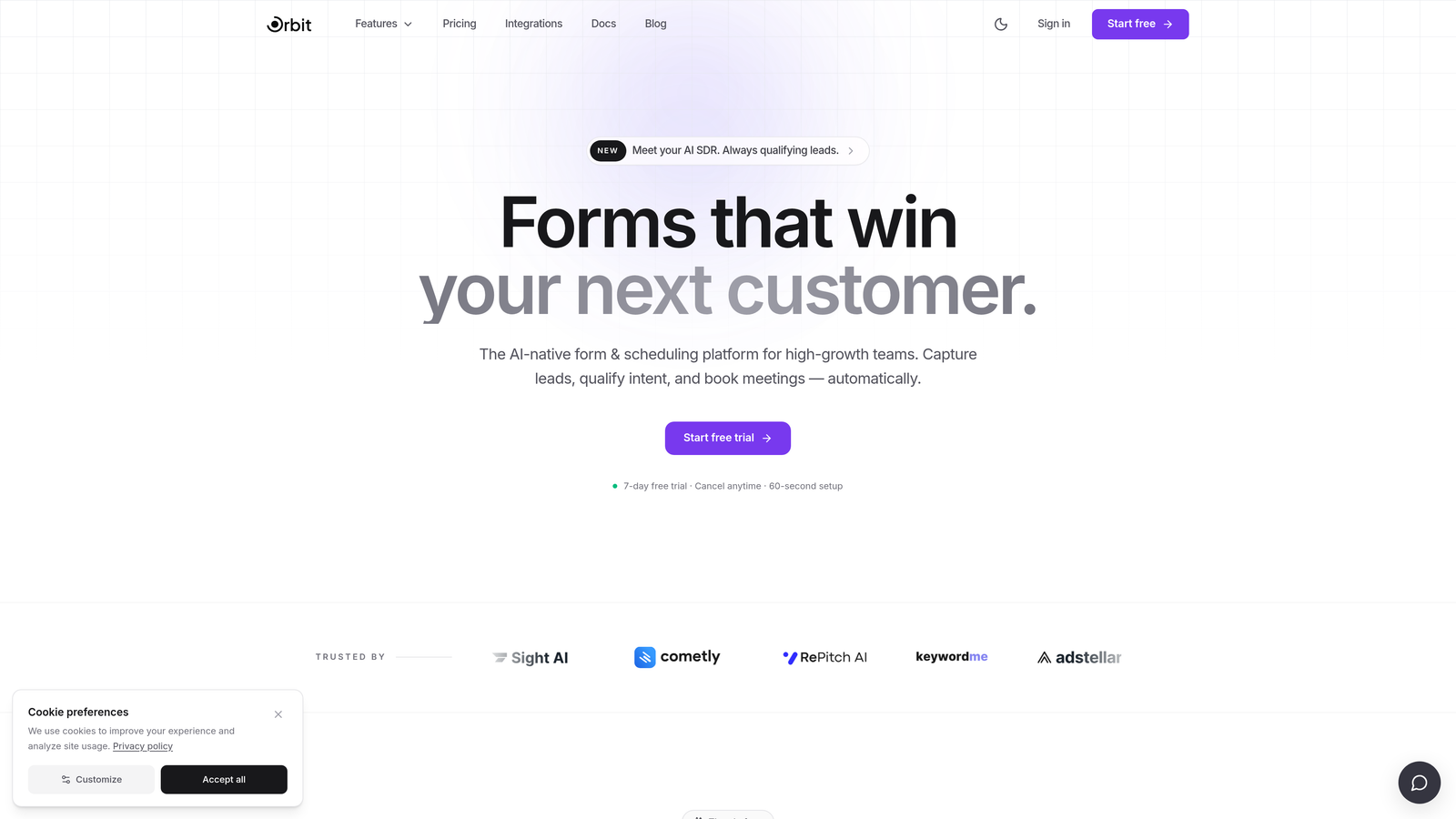
Orbit AI is an AI-powered form builder with native lead qualification and conversion optimization designed for demand generation teams.
Where This Tool Shines
What separates Orbit AI from most form tools is where the intelligence lives. Instead of collecting responses and then routing them through a separate scoring tool, Orbit AI qualifies leads at the form level itself. That means your CRM receives pre-scored, pre-routed submissions from the moment a prospect hits submit.
For high-growth SaaS teams, this matters because speed-to-lead is a real competitive variable. Orbit AI is designed around that reality, with automation triggers that send qualified leads to the right destination immediately, and a modern design aesthetic that doesn't make your forms look like an afterthought.
Key Features
AI-Powered Lead Qualification: Scoring logic is embedded directly in the form flow, eliminating the need for a separate qualification tool downstream.
Conversion-Optimized Design: Forms are built with modern, branded aesthetics that reduce friction and improve completion rates.
Lead Scoring Logic: Configurable scoring rules built into the form itself help teams prioritize high-intent respondents automatically.
Automation Triggers: Qualified leads are routed to the right destination, whether that's a CRM, a sales rep, or a nurture sequence, without manual intervention.
SaaS-Native Workflow Design: The platform is built around the workflows high-growth teams actually use, not adapted from a generic form tool.
Best For
Orbit AI is the strongest fit for SaaS companies, demand generation teams, and growth marketers who need their forms to do real qualification work. If your biggest friction point is lead quality rather than just lead volume, this is the tool built for that problem.
Pricing
Visit orbitforms.ai for current plan details. Pricing is structured for high-growth teams and scales with usage.
2. Typeform
Best for: Brand-conscious teams that want a polished, conversational form experience with strong conditional logic.
Typeform is a conversational form builder known for its one-question-at-a-time UX and design-forward approach to data collection.

Where This Tool Shines
Typeform's core insight is that forms feel less intimidating when they present one question at a time. This conversational flow tends to reduce drop-off, particularly in longer surveys or multi-step qualification forms where a wall of fields would cause abandonment. The experience feels closer to a dialogue than a data entry task.
On the automation side, Typeform connects natively with HubSpot, Salesforce, Slack, and Zapier, giving teams solid options for routing responses into existing workflows. Conditional logic and branching paths are well-developed, making it possible to build genuinely adaptive forms without developer involvement.
Key Features
Conversational Format: One-question-at-a-time presentation reduces cognitive load and keeps respondents engaged through longer forms.
Advanced Conditional Logic: Branching paths adapt the form experience based on previous answers, improving relevance and completion.
Native CRM Integrations: Direct connections to HubSpot, Salesforce, and Slack, plus Zapier for broader automation coverage.
Media Embedding: Video and image support within form questions adds context and personality to the experience.
Respondent Analytics: Completion tracking and drop-off analysis help teams identify where respondents are abandoning the form.
Best For
Typeform is a strong choice for marketing teams that prioritize respondent experience and brand presentation. It's particularly effective for lead capture forms, customer research surveys, and onboarding flows where the quality of the interaction matters as much as the data collected.
Pricing
A free tier is available with limited responses. Paid plans scale with response volume and feature access. Verify current pricing at typeform.com.
3. Jotform
Best for: Teams managing complex, multi-step operational workflows that need a broad template library and built-in approval routing.
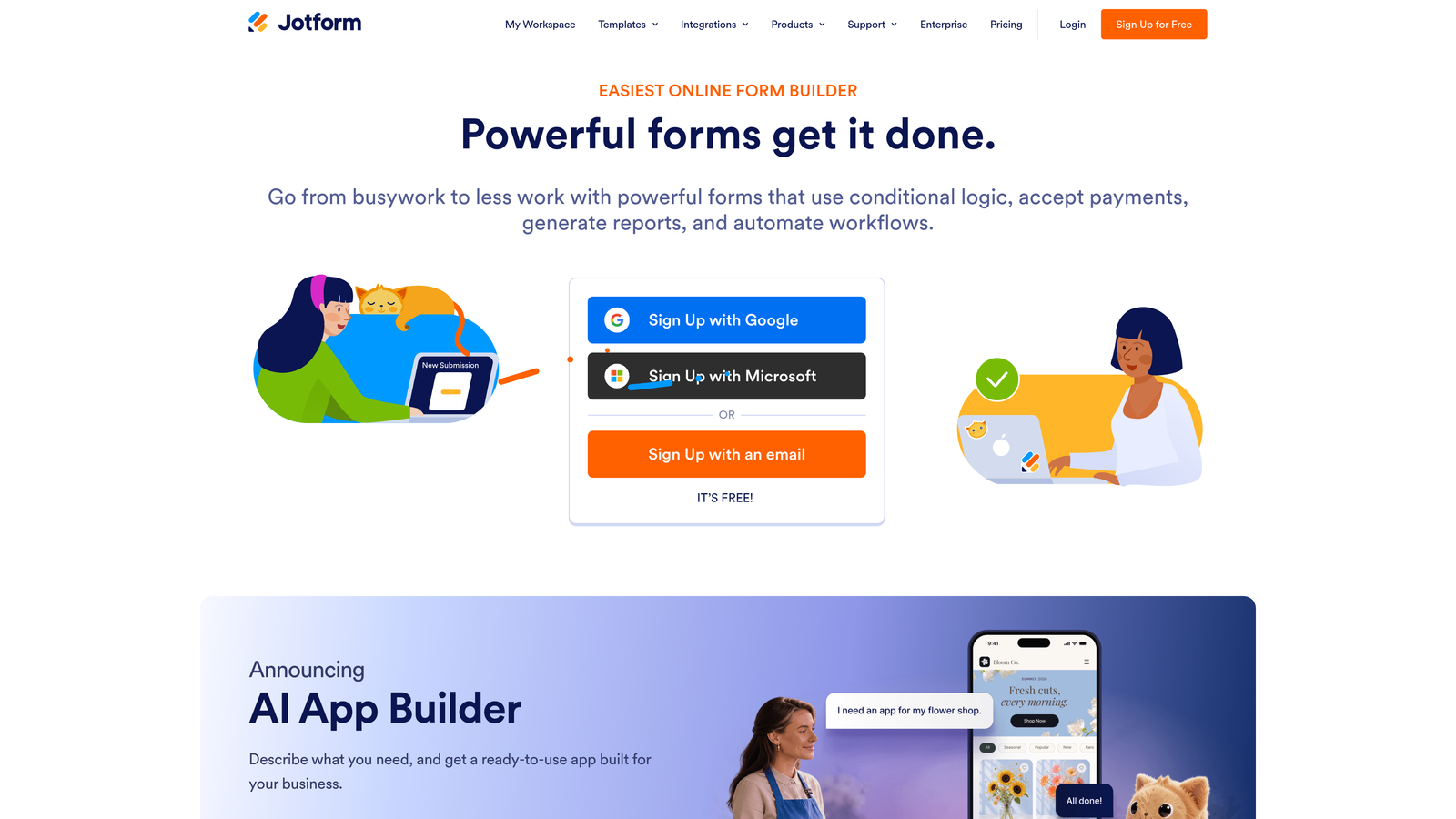
Jotform is a feature-rich form builder with one of the largest template libraries in the market and a dedicated workflow automation layer called Jotform Workflows.
Where This Tool Shines
Jotform's depth is its defining characteristic. With thousands of pre-built templates spanning dozens of industries, teams can get a functional form deployed in minutes rather than building from scratch. This breadth makes it particularly useful for organizations that need forms for multiple departments or use cases simultaneously.
Jotform Workflows adds genuine automation muscle: multi-step approval routing, conditional task assignment, and process automation that goes well beyond simple form submission handling. For operations teams or companies with internal process complexity, this layer is a meaningful differentiator.
Key Features
Massive Template Library: Thousands of pre-built templates across industries including healthcare, legal, education, and e-commerce.
Jotform Workflows: Multi-step approval routing and process automation built directly into the platform without requiring third-party tools.
HIPAA-Compliant Plans: Dedicated compliance options for healthcare organizations and other regulated industries.
Jotform Tables: Database-style response management that makes it easy to organize, filter, and act on submission data.
Wide Integration Ecosystem: Connections to payment processors, CRMs, and productivity tools across a broad integration catalog.
Best For
Jotform works best for teams that need operational depth: HR departments managing approval chains, healthcare organizations with compliance requirements, or growing companies that need forms to serve multiple business functions. It's the workhorse of the category.
Pricing
A free tier is available with submission limits. Paid plans scale with submissions and team size. Verify current pricing at jotform.com.
4. Paperform
Best for: Businesses that want forms, payments, and scheduling in a single tool with a landing-page-quality design experience.
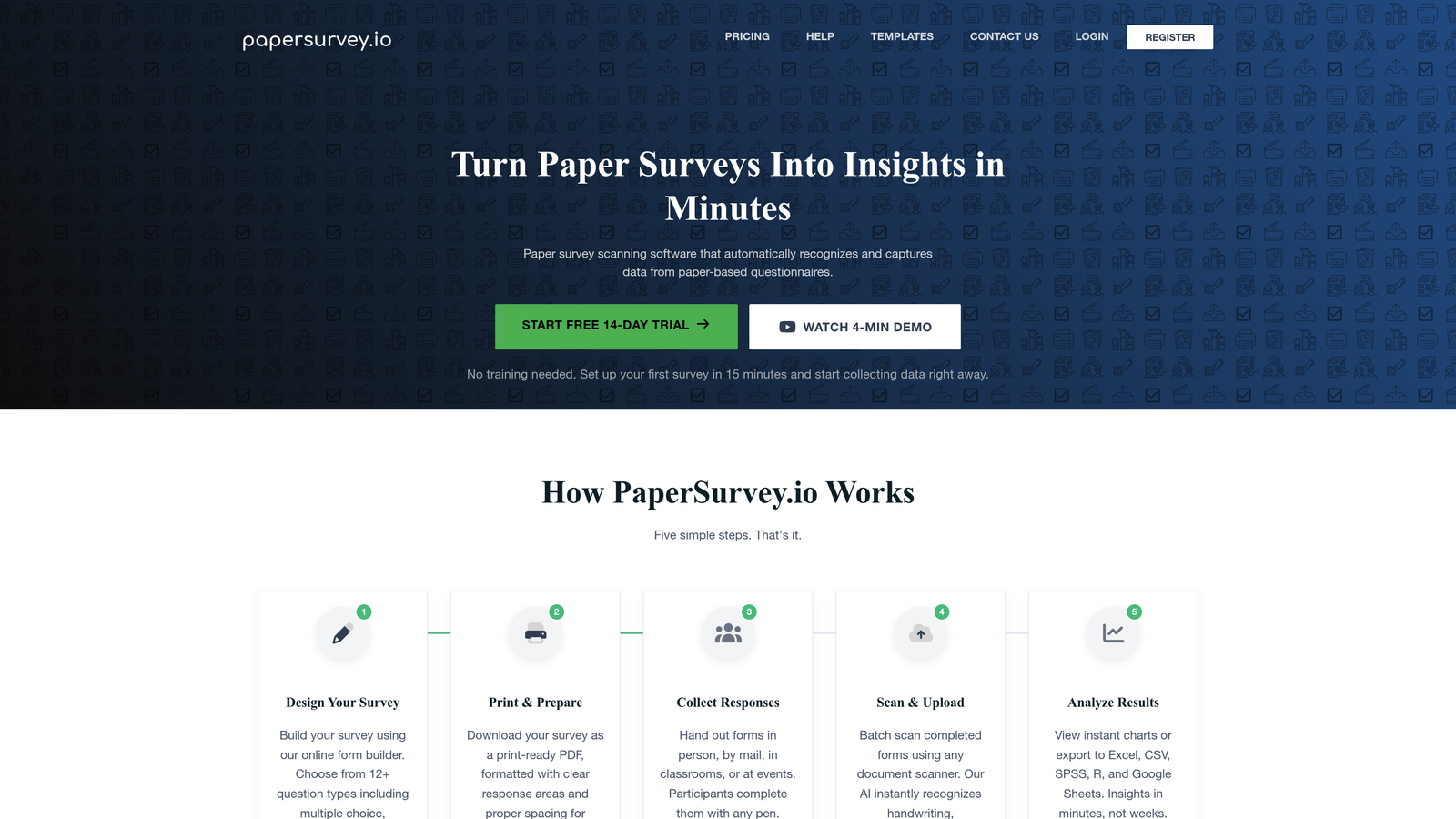
Paperform is a form builder with a document-style editor that makes forms feel like branded landing pages, with native payment collection and scheduling automation built in.
Where This Tool Shines
Paperform's editor is genuinely different from most form tools. Rather than a traditional field-by-field builder, it works more like a rich document editor where text, images, and form fields coexist naturally on the page. The result is forms that look far more polished than what most builders produce out of the box.
The native payment and scheduling features are where Paperform earns its place in this list. Teams that sell services, run workshops, or take bookings can handle the entire transaction inside a single Paperform without routing to a separate payment page or scheduling tool.
Key Features
Document-Style Editor: Forms are built like branded landing pages, with text, media, and fields integrated naturally rather than stacked in a rigid layout.
Native Payment Processing: Direct integrations with Stripe, PayPal, and Square allow transactions to happen within the form itself.
Built-In Scheduling: Booking and appointment functionality is native to the platform, eliminating the need for a separate scheduling tool.
Calculation Fields: Dynamic pricing, scoring, and custom calculations can be built directly into the form logic.
Conditional Logic: Branching and conditional display rules adapt the form experience based on respondent input.
Best For
Paperform is an excellent fit for service businesses, consultants, course creators, and small teams that need professional-looking forms with built-in commerce and booking capabilities. It's less focused on enterprise automation depth and more on doing several things elegantly in one place.
Pricing
No free tier is available. Paid plans start at a moderate monthly rate. Verify current pricing at paperform.io.
5. Tally
Best for: Budget-conscious teams and early-stage startups that need a capable, no-cost form builder without sacrificing core features.
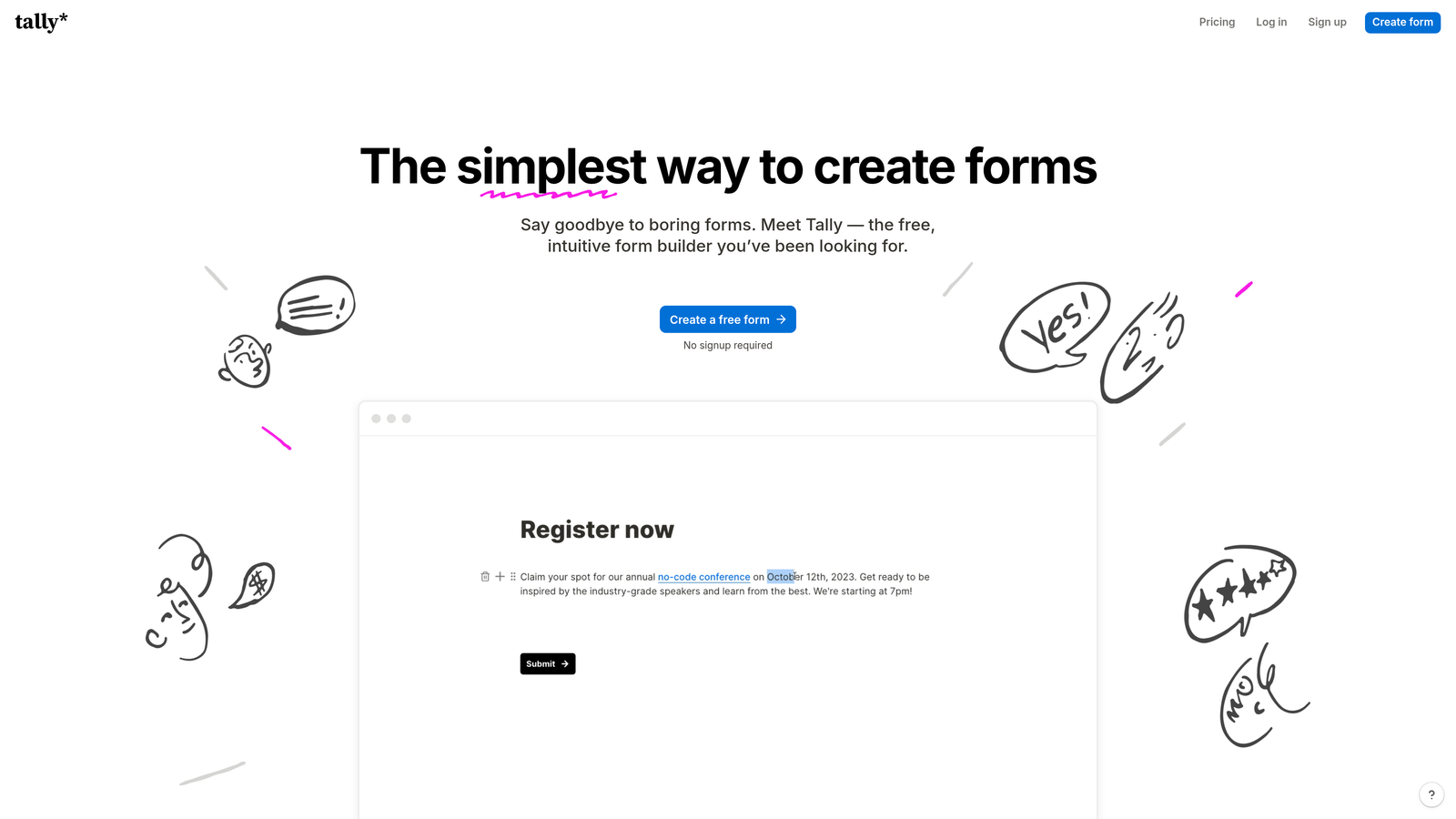
Tally is a lightweight, Notion-inspired form builder with a genuinely capable free plan that includes unlimited forms and responses.
Where This Tool Shines
Tally's free plan is the most compelling in the category. Unlimited forms, unlimited responses, conditional logic, file uploads, and payment collection via Stripe are all available without spending a dollar. For early-stage startups or lean teams running experiments, that's a meaningful advantage over tools that gate core features behind paid tiers.
The Notion-style block editor also makes Tally unusually intuitive for teams already familiar with that interface. Building a form feels less like configuring a tool and more like writing a document, which lowers the learning curve considerably for non-technical users.
Key Features
Unlimited Free Forms and Responses: The free plan imposes no limits on form count or submission volume, which is rare in this category.
Block-Based Editor: Notion-style interface makes form building intuitive for teams already comfortable with document-style tools.
Conditional Logic at No Cost: Branching and conditional display rules are available on the free plan, not locked behind a paywall.
Stripe Payment Collection: Accept payments directly through forms without upgrading to a paid plan.
Zapier and Native Integrations: Automation connections are available for routing responses into CRMs and other workflow tools.
Best For
Tally is the obvious pick when budget is the primary constraint. It's also a strong option for teams that value simplicity and want to get forms live quickly without a steep setup process. It's less suited for teams that need deep automation logic or enterprise compliance features.
Pricing
The free plan is genuinely full-featured. A Pro plan adds advanced capabilities at a low monthly rate. Verify current pricing at tally.so.
6. Formstack
Best for: Mid-market and enterprise teams in regulated industries that need compliance certifications, document generation, and deep Salesforce integration.
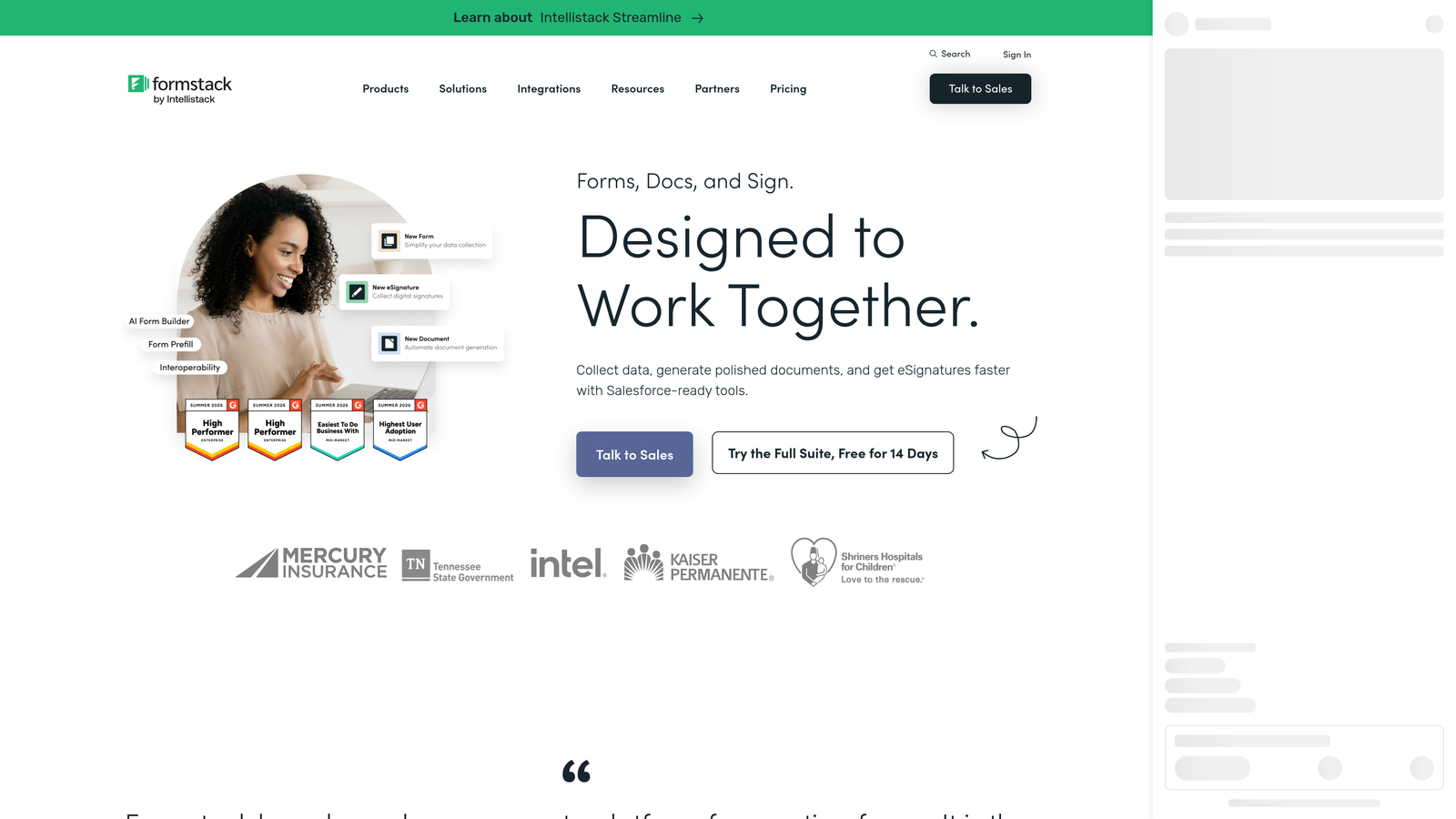
Formstack is an enterprise-grade form automation platform with HIPAA, GDPR, and SOC 2 compliance, plus document generation and e-signature capabilities.
Where This Tool Shines
Formstack is built for environments where compliance isn't optional. HIPAA, GDPR, and SOC 2 certifications mean regulated industries including healthcare, financial services, and legal can deploy Formstack with confidence. That compliance infrastructure is difficult to replicate with lighter-weight tools and is a genuine competitive moat for the platform.
Beyond compliance, Formstack's product suite extends well beyond forms. Formstack Documents generates polished documents automatically from form submission data, and Formstack Sign handles e-signature collection natively. For enterprise teams that need forms to trigger document workflows, this integrated suite removes significant friction.
Key Features
Compliance Certifications: HIPAA, GDPR, and SOC 2 compliance built into the platform for regulated industry deployments.
Formstack Documents: Automated document generation from form data, producing contracts, reports, and records without manual formatting.
Formstack Sign: Native e-signature collection integrated directly into form and document workflows.
Salesforce-Native Integration: Deep, bidirectional Salesforce connectivity that goes beyond surface-level field mapping for enterprise CRM users.
Approval Routing: Multi-step workflow automation with conditional approval chains for complex operational processes.
Best For
Formstack is purpose-built for compliance-heavy industries and enterprise teams with complex document and approval workflows. If auditability, certification, and Salesforce depth are non-negotiable requirements, Formstack is the clear answer. It's not the right fit for lean teams or those primarily focused on front-end conversion optimization.
Pricing
Formstack sits at a higher price point than most tools in this list, aimed at mid-market and enterprise buyers. Verify current pricing at formstack.com.
Choosing the Right Tool for Your Team
The best form automation software is the one that matches your actual workflow friction, not just the longest feature checklist. Before committing to any platform, identify your biggest pain point: is it lead quality, submission routing, drop-off rates, or manual data handling? That answer should drive your decision.
Here's how the tools in this list stack up by use case:
For AI-powered lead qualification in SaaS: Orbit AI is purpose-built for this outcome, with scoring and routing logic embedded at the form level rather than bolted on afterward.
For brand-forward respondent experience: Typeform wins on conversational design and is a strong choice for teams where the quality of the interaction shapes brand perception.
For operational workflow complexity: Jotform's template depth and Workflows layer make it the most capable tool for teams managing multi-step approvals and cross-departmental processes.
For forms plus payments plus scheduling: Paperform handles all three natively, making it the most efficient single-tool solution for service businesses and commerce-driven teams.
For budget-constrained teams: Tally's free plan is genuinely capable, and for early-stage teams running lean, it removes the cost barrier entirely without sacrificing core functionality.
For regulated enterprise environments: Formstack's compliance certifications, document generation, and Salesforce integration make it the only realistic option for industries where auditability is non-negotiable.
If your primary goal is converting more of the traffic you're already generating into qualified pipeline, the form experience itself is worth investing in. Start building free forms today with Orbit AI and see how AI-powered qualification built directly into your form flow can change what your lead generation actually delivers.


