

Traditional static forms are conversion killers. They feel impersonal, overwhelm users with too many fields at once, and drive abandonment rates through the roof. Conversational form platforms flip the script by turning data collection into a dynamic, one-question-at-a-time dialogue that feels more like a chat than a chore. The result is higher completion rates, better-quality leads, and a user experience that actually reflects how people communicate.
With dozens of platforms now claiming conversational capabilities, choosing the right one can be genuinely overwhelming. We evaluated the top conversational form builders based on ease of use, AI capabilities, integration depth, customization options, and pricing flexibility. Whether you're a high-growth startup optimizing lead funnels or an enterprise team streamlining intake workflows, this list has a platform built for your needs.
1. Orbit AI
Best for: High-growth teams that need AI-powered lead qualification built directly into the form conversation.
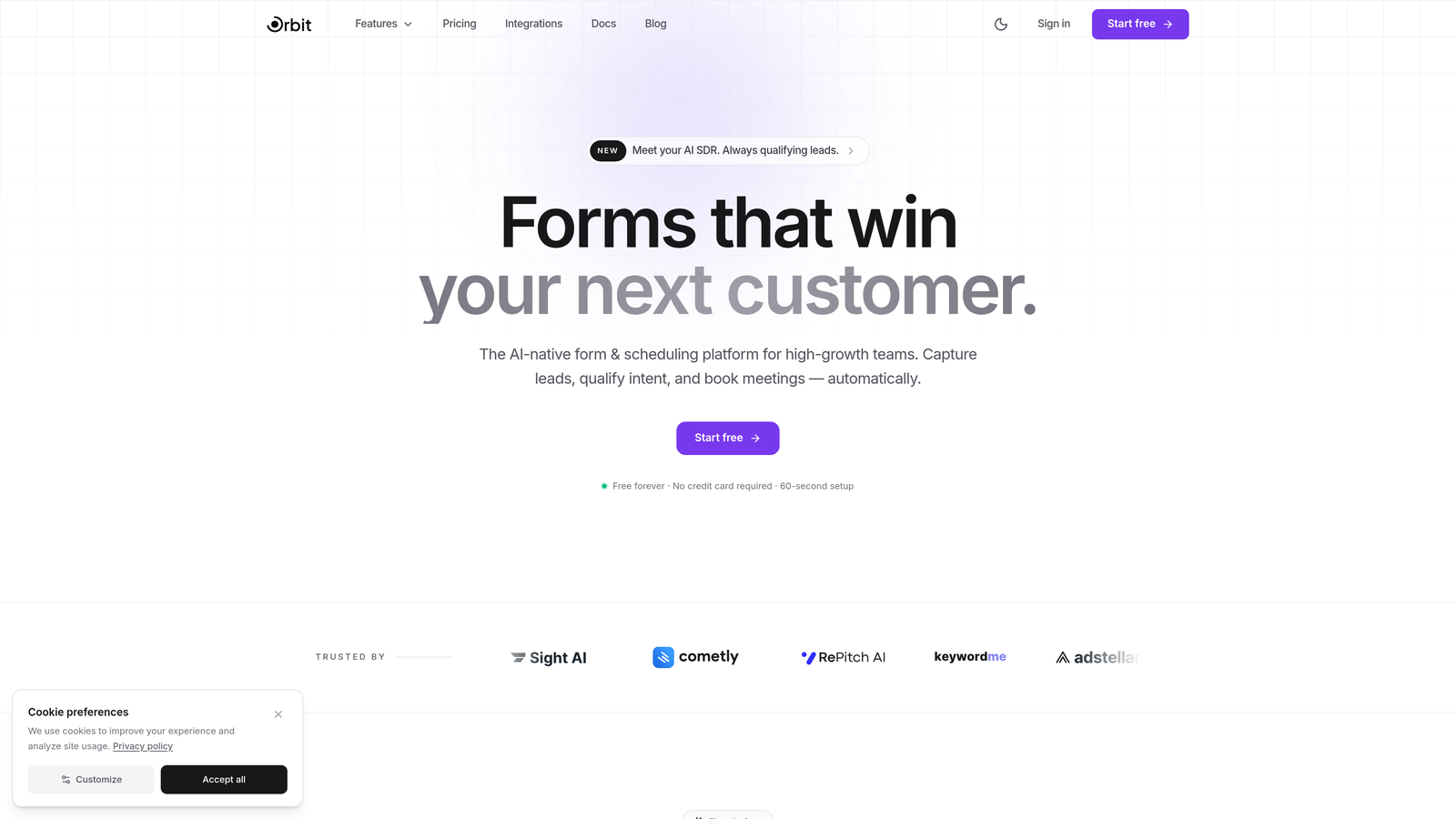
Orbit AI is an AI-native conversational form builder designed specifically for teams where lead quality matters as much as lead volume.
Where This Tool Shines
What sets Orbit AI apart from most form builders is that it doesn't just collect responses and hand them off to a CRM for qualification later. Its AI agents actively qualify leads during the conversation itself, asking follow-up questions dynamically based on what respondents say in real time. This means your sales team receives leads that are already scored and segmented before anyone picks up the phone.
The platform is built with conversion optimization at its core. Templates are designed around proven funnel structures, and the built-in analytics dashboard makes it easy to identify exactly where drop-offs happen so you can iterate quickly.
Key Features
AI Lead Qualification: AI agents qualify and score leads dynamically during the form conversation, not after submission.
Conversion-Optimized Templates: Pre-built templates designed around high-converting conversational flow patterns for lead gen, demos, and onboarding.
Analytics Dashboard: Track form performance, completion rates, and lead quality metrics from a single view.
Workflow Automation: Trigger automated follow-up sequences, notifications, or CRM updates based on specific form responses.
CRM Integrations: Native integrations with HubSpot, Close, Attio, and other modern CRMs popular with high-growth teams.
Best For
Orbit AI is the strongest fit for SaaS companies, growth teams, and marketing operations professionals who want conversational forms that do more than collect data. If lead qualification is a bottleneck in your pipeline, the AI-driven approach here addresses that problem at the source.
Pricing
Pricing is quoted on a short demo, and Orbit has no free plan. Book a demo to see it with your own forms.
2. Typeform
Best for: Teams that prioritize beautiful, brand-forward form experiences with a polished one-question-at-a-time interface.
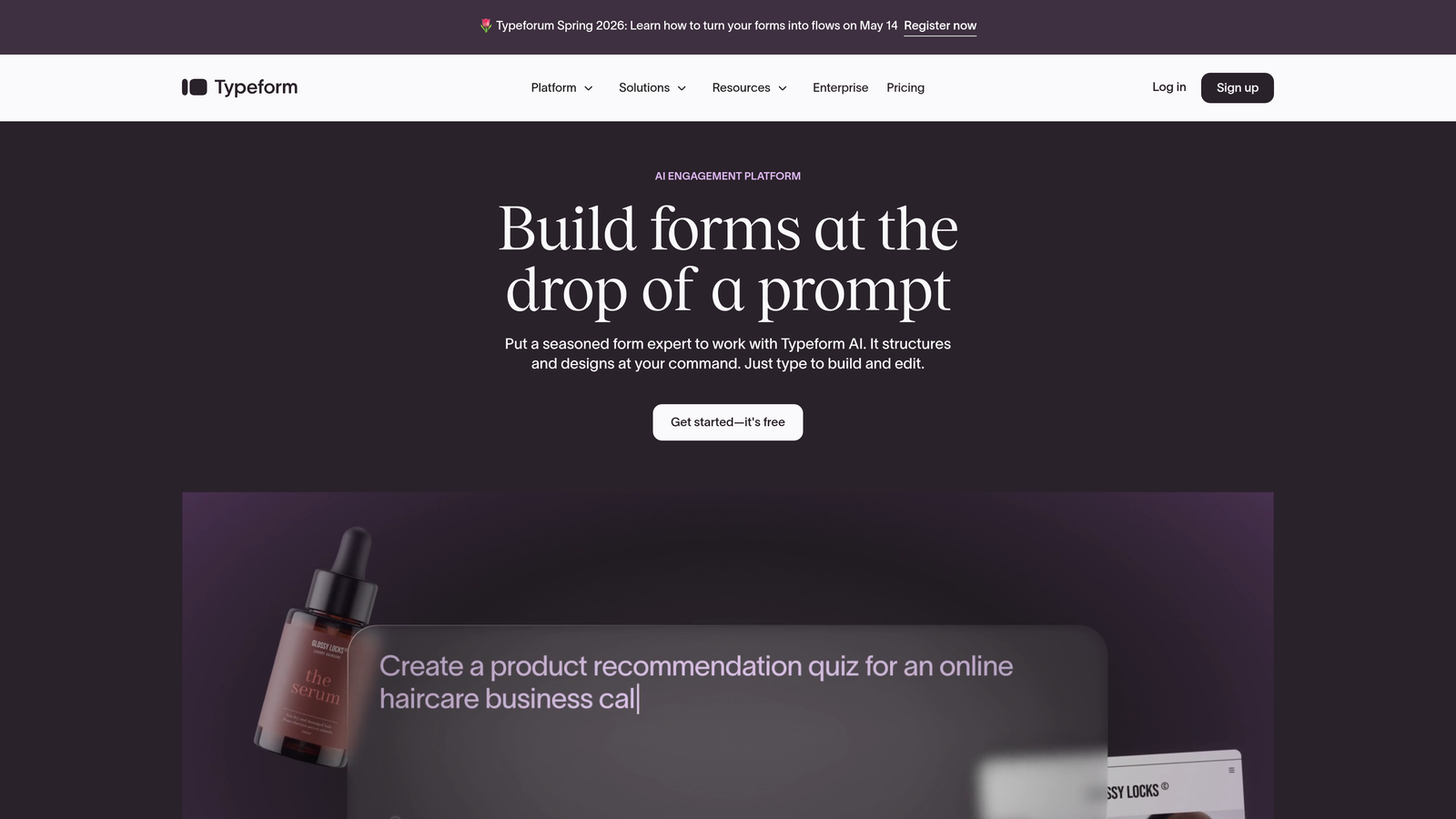
Typeform is the platform that popularized conversational forms and remains one of the most recognizable names in the category.
Where This Tool Shines
Typeform's greatest strength is its visual design quality. Forms feel premium, and the one-question-at-a-time format creates a focused, distraction-free experience that consistently outperforms traditional multi-field forms in terms of engagement. If your brand's first impression matters, Typeform delivers that polish reliably.
The integration ecosystem is also genuinely impressive. Typeform connects with hundreds of tools via native integrations and Zapier, making it easy to plug into virtually any existing tech stack without custom development work.
Key Features
Design-Forward Interface: Smooth, animated transitions and a visually polished experience that reflects well on your brand.
Logic Jumps and Branching: Personalize the form path based on previous answers to keep questions relevant to each respondent.
Extensive Integration Library: Connect to HubSpot, Slack, Mailchimp, Zapier, and hundreds of other tools natively.
Media Embedding: Add images and videos directly within form questions to provide context or increase engagement.
Brand Kit: Apply consistent fonts, colors, and logos across all your forms from a centralized brand settings panel.
Best For
Typeform works well for marketing teams, agencies, and B2B companies running surveys, lead gen forms, and customer feedback flows where visual quality and brand consistency are priorities. It's less suited for teams needing deep AI qualification or highly complex conditional logic.
Pricing
Free plan available with limited monthly responses. Paid plans start at approximately $25 per month, with higher tiers unlocking more responses, logic features, and branding controls.
3. Landbot
Best for: Teams that want to deploy conversational forms across multiple channels including web, WhatsApp, and Facebook Messenger.
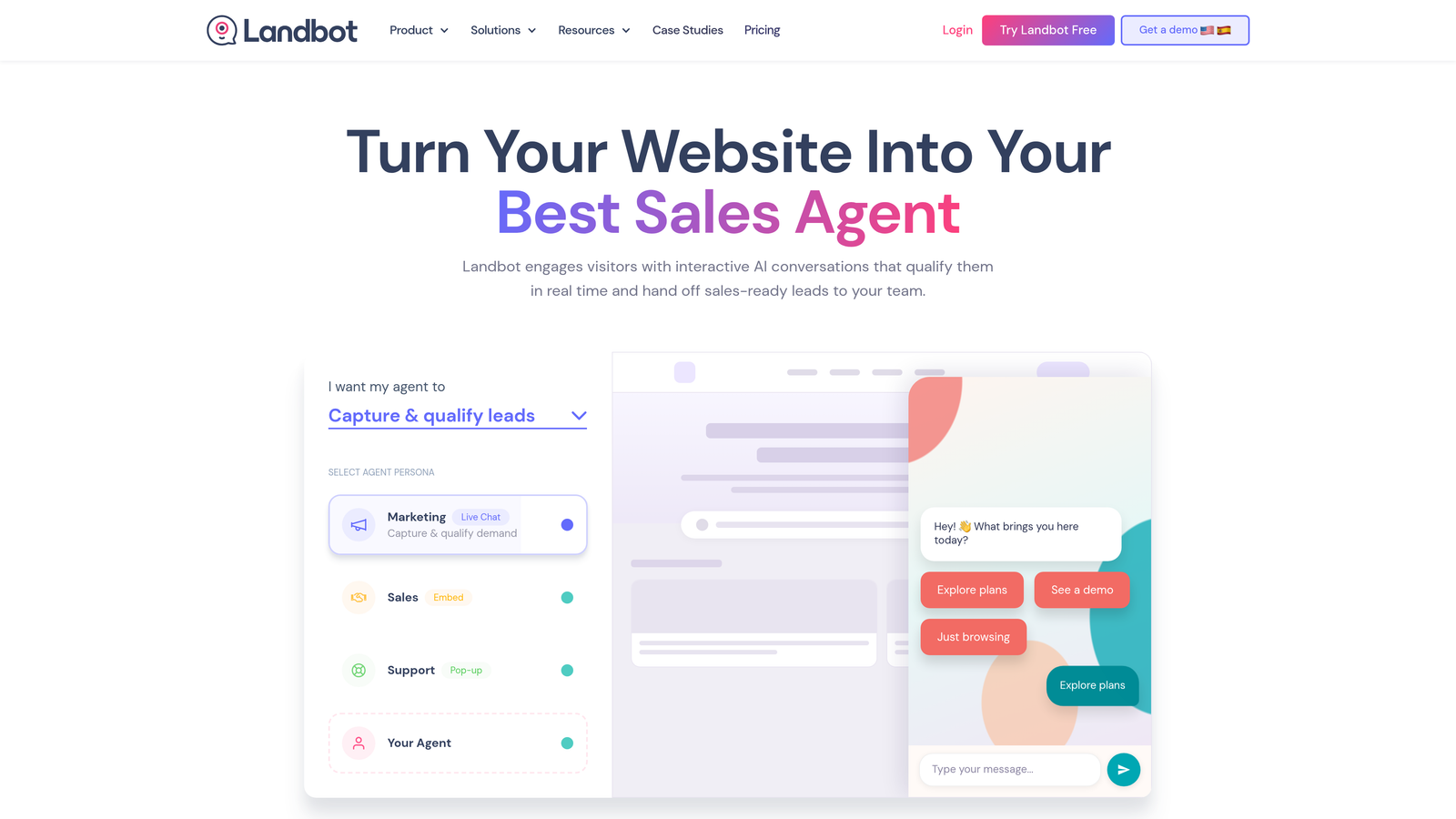
Landbot sits at the intersection of conversational forms and chatbot builders, offering a visual drag-and-drop flow editor that works across web and messaging platforms.
Where This Tool Shines
Landbot's multi-channel capability is genuinely unique in this category. Most form builders are web-only, but Landbot lets you deploy the same conversational flow as a web widget, a WhatsApp conversation, or a Facebook Messenger bot. For businesses with audiences that prefer messaging apps over web forms, this is a meaningful advantage.
The visual flow builder is intuitive and makes it easy to map out complex conditional paths without writing any code. You can see the entire conversation structure at a glance, which helps teams identify gaps in logic before going live.
Key Features
Visual Flow Builder: Drag-and-drop interface for building conversation flows that are easy to map, edit, and share with your team.
Multi-Channel Deployment: Launch the same flow as a web widget, WhatsApp bot, or Messenger chatbot from a single build.
Conditional Logic and Variables: Personalize responses and paths using dynamic variables pulled from earlier answers.
Native Integrations: Connect directly to Google Sheets, Salesforce, HubSpot, and other popular tools without middleware.
Human Takeover: Hand off conversations to a live agent at any point in the flow when human support is needed.
Best For
Landbot is a strong choice for customer support teams, marketing teams running WhatsApp campaigns, and businesses in regions where messaging apps are the dominant communication channel. It's also well-suited for teams that want the flexibility to build both lead capture flows and support bots in one tool.
Pricing
Free sandbox plan available for testing. Paid plans start at approximately €40 per month, with higher tiers adding more chats, channels, and integrations.
4. HubSpot Forms
Best for: HubSpot users who want native conversational form and chatflow capabilities tied directly to their CRM.
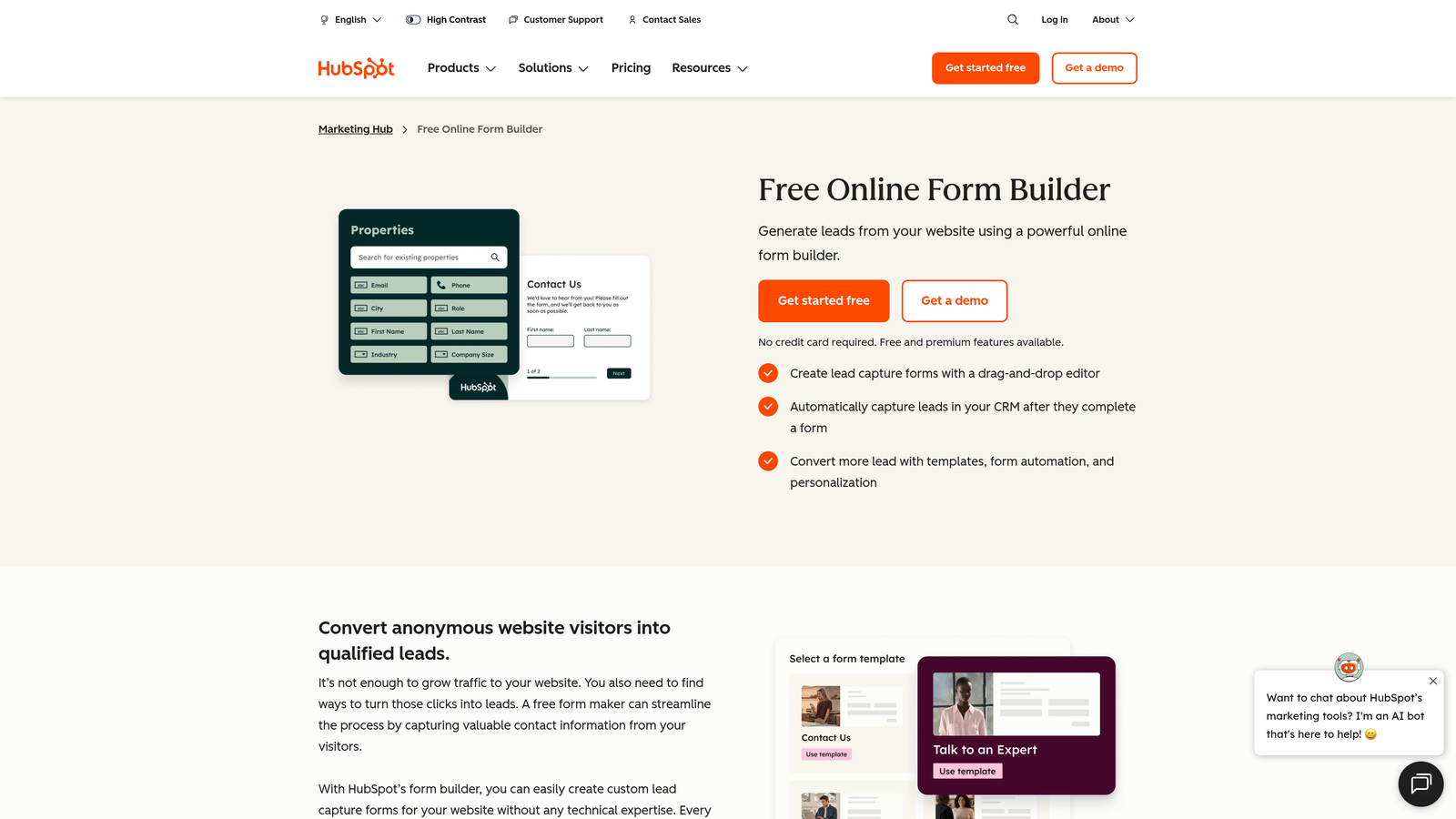
HubSpot Forms is the built-in form and conversational capture tool within the HubSpot platform, making it the obvious choice for teams already running on the HubSpot CRM.
Where This Tool Shines
The killer advantage here is zero friction between form submission and CRM data. When someone completes a HubSpot form, their contact record is created or updated instantly, with no Zap required and no manual import needed. For RevOps and marketing teams managing large contact databases, this seamless data flow is genuinely valuable.
Progressive profiling is another standout feature. HubSpot Forms can recognize returning visitors and automatically swap out questions they've already answered, so your forms always feel fresh and never ask for information you already have.
Key Features
Seamless CRM Integration: Form submissions populate HubSpot contact records instantly with no third-party connectors required.
Progressive Profiling: Automatically replace already-answered fields with new questions for returning visitors to enrich data over time.
Chatflows: Build conversational lead capture experiences using HubSpot's chatflow builder for website chat widgets.
Workflow Triggers: Launch automated HubSpot workflows based on specific form submissions or field values.
Free Tier: Core form functionality is included at no additional cost with the free HubSpot CRM.
Best For
HubSpot Forms is the right choice if your team is already invested in the HubSpot ecosystem. It's less compelling as a standalone form tool for teams on other CRMs, where the integration advantages largely disappear.
Pricing
Free with the HubSpot CRM. Advanced features like A/B testing and smart forms are included in Marketing Hub paid plans starting at approximately $20 per month.
5. Tally
Best for: Individuals and small teams who need a fast, free, and genuinely capable form builder without the overhead of a full platform.
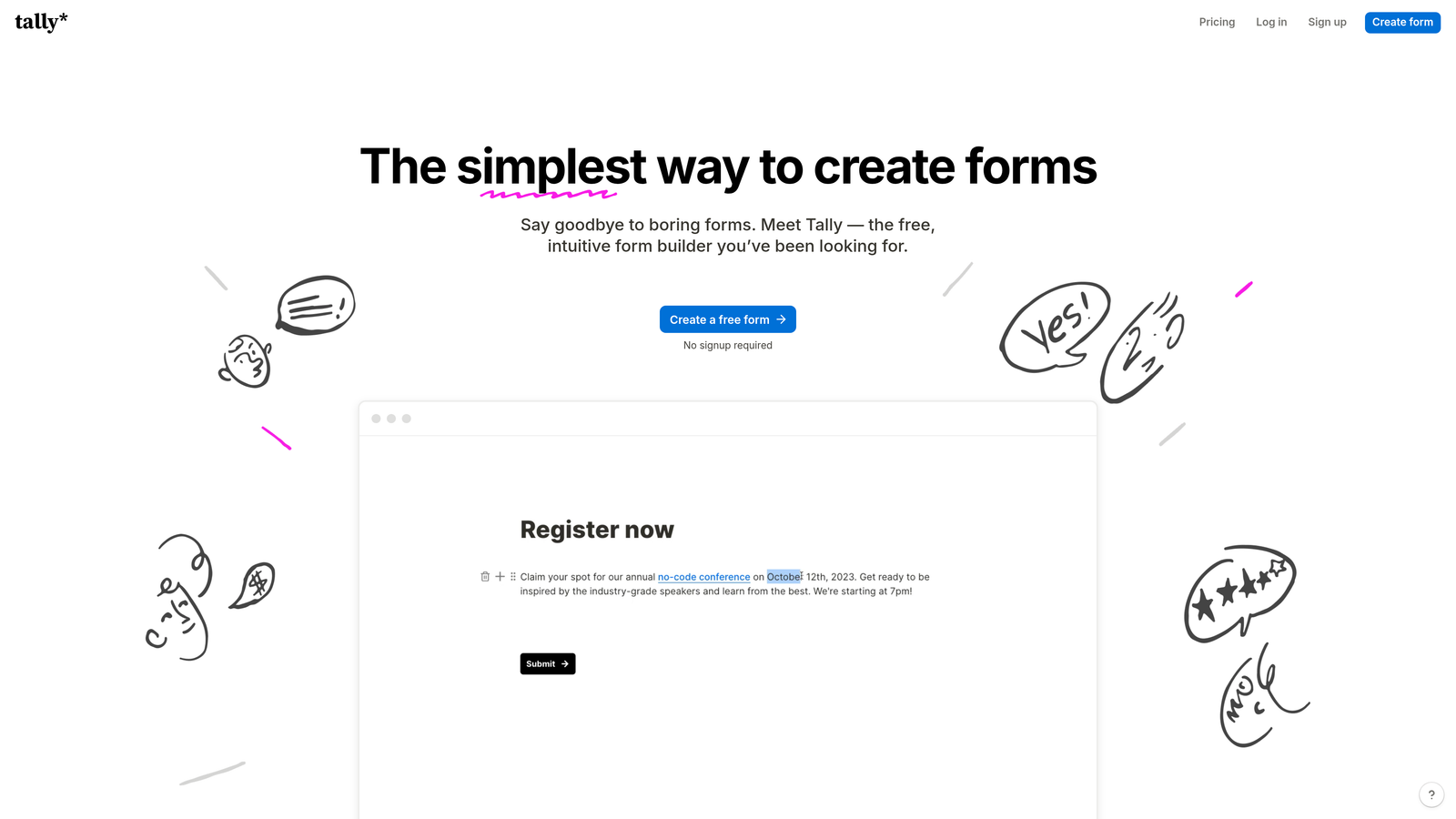
Tally is a lightweight, Notion-inspired form builder that has built a loyal following by offering unlimited forms and submissions on its free plan.
Where This Tool Shines
Tally's block-based editor feels immediately familiar to anyone who uses Notion. You can build a form in minutes by typing and formatting naturally, without navigating complex UI panels. It lowers the barrier to getting a form live dramatically, which is why it's a favorite among indie makers, solo operators, and lean startup teams.
The free tier is genuinely generous compared to competitors. Unlimited forms, unlimited submissions, conditional logic, and hidden fields are all available without paying a cent. For teams with straightforward needs, Tally can handle a surprising amount without ever requiring an upgrade.
Key Features
Unlimited Free Forms: No caps on forms or submissions on the free plan, which is rare in this category.
Block-Based Editor: Notion-like interface makes form creation fast and intuitive for anyone comfortable with modern productivity tools.
Conditional Logic: Show or hide questions based on previous answers to create personalized form paths.
Stripe Payments: Collect payments directly within forms using built-in Stripe integration.
Clean Design: Minimal, distraction-free aesthetic that works well for professional use without heavy customization.
Best For
Tally is ideal for freelancers, small teams, and early-stage startups that need solid form functionality without budget or complexity. Teams that need advanced AI features, deep CRM integrations, or heavy branding control will likely outgrow it.
Pricing
Free for most features. Tally Pro is $29 per month and adds custom branding, removal of Tally branding, and a few advanced capabilities.
6. Feathery
Best for: Product and engineering teams building complex multi-step onboarding flows, applications, or signup experiences that require custom code.
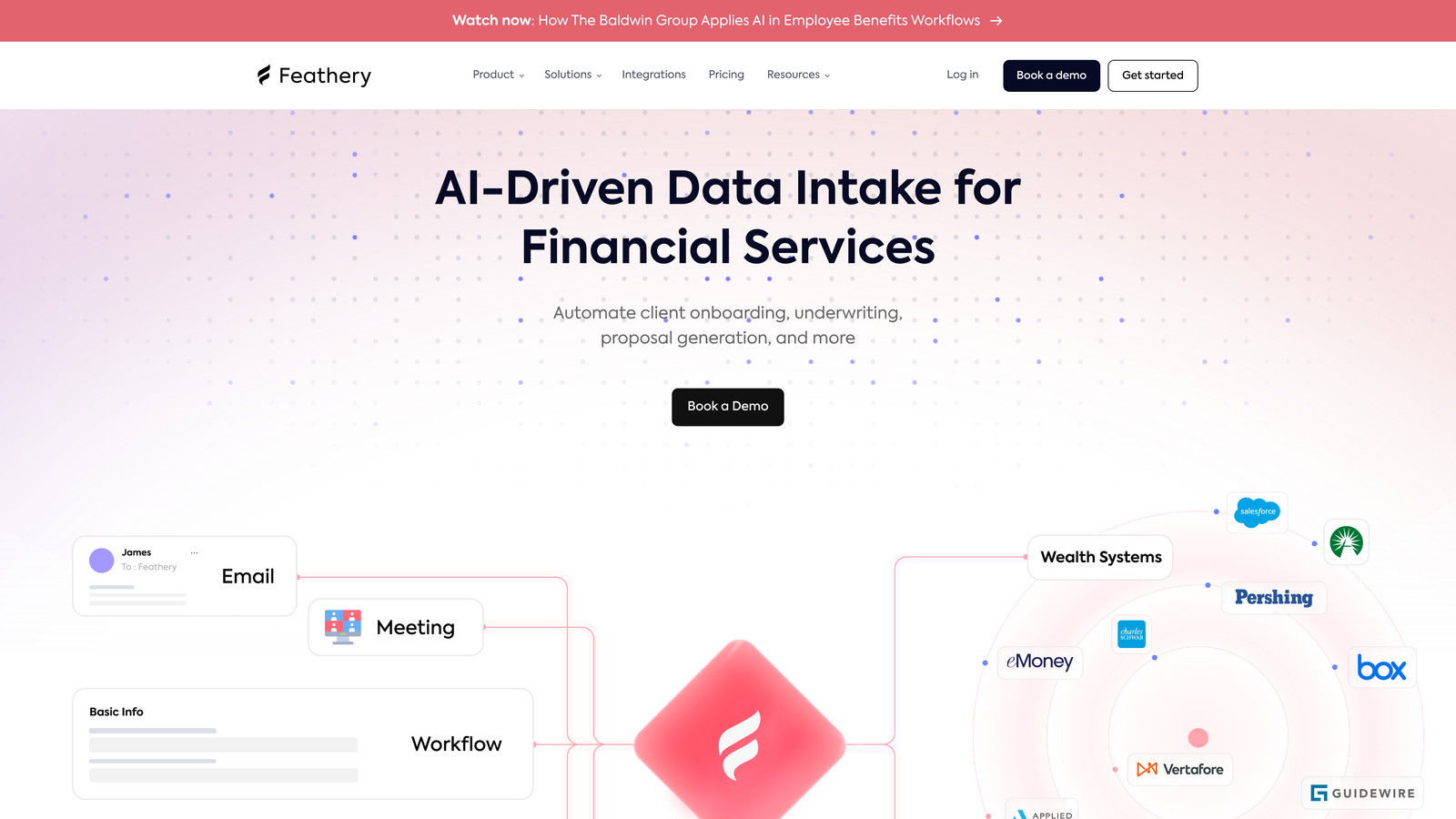
Feathery is a developer-friendly form builder that goes well beyond what most no-code tools can handle, offering custom CSS, JavaScript support, and deep API integrations.
Where This Tool Shines
Feathery occupies a specific niche: teams that need the speed of a form builder but the flexibility of custom development. You can build a complex multi-step onboarding flow visually, then drop in custom JavaScript to handle edge cases or connect to internal APIs mid-flow. That combination is rare and genuinely useful for product teams.
Collaboration features are also built with cross-functional teams in mind. Product managers can design flows, engineers can add custom logic, and both can work in the same tool without stepping on each other.
Key Features
Custom Code Support: Add custom CSS and JavaScript directly within the form builder for complete design and logic control.
Advanced Conditional Logic: Build sophisticated multi-step flows with complex branching that goes beyond simple show/hide rules.
API Integrations Mid-Flow: Pull and push data to external APIs at any point during the form experience, not just on submission.
Pre-Built Components: File uploads, e-signatures, and payment fields are available as drag-and-drop components.
Team Collaboration: Role-based access and collaboration tools designed for product and engineering workflows.
Best For
Feathery is the right call for SaaS product teams building user onboarding, fintech companies handling application flows, and any team where a no-code tool falls short but a fully custom build is overkill.
Pricing
Free tier available for getting started. Paid plans begin at approximately $49 per month, with enterprise options for larger teams.
7. Fillout
Best for: Teams that use Airtable, Notion, or other databases as their source of truth and want forms that read and write data directly.
Fillout is a form builder that distinguishes itself through exceptionally deep native integrations with popular databases, allowing forms to interact with existing records rather than just appending new ones.

Where This Tool Shines
Most form builders write new rows to a spreadsheet or database. Fillout can do that too, but it can also pre-fill form fields from an existing Airtable or Notion record, update that record based on responses, and even filter what a user sees based on their existing data. This makes it particularly powerful for client portals, intake updates, and any workflow where the respondent has a prior relationship with your data.
The breadth of question types is also noteworthy. Scheduling, payments, quizzes, and file uploads are all built in natively, reducing the need to stitch together multiple tools for a single flow.
Key Features
Database-Native Integrations: Read and write directly to Airtable, Notion, Google Sheets, and Supabase without middleware.
Record Pre-Fill and Update: Pull existing data into form fields and update records on submission rather than creating duplicates.
Conversational Multi-Page Flows: Build step-by-step conversational experiences with conditional logic between pages.
Built-In Question Types: Scheduling, payments, quizzes, and file uploads included as native question types.
Custom Domains and Embedding: Share forms via custom domains or embed them directly in your website or app.
Best For
Fillout is an excellent fit for operations teams, agencies, and product teams that have built their workflows around Airtable or Notion and want forms that integrate deeply rather than just dumping new data.
Pricing
Free plan available. Paid plans start at $19 per month, making it one of the more affordable options in this list for the feature depth it offers.
8. Involve.me
Best for: Marketing teams that want to go beyond forms and create interactive lead generation experiences including quizzes, calculators, and outcome-based funnels.
Involve.me is an interactive content platform that combines conversational forms with quizzes, calculators, surveys, and payment pages under one roof.
Where This Tool Shines
Where most form builders focus on data collection, Involve.me focuses on engagement. Its outcome-based logic lets you deliver personalized results pages based on how someone answers, which works exceptionally well for product recommendation quizzes, ROI calculators, and lead scoring funnels that double as interactive content.
The analytics dashboard includes funnel drop-off tracking, which helps you identify exactly which step in a multi-part experience is losing respondents. For teams running conversion optimization experiments, this visibility is valuable.
Key Features
Interactive Content Types: Build quizzes, calculators, surveys, and conversational forms from a single platform.
Outcome-Based Logic: Route respondents to personalized results pages based on their specific answers and scores.
Payment Collection: Accept payments and apply coupon codes directly within interactive flows.
Drag-and-Drop Editor: Customize templates visually without needing design or development skills.
Funnel Analytics: Track drop-off rates at each step of your interactive content to identify and fix conversion leaks.
Best For
Involve.me is a strong choice for content marketers, demand generation teams, and ecommerce brands that want lead generation assets that entertain and inform while collecting data. It's less suited for teams that need simple, fast form creation or deep CRM workflows.
Pricing
Free plan available with limited monthly submissions. Paid plans start at approximately $29 per month for expanded submissions and branding options.
9. Formsort
Best for: Healthcare, fintech, and other regulated industry teams that need HIPAA-compliant form flows with built-in A/B testing and version control.
Formsort is a specialized form platform built for high-stakes, complex flows where compliance, testing, and reliability are non-negotiable requirements.
Where This Tool Shines
Formsort was designed specifically for industries where a poorly built form isn't just a conversion problem, it's a compliance risk. HIPAA-compliant form flows, strict data handling, and audit-ready version control make it a credible choice for healthcare platforms, insurance applications, and fintech onboarding flows that other tools simply can't support.
The built-in A/B testing capability is another differentiator. Most form builders require you to use an external testing tool to run experiments. Formsort handles this natively, letting teams test different flow structures, question wording, or branching logic directly within the platform.
Key Features
HIPAA Compliance: Form flows built to meet healthcare data privacy requirements, with appropriate data handling and access controls.
Built-In A/B Testing: Test different form variations and flow structures natively without external experimentation tools.
Complex Branching Logic: Handle multi-step application flows with sophisticated conditional paths suited to regulated industry requirements.
Version Control: Track changes, roll back to previous versions, and manage form updates with a structured revision history.
Custom API and Webhooks: Integrate with internal systems and third-party platforms via flexible API connections.
Best For
Formsort is purpose-built for product and compliance teams in healthcare, fintech, insurance, and legal sectors. If your use case doesn't involve regulatory requirements or highly complex application flows, the pricing and complexity may be more than you need.
Pricing
Custom pricing based on team size and requirements. Contact Formsort directly for a quote.
Which Platform Is Right for Your Team?
The conversational form market has matured into several distinct segments, and the best platform depends entirely on what you're optimizing for.
If lead qualification is your primary goal and you want AI working for you during the conversation, not after it, Orbit AI is the strongest option in this list. It's built specifically for high-growth teams where the quality of a lead matters as much as the volume, and the AI-native approach addresses the qualification bottleneck at the source.
For teams prioritizing visual polish and brand experience, Typeform remains the gold standard. If multi-channel deployment across WhatsApp and Messenger is the priority, Landbot covers that ground well. Already deep in the HubSpot ecosystem? HubSpot Forms is the path of least resistance. Need something fast and free? Tally delivers surprising depth without a price tag. Building complex product flows with custom code? Feathery is the developer-friendly choice. Running Airtable or Notion as your database backbone? Fillout integrates more deeply than anything else on this list. Want interactive lead gen content beyond traditional forms? Involve.me brings quizzes and calculators into the mix. And for regulated industries where compliance is non-negotiable, Formsort is built for exactly that environment.
The shift from static to conversational forms reflects a broader change in how people expect to interact with businesses online. Picking the right platform means matching your team's specific workflow, technical requirements, and conversion goals with the tool designed to serve them.
Ready to see what AI-powered conversational forms can do for your pipeline? Book a demo and experience how intelligent form design can transform your lead generation strategy.


