

Service businesses live and die by how smoothly they collect payments. Whether you're a consultant sending invoices, a creative agency onboarding new clients, or a SaaS team qualifying leads before checkout, a clunky payment form can kill a deal at the finish line. The best payment forms do more than process a transaction: they qualify leads, reduce friction, and reflect your brand.
This guide covers top tools built for service businesses that need flexible, conversion-friendly payment forms. We evaluated each on ease of setup, payment gateway support, customization, automation capabilities, and how well they handle the full client journey — not just the transaction itself. Whether you're collecting deposits, recurring retainers, or one-time project fees, there's a solution here for your workflow.
1. Orbit AI
Best for: High-growth service teams that need lead qualification built into the payment flow
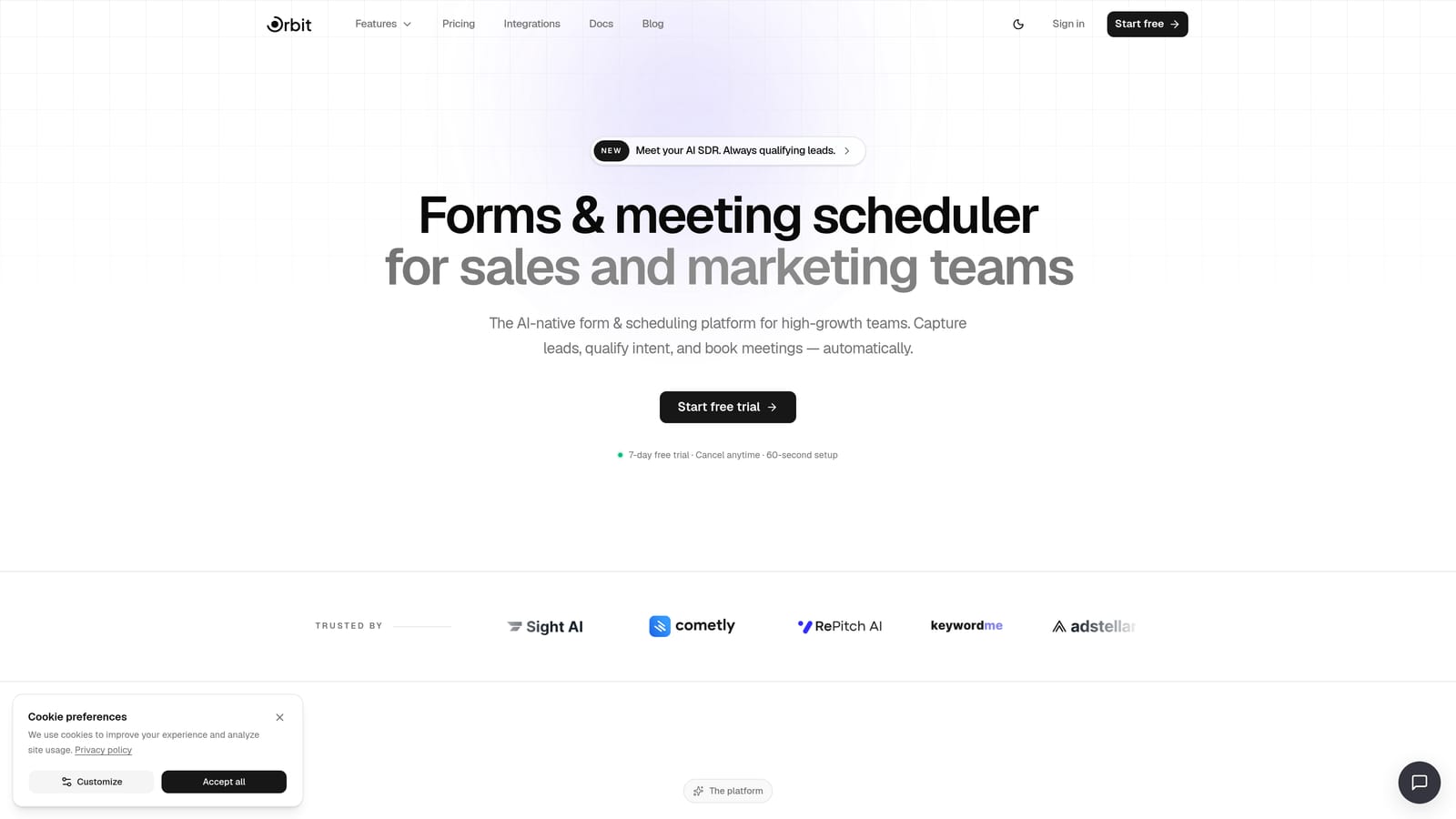
Orbit AI is an AI-powered form builder that combines lead qualification logic with conversion-optimized payment flows, designed specifically for teams that care about who reaches checkout, not just how many do.
Where This Tool Shines
Most payment form tools treat every visitor the same: fill in the fields, hit submit, pay. Orbit AI takes a different approach by embedding AI-powered qualification logic directly into the form flow. Before a prospect ever reaches the payment step, they've been routed based on their answers, budget, and fit. That means fewer unqualified leads cluttering your pipeline and more high-intent clients completing checkout.
The form design itself is built for conversion. Clean, modern UI with thoughtful UX decisions throughout means prospects aren't bouncing because your form looks like it was built in 2015. Pair that with workflow automation and CRM-style contact management, and Orbit AI starts to feel less like a form tool and more like a full client acquisition system.
Key Features
AI-Powered Lead Qualification: Automatically filters and routes prospects based on their responses before they reach the payment step.
Conditional Routing: Only qualified leads see the checkout flow, reducing wasted payment processing and improving close rates.
Conversion-Optimized Design: Modern, polished form UI built to reduce drop-off at every stage of the client journey.
Workflow Automation: Trigger follow-up sequences, notifications, and CRM updates based on form submissions and qualification outcomes.
Native Integrations: Connect to your existing stack with integrations and automation sequences that keep your team moving without manual data entry.
Best For
Orbit AI is the right fit for SaaS companies, agencies, and consultants who want to stop wasting time on unqualified leads. If your sales process involves any kind of intake or qualification before payment, this tool was built for exactly that scenario.
Pricing
Check orbitforms.ai/pricing for current plans. Multiple tiers are available to match different team sizes and usage needs.
2. Stripe
Best for: Developer-driven teams that need maximum flexibility and control over payment form UI
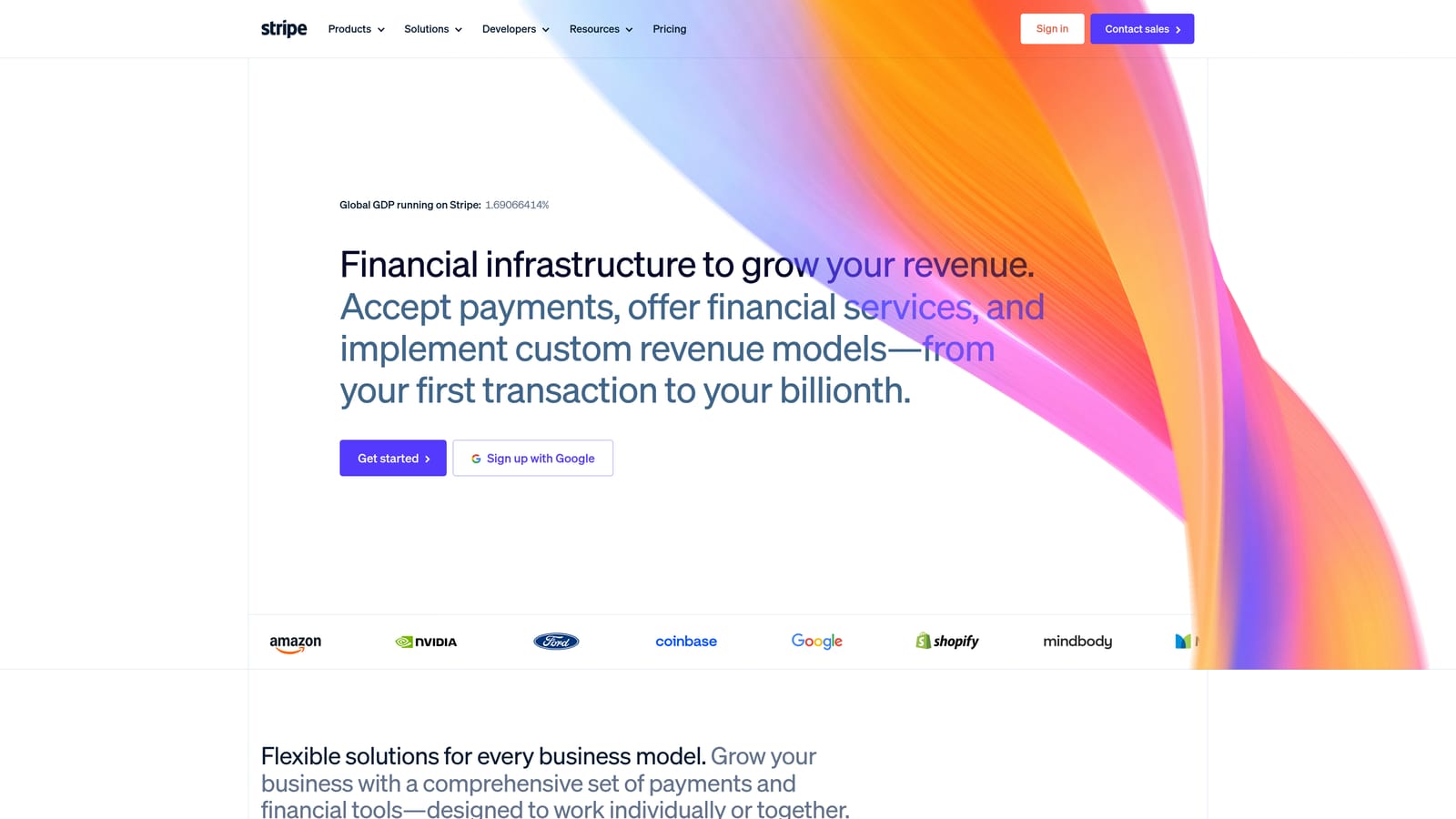
Stripe is the industry-leading payment infrastructure powering millions of businesses, offering highly customizable payment form elements for teams with technical resources.
Where This Tool Shines
If you have developers on your team and want complete control over how your payment form looks and behaves, Stripe is hard to beat. Stripe Elements lets you build a fully custom payment UI that matches your brand pixel-for-pixel, while the underlying infrastructure handles security, compliance, and global payment method support.
For non-technical users, Stripe Payment Links offer a no-code hosted checkout option that gets you collecting payments quickly. It's not as customizable as Elements, but it's a legitimate option for service businesses that just need something clean and functional without engineering resources.
Key Features
Stripe Elements: Pre-built UI components for building fully custom payment forms with your own design and branding.
Payment Links: No-code hosted checkout pages you can share via link or embed without developer involvement.
Flexible Billing Models: Supports one-time, recurring, and usage-based billing to accommodate different service pricing structures.
Global Payment Methods: Accept cards, wallets, bank transfers, and local payment methods across dozens of countries.
Developer Documentation: Extensive API docs and SDKs make Stripe the default choice for engineering teams building custom payment experiences.
Best For
Stripe is best for service businesses with in-house development resources or agencies building payment flows for clients. If you need a no-code solution out of the box, other tools on this list will get you there faster.
Pricing
No monthly fee. Transaction fees apply per payment processed. Verify current rates at stripe.com/pricing.
3. HoneyBook
Best for: Creative service professionals managing the full client lifecycle from proposal to payment
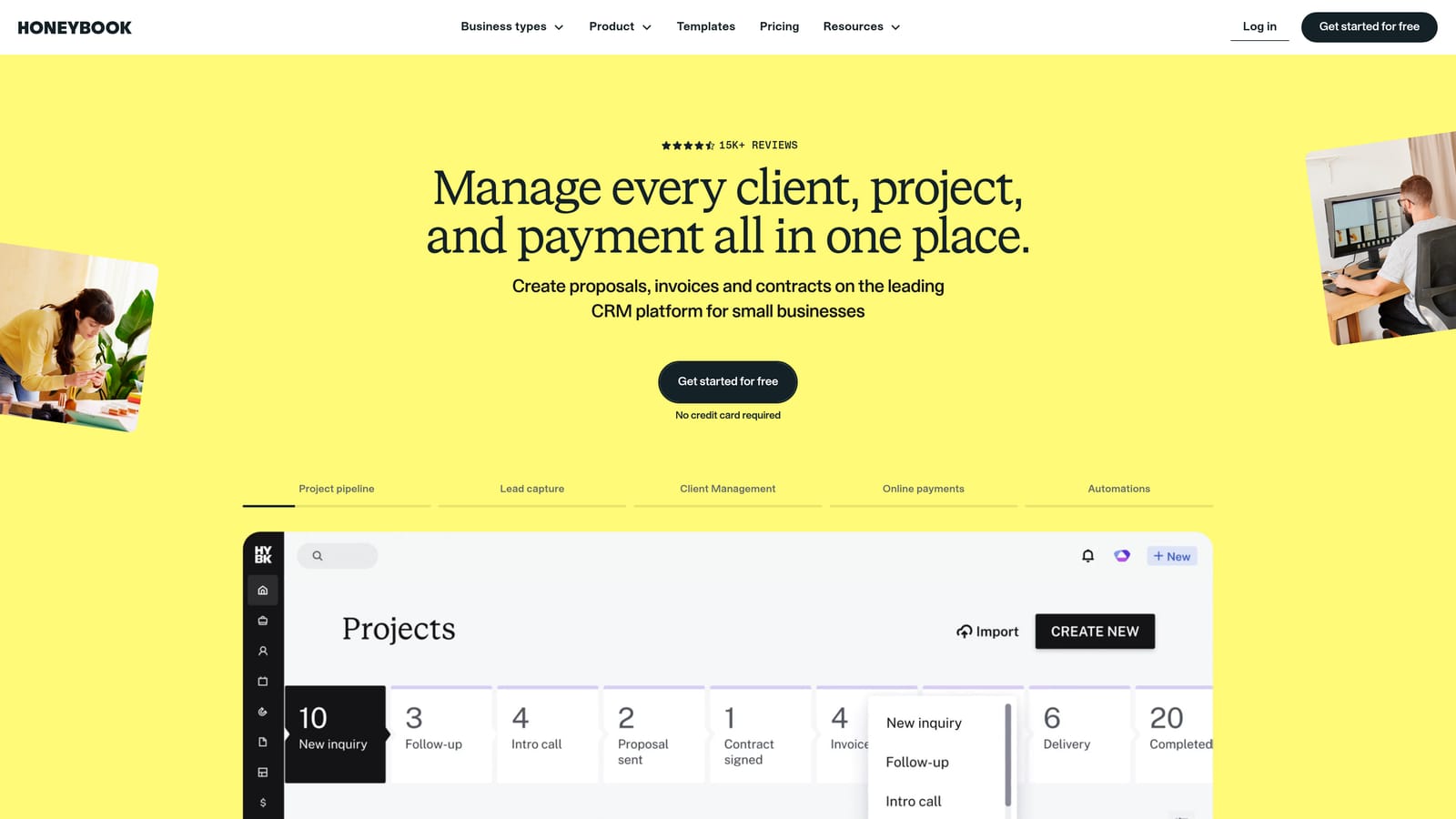
HoneyBook is an all-in-one client management platform that combines proposals, contracts, and payment collection into a single polished client experience.
Where This Tool Shines
HoneyBook solves a real pain point for creative professionals: the messy handoff between sending a proposal, getting a contract signed, and collecting a deposit. Instead of juggling three separate tools, HoneyBook wraps it all into one client-facing flow that looks professional and feels seamless.
The branded client portal is a standout feature. Clients get a dedicated space to view their documents, sign contracts, and make payments, which reduces the back-and-forth that typically delays project kickoffs. Automated follow-up reminders also do a lot of the chasing for you.
Key Features
Integrated Client Flow: Proposals, contracts, and payment collection live in one connected experience rather than separate tools.
Payment Scheduling: Set up deposits and installment plans so clients can pay in stages that match your project milestones.
Branded Client Portal: Clients get a dedicated, on-brand space to manage their documents and payments.
Automated Reminders: Follow-up sequences reduce late payments without requiring manual follow-up from your team.
Mobile App: Manage client relationships and track payments from your phone when you're on the go.
Best For
Photographers, designers, event planners, and other creative professionals who want a polished, all-in-one client management experience. Less suited for SaaS or technical service teams that need deeper automation or API access.
Pricing
Subscription-based. Verify current pricing tiers at honeybook.com/pricing.
4. Dubsado
Best for: Coaches, consultants, and boutique agencies that need deep workflow automation across the client onboarding process
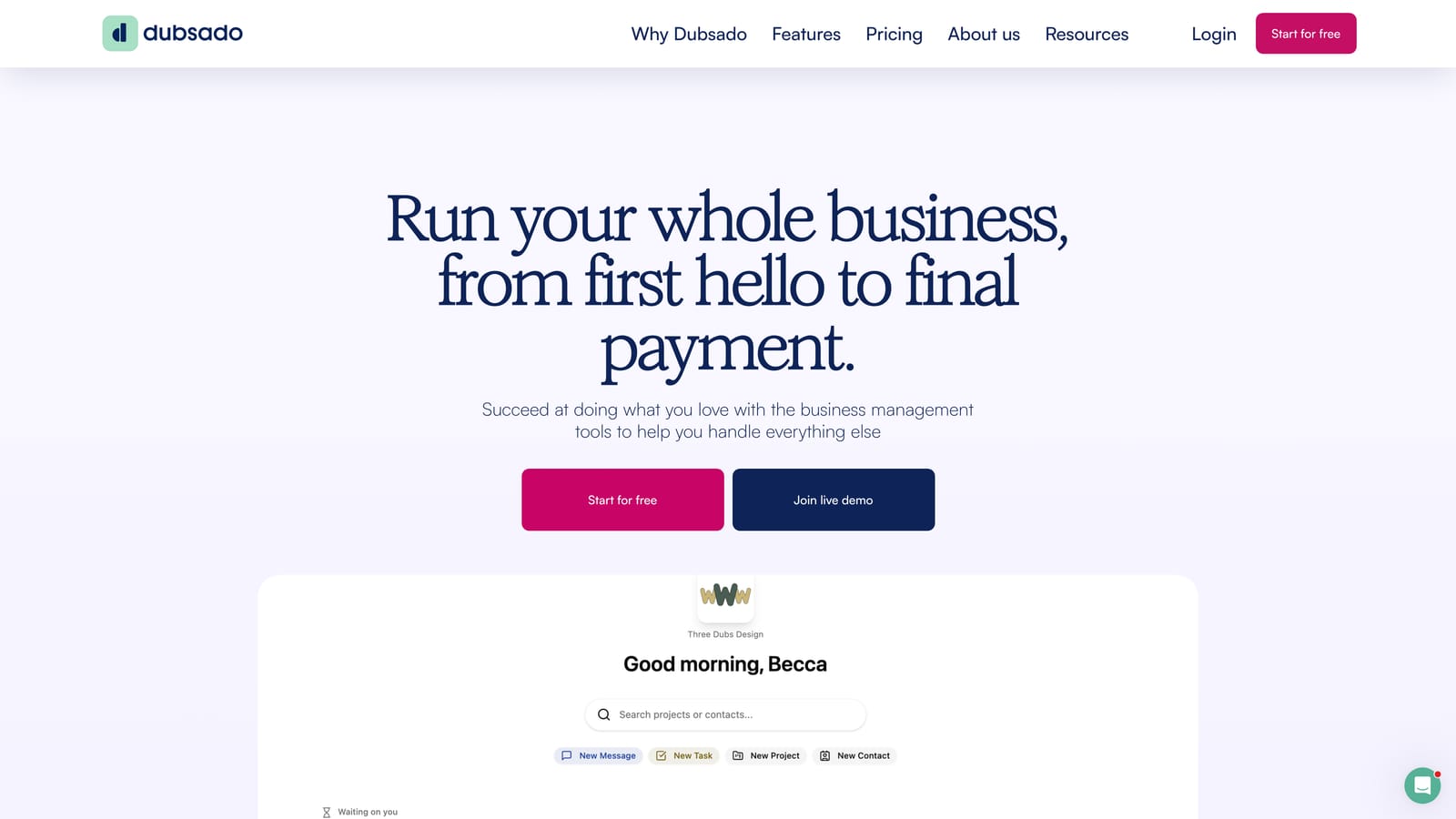
Dubsado is a client workflow automation platform that connects intake forms, contracts, scheduling, and payment collection into structured onboarding pipelines.
Where This Tool Shines
Where HoneyBook prioritizes polish and simplicity, Dubsado prioritizes workflow depth. You can build multi-step automation pipelines that trigger different actions based on client responses: send a contract when a form is submitted, schedule a call when the contract is signed, collect a deposit when the call is booked. It's a more powerful system, but it takes more time to set up correctly.
For service businesses with a consistent, repeatable client onboarding process, that upfront investment pays off. Once your workflows are built, Dubsado runs a significant portion of your client intake on autopilot.
Key Features
Automated Workflow Pipelines: Connect intake forms to contracts, payments, and follow-ups in a single automated sequence.
Payment Schedules: Offer installment plans and deposit collection tied to project milestones or dates.
Contract and Questionnaire Integration: Combine legal documents and intake questions with payment collection in one client flow.
Canned Email Sequences: Pre-written emails trigger automatically based on form actions and pipeline stages.
Scheduler Integration: Connect booking and payment so clients can schedule and pay in one step.
Best For
Coaches, consultants, and small agencies with a defined client onboarding process who are willing to invest time in setup for long-term automation gains. Not the best choice if you need something running quickly out of the box.
Pricing
Subscription-based. Verify current pricing at dubsado.com/pricing.
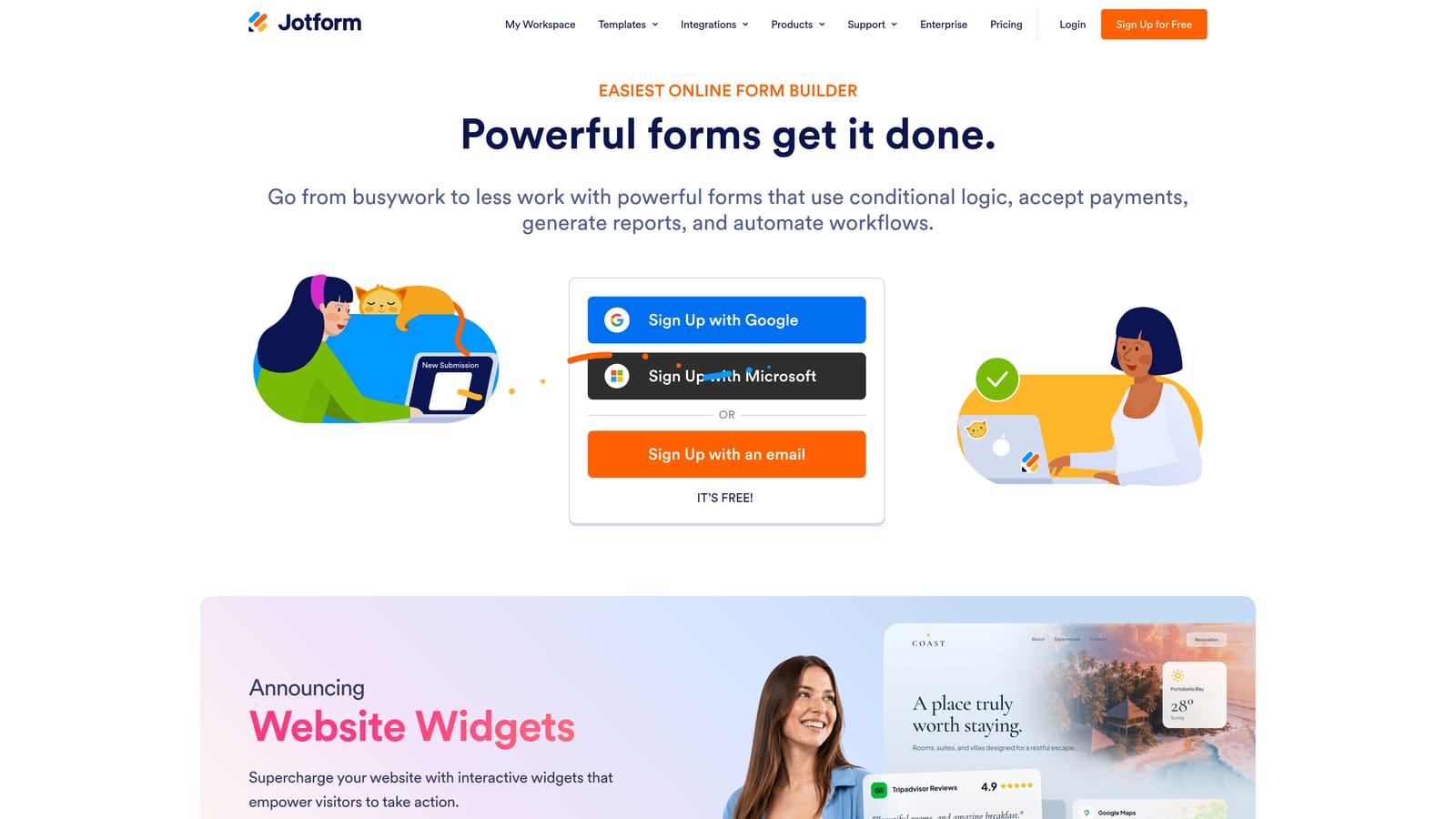
5. Jotform
Best for: Non-technical teams that need a large template library and flexible payment gateway options
Jotform is a no-code form builder with one of the largest template libraries available, offering native integrations with major payment gateways for teams without development resources.
Where This Tool Shines
Jotform's template library is genuinely impressive. If you need a service order form, a deposit collection form, or a subscription sign-up form, there's almost certainly a template that gets you 80% of the way there before you touch a single setting. The drag-and-drop builder handles the rest without requiring any technical knowledge.
The breadth of payment gateway support is another advantage. Stripe, PayPal, Square, and several other processors are all natively integrated, which means you're not locked into a single payment provider and can switch if your needs change.
Key Features
500+ Payment Form Templates: Pre-built templates for a wide range of service business payment scenarios, ready to customize.
Multi-Gateway Support: Native integrations with Stripe, PayPal, Square, and other major payment processors.
Drag-and-Drop Builder: No coding required to build, customize, or publish payment forms.
Conditional Logic: Create dynamic forms that show different fields or pricing based on client selections.
Order and Deposit Forms: Supports product/service ordering and deposit collection out of the box.
Best For
Small service businesses, nonprofits, and solo operators who need a flexible, easy-to-use form builder without a steep learning curve or a large budget.
Pricing
Free tier available. Paid plans scale by submission volume, starting around $34/month. Verify current rates at jotform.com/pricing.
6. Typeform
Best for: Service businesses where brand experience and form engagement are top priorities
Typeform is a conversational form builder that presents one question at a time, integrating with Stripe for in-form payment collection with a polished, on-brand experience.

Where This Tool Shines
Typeform's one-question-at-a-time format fundamentally changes how forms feel to fill out. Instead of staring at a wall of fields, clients move through a guided conversation that feels intentional and human. For service businesses selling high-ticket offerings, that experience difference matters: a form that feels premium signals that your service is premium.
The Stripe integration allows payment collection to happen within the form flow itself, so clients don't get redirected to a separate checkout page mid-experience. Logic jumps let you personalize the flow based on earlier answers, which is useful for service businesses with tiered offerings or different client types.
Key Features
Conversational Format: One-question-at-a-time presentation reduces cognitive load and form abandonment.
Stripe Payment Integration: Collect payments directly within the form without redirecting clients to a separate checkout.
Logic Jumps: Personalize the form flow based on client responses to show relevant pricing or service options.
On-Brand Design: Clean, polished visual design that reflects well on professional service brands out of the box.
Flexible Embedding: Embed your form on a website, landing page, or share via link or email.
Best For
Agencies, consultants, and service businesses where the client experience is a differentiator and form aesthetics matter as much as functionality. Payment features require a paid plan.
Pricing
Free tier available. Payment features require a paid plan. Verify current pricing at typeform.com/pricing.
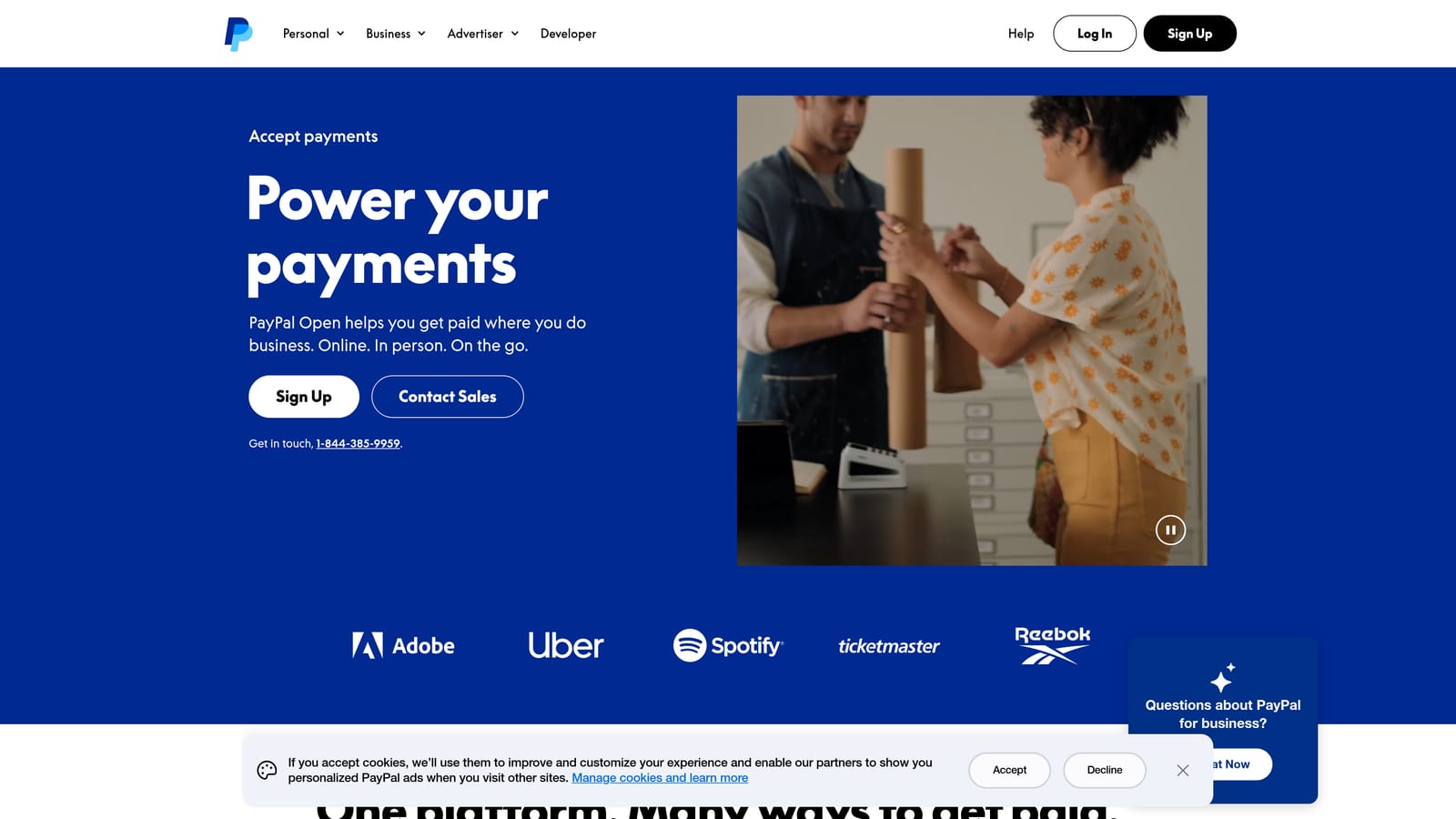
7. PayPal Checkout
Best for: Service businesses needing simple, trusted one-time payment collection with no monthly fees
PayPal Checkout is a universally recognized payment solution that lets service businesses collect one-time payments through embeddable buttons, invoices, and hosted checkout pages.
Where This Tool Shines
PayPal's biggest asset is trust. A large portion of consumers already have a PayPal account and feel comfortable entering their payment details there. For service businesses where payment hesitation is a real conversion barrier, that brand recognition can meaningfully reduce friction at checkout.
The setup is also genuinely simple. PayPal buttons can be embedded on almost any website or form with minimal technical effort, and the hosted checkout option means you don't need a custom payment page at all. For straightforward one-time service payments, it's one of the fastest paths from "I need to collect money" to "money collected."
Key Features
Consumer Trust: PayPal's brand recognition reduces payment hesitation, particularly for first-time clients.
Embeddable Buttons: Add PayPal payment buttons to any website, form, or landing page with minimal setup.
Invoices and Payment Links: Send invoices directly or share payment links without building a custom checkout page.
Buy Now Pay Later: Offer installment options for higher-ticket services through PayPal's built-in BNPL functionality.
No Monthly Fee: Standard use requires no subscription, making it accessible for businesses at any revenue stage.
Best For
Freelancers, solo service providers, and small businesses that need a simple, low-cost way to collect one-time payments without complex workflows or custom form builders.
Pricing
No monthly fee for standard use. Transaction fees apply per payment. Verify current rates at paypal.com.
8. Square
Best for: Hybrid service businesses that collect payments both in-person and through online forms
Square is a unified payment ecosystem covering in-person terminals, online checkout pages, and invoicing under a single dashboard designed for service businesses operating across multiple channels.
Where This Tool Shines
Square's strength is cohesion. If your service business takes payments at a physical location and also needs online forms or invoices, Square ties everything together in one reporting dashboard. You're not reconciling data from two separate systems at the end of the month, which is a real operational advantage for hybrid businesses.
Square Online lets you create embeddable payment forms and checkout pages without technical knowledge, while Square Invoices handles service-based billing with recurring payment and subscription support built in. The free plan is a genuine option for businesses just getting started with online payment collection.
Key Features
Square Online: Build embeddable payment forms and checkout pages without coding for online service payment collection.
Square Invoices: Send professional invoices with payment links for project-based and recurring service billing.
Unified Dashboard: Track in-person and online transactions in a single reporting view.
Recurring Payments: Set up subscriptions and recurring billing for retainer-based service arrangements.
Free Plan: Access core payment form and invoicing features on the free tier with transaction-based pricing.
Best For
Service businesses with both physical and online payment touchpoints, such as salons, fitness studios, or consulting firms that also run workshops. Less suited for purely digital service businesses that don't need in-person payment infrastructure.
Pricing
Free plan available. Transaction fees apply per payment. Verify current rates at squareup.com.
9. Gravity Forms
Best for: WordPress-based service businesses that need deep customization and complex payment form logic
Gravity Forms is a WordPress plugin with an extensive add-on ecosystem, offering advanced conditional logic, calculation fields, and payment integrations for service businesses already on WordPress.
Where This Tool Shines
If your service business runs on WordPress and you need payment forms that do something genuinely complex, Gravity Forms is the most capable option in the WordPress ecosystem. Calculation fields let you build dynamic pricing forms where the total updates based on client selections. Multi-page forms with progress indicators make long intake and payment flows feel manageable rather than overwhelming.
The add-on model gives you payment flexibility without platform lock-in. Connect Stripe, PayPal, Square, or Authorize.net depending on your processor preference, and pay gateway transaction fees without an additional per-transaction cut going to Gravity Forms itself.
Key Features
Payment Add-Ons: Integrations for Stripe, PayPal, Square, and Authorize.net give you processor flexibility.
Advanced Conditional Logic: Show or hide fields, change pricing, and modify form behavior based on client inputs.
Multi-Page Forms: Break long payment and intake flows into pages with progress indicators to reduce abandonment.
Calculation Fields: Build dynamic service pricing forms where totals calculate automatically based on selections.
WordPress Ecosystem: Deep compatibility with themes, plugins, and custom WordPress builds.
Best For
Service businesses on WordPress that need custom, logic-driven payment forms and have some comfort with WordPress plugin management. Not a fit for teams not already on WordPress or those who need a hosted, no-setup solution.
Pricing
Annual license tiers with no per-transaction fees beyond standard payment gateway rates. Verify current pricing at gravityforms.com/pricing.
Which Tool Is Right for Your Service Business?
The best payment form tool depends less on features and more on where you are in your client journey. Here's a quick-reference breakdown to help you match the right tool to your workflow.
If you need lead qualification before payment: Orbit AI is the standout choice. Its AI-powered routing ensures only qualified prospects reach checkout, which is a meaningful advantage for service businesses where unqualified leads waste time and distort conversion data.
If you have a developer and need full control: Stripe gives you the most flexibility at the infrastructure level, with no monthly fees and support for virtually any billing model.
If you're a creative professional managing proposals and contracts: HoneyBook or Dubsado will serve you better than a standalone form tool. HoneyBook wins on ease of use; Dubsado wins on automation depth.
If you need something fast and template-driven: Jotform gets you live quickly with minimal setup, and its multi-gateway support gives you payment processor flexibility from day one.
If brand experience is a differentiator: Typeform's conversational format and polished design make it the right choice for high-touch service businesses where first impressions matter at every touchpoint.
If you're a hybrid business or just starting out: Square's free plan and unified in-person and online dashboard make it a practical starting point. PayPal is equally accessible for simple one-time payment scenarios where brand trust does the heavy lifting.
If you're on WordPress and need complex logic: Gravity Forms is the most capable option in that ecosystem, particularly for dynamic pricing and multi-step intake flows.
Most tools on this list offer free plans or trials, so the best approach is to identify your primary workflow need first, then test your top one or two picks before committing. If your service business needs to qualify leads before they ever reach a payment screen, book a demo with Orbit AI and see how intelligent form design can elevate your conversion strategy from the very first touchpoint.


