Every B2B sales team knows the feeling: a pipeline full of leads, a calendar full of discovery calls, and a close rate that doesn't reflect the effort going in. The problem usually isn't the sales team. It's the leads themselves. More specifically, it's the lack of any real filter between "someone who filled out a contact form" and "someone who is actually ready to buy."
Assessment forms change that equation entirely. Not by adding friction, but by adding intelligence to the first moment a prospect raises their hand. Instead of collecting a name and email and hoping for the best, an assessment form gathers the signals that tell your team whether this lead has budget, authority, a real need, and a realistic timeline — before anyone picks up the phone.
This article breaks down exactly how assessment forms work in B2B sales contexts, what separates a high-performing assessment form from a glorified contact form, and how to connect your forms to a sales workflow that actually moves deals forward. Whether you're building your first qualification form or rethinking a process that's stopped working, you'll leave with a clear picture of what to build and why it matters.
The Hidden Cost of Unqualified B2B Leads
Here's a scenario that plays out in B2B sales organizations every single day. A rep spends forty-five minutes preparing for a discovery call. The call happens. It turns out the prospect has no real budget, no internal champion, and was really just doing preliminary research for a project that might happen next year. That's an hour of productive selling time, gone.
Multiply that across a team of ten reps running five calls a week, and the math becomes uncomfortable quickly. The qualification gap — the space between "lead entered the funnel" and "lead was confirmed as a real opportunity" — is one of the most expensive inefficiencies in B2B sales. And traditional contact forms do absolutely nothing to close it.
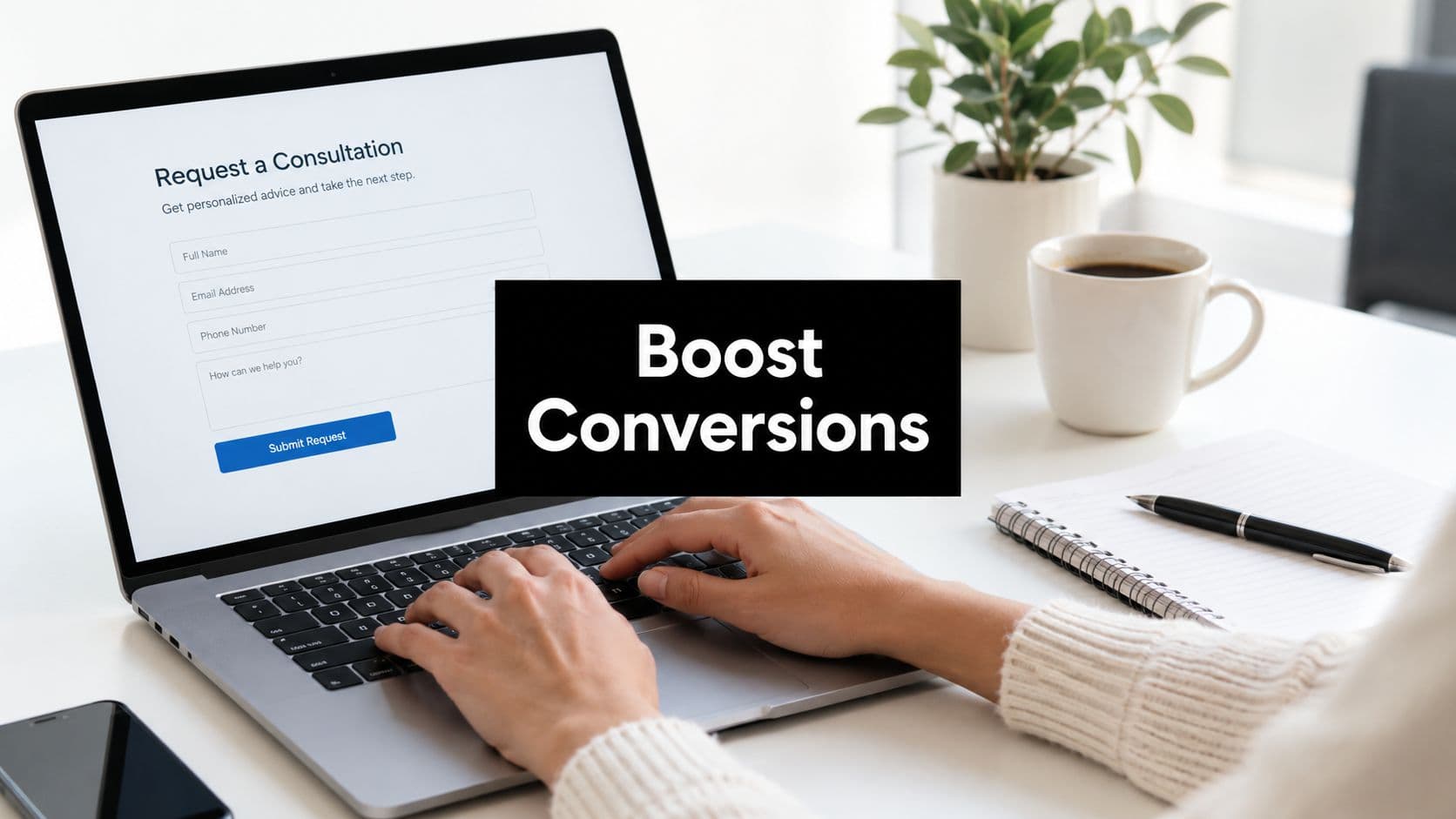
The standard contact form is a passive tool. It collects contact information after a prospect has already decided to reach out, and it asks nothing that would help a sales team prioritize or prepare. Name, email, company, maybe a message field. That's it. The qualification work still happens manually, during the first sales touchpoint, by a human who has no information to work with.
Assessment forms represent a fundamentally different approach. Instead of waiting for a sales conversation to gather qualification signals, assessment forms capture those signals at the exact moment a prospect first engages. The form itself becomes the first qualification step, gathering data on budget range, team size, current challenges, and buying timeline before any human involvement.
This is the shift from reactive to proactive qualification. Reactive qualification means your reps spend their first conversation figuring out whether this lead is worth pursuing. Proactive qualification means that work is done automatically, by the form, so that by the time a rep makes contact, they already know who they're talking to and why it matters.
The strategic implication is significant. When qualification moves from a manual sales activity to an automated, form-driven process, your sales team stops being a filter and starts being a closer. They spend their time on conversations that are already pre-qualified, with prospects who have demonstrated intent and fit. That's a different kind of sales motion, and it starts with a better form.
What Actually Separates an Assessment Form from a Standard Lead Form
The word "assessment" does a lot of work here, so it's worth being precise. An assessment form isn't just a longer contact form. It's a form designed with a specific structural logic that makes it capable of qualifying and educating a prospect simultaneously.
The first defining feature is conditional logic. A standard form asks everyone the same questions in the same order. An assessment form adapts based on what the respondent reveals. If someone indicates they're a VP of Sales at a company with over 200 employees, the form branches to questions relevant to enterprise buying dynamics. If someone indicates they're a solo founder at an early-stage startup, the form takes a different path entirely. This branching behavior means every respondent gets a form experience that feels relevant to their situation, which improves completion rates and data quality.
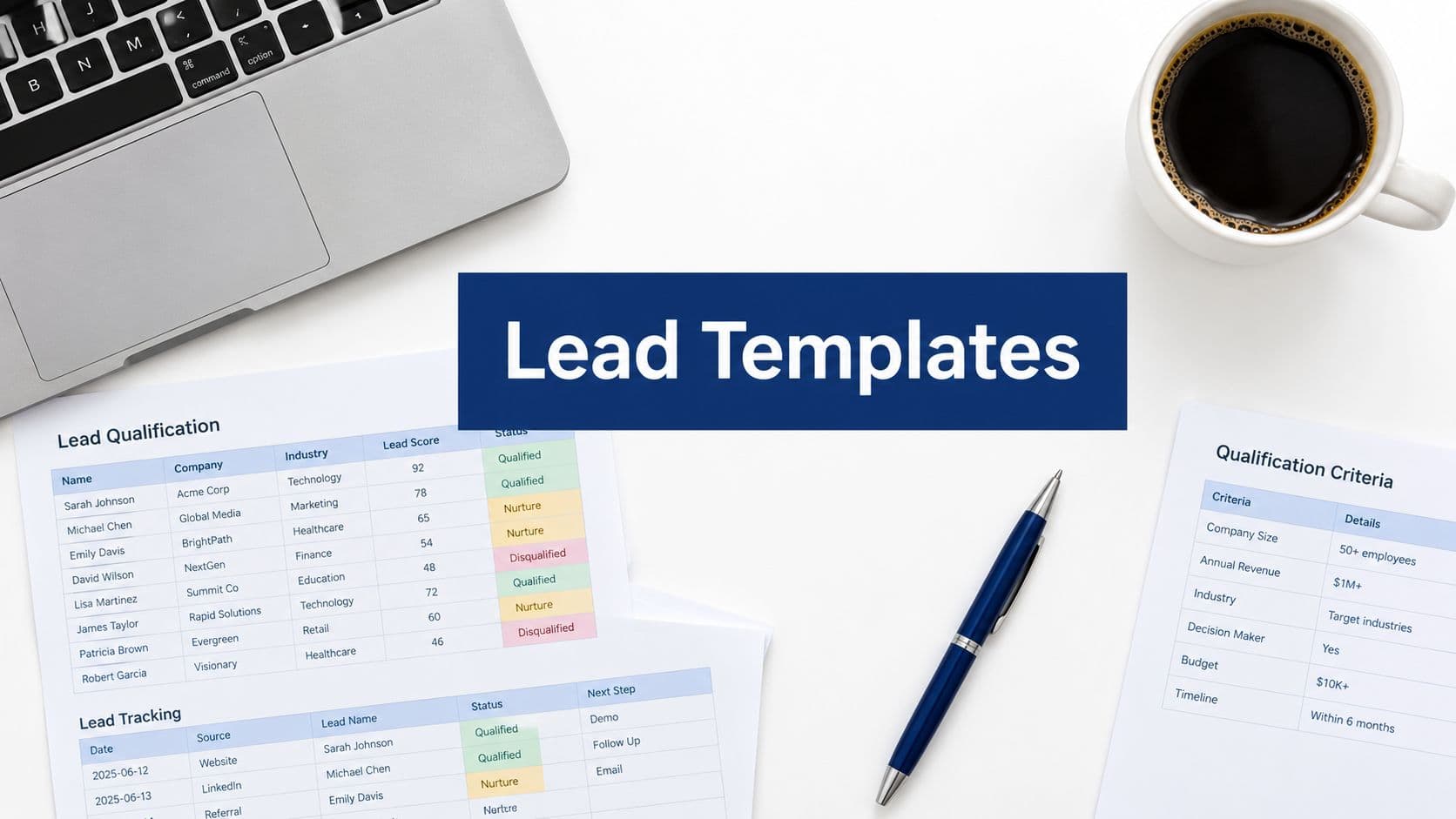
The second defining feature is scored responses. Assessment forms assign weighted values to specific answer choices, so that when a prospect completes the form, they automatically generate a lead score. A prospect who indicates a budget in the right range, a decision-making role, an active pain point, and a timeline of under three months scores very differently from someone who's exploring options with no budget confirmed and no internal pressure to change. That score routes the lead appropriately, without any manual review.
The third feature is role-based branching. B2B buyers come from different functions, with different priorities and different vocabularies. An assessment form can ask early on whether the respondent is in finance, operations, marketing, or IT, and then tailor subsequent questions to that context. This makes the form feel more intelligent and more respectful of the respondent's expertise.
Beyond structure, there's an important distinction in purpose. Standard lead capture forms are designed to benefit the company collecting the data. Assessment forms are designed to benefit both parties. The prospect gets something useful out of completing the form: a personalized recommendation, a relevant benchmark, a tailored next step, or a clear sense of where they stand. This value exchange framing is what separates forms that get completed from forms that get abandoned.
In practice, B2B assessment forms take several shapes. Discovery questionnaires help prospects articulate their current situation and goals. Needs analysis forms diagnose specific gaps or challenges. Readiness assessments evaluate whether a prospect is positioned to actually implement a solution. ROI calculators translate a prospect's inputs into projected business value. Each type serves a different stage of the buying journey, but all share the same underlying logic: gather meaningful data, return meaningful insight, and qualify in the process.
The Anatomy of a High-Converting B2B Assessment Form
Knowing what an assessment form is and actually building one that converts are two different challenges. The difference usually comes down to question design, scoring logic, and the experience you create for the person filling it out.
Start with the question framework. BANT — Budget, Authority, Need, Timeline — remains one of the most practical lenses for B2B qualification, originally developed at IBM and still widely used because it maps directly to the four factors that determine whether a deal can close. Your assessment form should gather signals across all four dimensions, but the key is doing it without making the form feel like an interrogation checklist.
Budget questions work best when framed as ranges rather than exact figures. "Which of the following best describes your current budget for this initiative?" with multiple-choice options feels less invasive than "What is your budget?" and still gives you the signal you need. Authority questions can be embedded naturally: "What is your role in evaluating solutions like this?" tells you whether you're talking to an economic buyer, an influencer, or an end user. Need questions should invite the prospect to describe their current situation: "What's the primary challenge you're hoping to solve?" generates qualitative signal while making the prospect feel heard. Timeline questions are straightforward: "How soon are you looking to implement a solution?" with options ranging from "actively evaluating now" to "exploring for a future initiative."
For more sophisticated enterprise deals, it's worth noting that frameworks like MEDDIC and MEDDPICC expand on BANT to include metrics, economic buyer identification, decision criteria, and proof of concept requirements. If your sales process is complex and your deal cycles are long, these frameworks can inform a more detailed assessment form design.
Lead scoring within the form is where the real automation happens. Each answer choice gets a weighted numeric value. A prospect who selects "we have budget approved and are ready to move forward" might score 25 points on that question. A prospect who selects "we haven't confirmed budget yet" might score 5 points. Across all questions, scores accumulate and produce a total that automatically classifies the lead as high, medium, or low priority. Your CRM and routing rules then take it from there.
On the UX side, a few principles matter enormously for B2B assessment forms specifically. Keep the form concise: ten to fifteen questions is generally the ceiling before completion rates start to drop. Use a progress indicator so respondents know how far they've come and how much remains. Write question copy that positions the form as a tool for the prospect, not a data extraction exercise for you. "Help us understand your situation so we can recommend the right approach" lands differently than "Tell us about your company." Small framing shifts like this consistently improve completion rates.
Finally, think about how the form ends. A strong assessment form doesn't just submit and disappear. It delivers something to the prospect immediately: a summary of their inputs, a recommendation based on their answers, or a clear next step tailored to their score. The ending of the form is part of the value exchange, and it's often the most underbuilt piece.
Connecting Assessment Forms to Your Sales Workflow
An assessment form that lives in isolation is a missed opportunity. The real power of this approach comes from what happens after the form is submitted: how the data flows, where it goes, and what it triggers automatically.
The first integration priority is your CRM. Every assessment form submission should create or update a contact record in your CRM, populated with the qualification data the form collected. This means your reps don't need to ask "so tell me about your situation" on the first call. They already know the situation. They can open the conversation with context, which signals competence and respects the prospect's time.
Beyond basic data transfer, smart routing is where scoring logic becomes operationally valuable. Leads that score above a defined threshold can be automatically routed to your highest-performing reps, or to a dedicated enterprise team if they meet certain criteria. Mid-scoring leads can be enrolled in a nurture sequence designed to build interest and gather more information over time. Low-scoring leads can receive educational content without consuming any rep time at all. This segmentation happens automatically, based on the form responses, without anyone manually reviewing submissions.
Scheduler integrations add another layer of efficiency. When a high-scoring lead submits an assessment form, the thank-you experience can immediately surface a calendar link, allowing them to book a call with the right rep while their intent is highest. This dramatically reduces time-to-first-contact for qualified prospects, which matters because the speed of follow-up is one of the most consistent predictors of whether a qualified lead converts to a meeting.
Post-submission personalization is one of the most underutilized capabilities in this space. Rather than showing every respondent the same generic thank-you page, you can use their form answers to tailor what they see next. A prospect who indicated they're evaluating enterprise solutions might see a case study relevant to their industry. A prospect who flagged a specific pain point might receive a resource that addresses that exact challenge. This kind of personalization signals that you were actually listening to their answers, which sets a very different tone for the relationship than a generic "thanks, we'll be in touch."
The principle here is simple: the assessment form is the beginning of a personalized sales experience, not just a data collection step. When the downstream automation reflects what the prospect told you, every touchpoint that follows feels more relevant and more earned.
Common Mistakes That Kill B2B Assessment Form Performance
Even well-intentioned assessment forms can fail if they fall into a few predictable traps. Understanding these failure modes upfront saves significant time and lost conversions.
Trying to capture everything at once: The instinct to front-load every qualification question into a single form is understandable, but it consistently backfires. B2B decision-makers are busy. A form with twenty-five questions signals that you don't respect their time, and many will abandon before completing it. The principle of progressive profiling offers a better path: capture the most critical qualification signals in the initial form, and gather additional detail across subsequent touchpoints as the relationship develops. Your first assessment form should do one job well, not ten jobs poorly.
Framing that benefits only the company: If a form feels like it exists purely to extract information for your sales team, completion rates will reflect that. Prospects are perceptive. They can tell when a form is designed for them versus designed for you. Reframing assessment forms as diagnostic tools — "answer these questions and we'll show you where you stand" — consistently outperforms forms that feel like a vendor qualification checklist. The copy, the structure, and the post-submission experience all need to reinforce that the respondent is getting something valuable in return for their time.
Ignoring mobile and async contexts: The assumption that B2B buyers only engage with vendor content during business hours, on desktop, in a focused setting is increasingly outdated. Buyers research solutions during commutes, in the evenings, and on weekends. A form that isn't optimized for mobile creates friction at exactly the moment when a prospect is ready to engage. This means responsive design, thumb-friendly tap targets, and question formats that work on small screens. It also means keeping forms short enough to complete in a single session without requiring a desktop setup.
Skipping the feedback loop: Assessment forms should improve over time, but that only happens if you're tracking where respondents drop off, which questions generate the most friction, and how completion rates correlate with lead quality downstream. Without this data, you're optimizing blind. Build in analytics from the start and review form performance regularly as part of your broader pipeline analysis.
Building Your First B2B Assessment Form with Orbit AI
Understanding the principles behind assessment forms is one thing. Having the tools to build them quickly, without engineering support or complex integrations, is what makes the difference between a good idea and an actual workflow change.
Orbit AI's form builder is designed specifically for teams that need sophisticated qualification logic without the overhead of custom development. Conditional logic is native to the platform, meaning you can set up branching question paths based on any prior response without writing a single line of code. If a prospect selects "enterprise" as their company size, the form can automatically surface questions relevant to enterprise buying dynamics. If they select "small business," the path adapts accordingly. This kind of branching is what makes an assessment form feel intelligent rather than generic.
Lead scoring is also built directly into the platform. You can assign point values to individual answer choices, define scoring thresholds for lead tiers, and configure automatic routing rules based on the total score. A high-scoring lead can be flagged for immediate rep follow-up and surfaced at the top of your pipeline view. A mid-scoring lead can be enrolled in a nurture sequence automatically. All of this happens without anyone manually reviewing submissions.
The AI-powered lead qualification layer is where Orbit AI goes beyond standard form builders. Rather than relying solely on pre-defined scoring rules, the platform can analyze patterns across form responses to surface leads that show high-intent signals, even when those signals don't fit neatly into a single scoring category. For sales teams managing high submission volumes, this means fewer qualified leads falling through the cracks because they didn't score perfectly on a rigid rubric.
Workflow automation connects your assessment forms directly to the tools your team already uses. CRM integrations push form data to the right records automatically. Scheduler integrations allow high-scoring leads to book a call immediately after submission. Follow-up email sequences can be triggered based on specific answer combinations, so your post-submission communication reflects what the prospect actually told you rather than a one-size-fits-all autoresponder.
For teams that want to move quickly, Orbit AI offers templates built specifically for B2B lead qualification scenarios, including discovery questionnaires, needs analysis forms, and readiness assessments. These templates give you a fully structured starting point, with scoring logic and conditional branching already configured, so you can customize and deploy in a fraction of the time it would take to build from scratch.
Your Next Steps Toward a Smarter Pipeline
The core insight here is straightforward: assessment forms aren't a fancier version of your contact form. They're a qualification system that does meaningful work before your sales team ever gets involved. When that system is designed well, every sales conversation becomes more intentional, more informed, and more likely to convert.
Start by auditing your current lead capture process. Where are you collecting contact information without any qualification signal? Where are your reps spending time on calls that could have been filtered out earlier? Those gaps are exactly where assessment logic can replace passive data collection with something that actively moves deals forward.
You don't need to overhaul everything at once. Start with one high-traffic entry point, whether that's a demo request form, a contact page, or a gated content download, and rebuild it as a proper assessment form with conditional logic, scored responses, and a post-submission experience that delivers real value to the respondent. Measure the impact on lead quality and rep efficiency over the following weeks, and let the results guide your next iteration.
Transform your lead generation with AI-powered forms that qualify prospects automatically while delivering the modern, conversion-optimized experience your high-growth team needs. Book a demo and see how intelligent form design can elevate your conversion strategy.