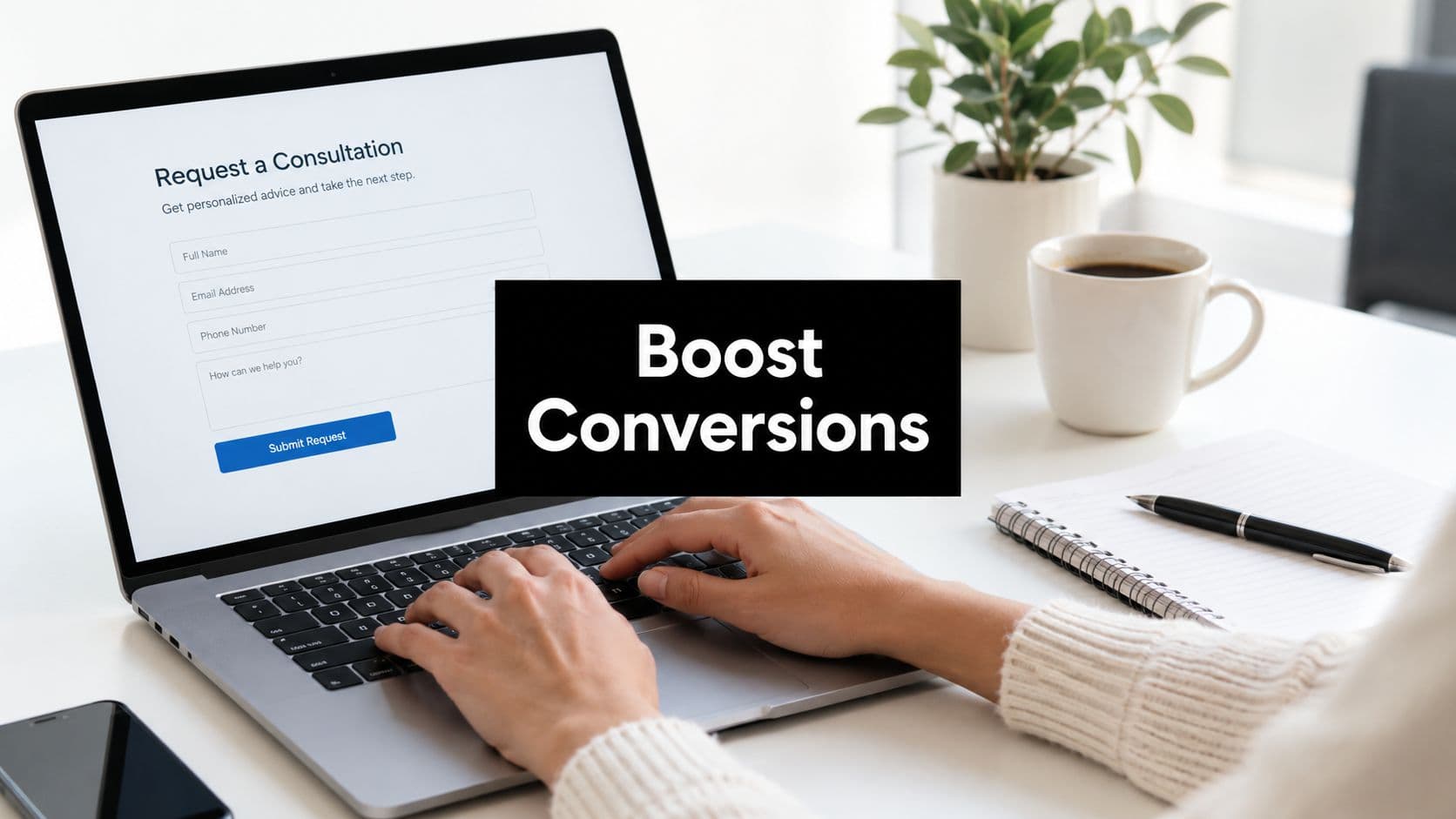
Not every lead deserves your sales team's time, and the fastest-growing teams know the difference. The challenge isn't generating leads; it's quickly identifying which ones are worth pursuing. Sales qualification form questions are the mechanism that separates serious buyers from casual browsers before a single sales call is booked.
When your qualification questions are sharp, your pipeline stays clean. Sales reps spend time with prospects who have genuine intent, real budget, and decision-making authority. When they're vague or missing entirely, your team wastes hours on leads that were never going to convert.
This guide covers eight proven strategies for crafting sales qualification form questions that do the heavy lifting for you. Each strategy is built around a core qualification dimension — budget, authority, need, timeline, and fit — so your forms surface the right information at the right moment.
Whether you're running a SaaS product demo request flow, a B2B consultation intake, or an enterprise pricing inquiry form, these strategies will help you build smarter qualification logic that routes high-value leads faster and filters out poor-fit prospects automatically. Let's get into it.
1. Ask About Budget Range Without Scaring Prospects Away
The Challenge It Solves
Budget is one of the most important qualification signals you can collect, but it's also the question most likely to make prospects hesitate. Ask it the wrong way and you feel like a gatekeeper. Ask it the right way and you feel like a partner helping them find the right solution. The framing matters as much as the question itself.
The Strategy Explained
Instead of asking "What is your budget?" as an open text field, use a range-based dropdown with clearly labeled tiers. This reduces the cognitive friction of committing to a specific number and feels less like an interrogation. Frame the question around value alignment: something like "What investment range are you considering for this solution?" signals that you're trying to match them with the right package, not screen them out.
Once you have that answer, conditional logic does the work. High-budget responses can trigger priority routing to a senior sales rep or immediate calendar booking. Lower-budget responses can route to a self-serve track or a nurture sequence with relevant case studies. The form becomes a silent router working in the background.
Implementation Steps
1. Replace any open-text budget fields with a dropdown featuring three to five clearly defined ranges that map to your actual pricing tiers.
2. Label the question around fit and value rather than gatekeeping, for example: "To match you with the right plan, which investment range fits your team?"
3. Connect each budget range to a conditional routing rule in your form builder that sends high-value responses to a priority follow-up sequence and lower-value responses to a nurture track.
Pro Tips
Avoid making the lowest budget tier feel like a dead end. Even lower-budget leads can become high-value customers over time. Route them thoughtfully to self-serve resources or a lighter-touch sales sequence rather than simply dropping them from your pipeline entirely.
2. Identify the Decision-Maker Without Interrogating Your Lead
The Challenge It Solves
Spending two hours on a discovery call only to learn that your contact needs to "check with their manager" is one of the most common pipeline drains in B2B sales. Authority qualification is essential, but asking "Are you the decision-maker?" directly can feel blunt and off-putting. There's a more diplomatic path.
The Strategy Explained
The BANT framework, originally developed at IBM and still widely used in B2B sales training today, places authority as a central qualification dimension. Rather than asking about decision-making power directly, ask about role and team context. Questions like "What is your role in evaluating new tools?" or "Who else is typically involved in decisions like this?" reveal authority without feeling confrontational.
A dropdown with options like "I'm the primary decision-maker," "I'm part of the evaluation team," or "I'm researching on behalf of my team" gives you the signal you need while giving the prospect a dignified way to answer. Each response should map to a different follow-up approach.
Implementation Steps
1. Add a role-in-decision question using a multiple-choice format with three to four clearly labeled options that cover the most common authority levels in your buyer personas.
2. Use conditional logic to trigger different follow-up sequences: primary decision-makers get fast-tracked to demo booking, while researchers or influencers get sent resources designed to help them build an internal business case.
3. Include a job title field alongside the authority question so your sales team has additional context before reaching out.
Pro Tips
Don't ignore influencers and champions who aren't the final decision-maker. They often drive the internal conversation and shape the outcome. Give them tools to advocate for your solution by routing them to shareable content, comparison guides, or ROI calculators.
3. Uncover the Core Problem They're Trying to Solve
The Challenge It Solves
A prospect who fills out your demo request form without indicating why they're there is almost impossible to sell to effectively. Without understanding their core pain point, your sales team walks into a call blind. Pain-point qualification questions fix this by capturing intent and urgency before the first touchpoint.
The Strategy Explained
Multi-select checkbox questions work particularly well here. Offering a list of common pain points, such as "Our current process is too manual," "We're losing leads due to slow follow-up," or "We can't accurately score or prioritize inbound leads," lets prospects self-identify their situation quickly. The answers map directly to your product's use cases and allow sales reps to tailor their demo narrative before the call even starts.
This approach also reveals urgency. A prospect who checks three or four pain points is signaling a more acute problem than someone who checks one. That distinction matters when you're prioritizing your pipeline.
Implementation Steps
1. Build a multi-select checkbox question with five to eight pain points that directly correspond to your product's core value propositions.
2. Map each pain point selection to a specific demo track or sales narrative so reps receive a pre-call brief that matches what the prospect flagged.
3. Use the number of pain points selected as a scoring signal: more selections often indicate higher urgency and stronger fit.
Pro Tips
Include an "Other" option with a short open-text field so prospects can describe a pain point you haven't anticipated. These responses are often goldmines for product feedback and can reveal emerging use cases that help you refine your qualification question set over time.
4. Gauge Timeline and Urgency to Prioritize Your Pipeline
The Challenge It Solves
Not all interested leads are ready to buy now. Some are actively evaluating options and ready to make a decision within weeks. Others are doing early research with no clear purchase timeline. Treating both groups identically wastes your sales team's most valuable resource: time. A timeline question separates hot leads from warm ones automatically.
The Strategy Explained
A simple dropdown with options like "Immediately," "Within the next 1-3 months," "3-6 months," or "Just exploring for now" gives you the pipeline signal you need. Prospects who select "Immediately" or "1-3 months" should be routed to a high-touch sales sequence with fast follow-up. Prospects who select "Just exploring" are better served by an educational nurture track that keeps your brand top of mind until they're ready.
This is also where automation earns its keep. Connecting timeline responses to automated follow-up sequences means the right message reaches the right lead at the right moment without your team manually sorting through responses.
Implementation Steps
1. Add a timeline dropdown to your qualification form with four to five clearly defined options that cover the full spectrum from immediate need to early-stage research.
2. Connect each timeline response to a corresponding follow-up sequence in your CRM or email automation platform.
3. Weight timeline responses heavily in your lead scoring model: immediate-need leads should receive a significant score boost that moves them to the top of your rep's queue.
Pro Tips
Revisit leads who selected longer timelines after 60 to 90 days with a re-engagement touchpoint. Circumstances change, and a lead who was "just exploring" three months ago may now be actively evaluating. A well-timed check-in can reactivate pipeline that would otherwise go cold.
5. Qualify Company Size and Industry for Fit Scoring
The Challenge It Solves
Your product likely delivers the most value to a specific type of company. A tool built for mid-market SaaS teams may not be the right fit for a five-person agency or a Fortune 500 enterprise with complex procurement requirements. Without firmographic data, you can't score leads against your Ideal Customer Profile, and your sales team ends up chasing opportunities that were never a strong fit.
The Strategy Explained
Firmographic fields, specifically company size and industry, are a standard component of ICP matching across B2B SaaS sales and marketing operations. A company size dropdown with ranges like "1-10," "11-50," "51-200," "201-500," and "500+" gives you an immediate fit signal. An industry selector narrows it further.
These two fields alone enable automatic lead scoring without adding meaningful friction to the form experience. When combined with budget and timeline data, they create a multi-dimensional fit score that your team can act on immediately.
Implementation Steps
1. Add a company size dropdown using employee count ranges that align with your ICP definition and pricing tier structure.
2. Include an industry selector with the top ten to fifteen industries most relevant to your product, plus an "Other" option.
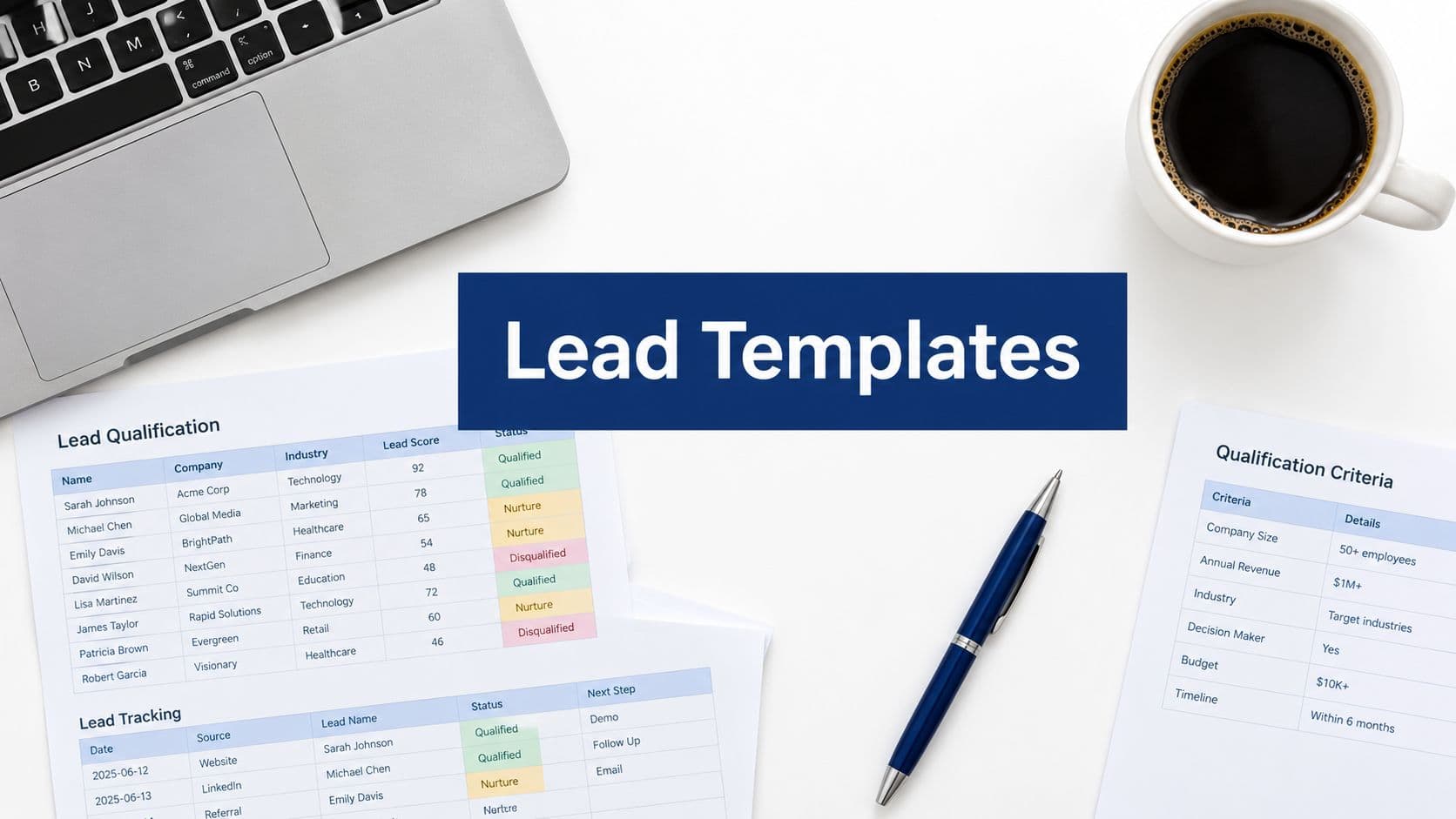
3. Assign positive or negative score weights to each response based on your ICP criteria, and surface the resulting score to your sales team in their CRM view.
Pro Tips
Keep firmographic fields near the end of your form rather than the beginning. Leading with company size can feel bureaucratic and impersonal. Build rapport with pain-point and goal questions first, then collect firmographic context as the natural next step in the conversation.
6. Use Conditional Logic to Ask Smarter Follow-Up Questions
The Challenge It Solves
Long forms kill conversion rates. But short forms often miss critical qualification data. Conditional logic resolves this tension by making forms adaptive: the questions a prospect sees depend on how they've answered previous ones. The result is a form that feels short and relevant to every individual while collecting the depth of information you actually need.
The Strategy Explained
Conditional branching is a well-established UX principle in form design. When a prospect selects "I'm the primary decision-maker" in your authority question, you might follow up with a question about their evaluation criteria. When they select "I'm researching on behalf of my team," you might instead ask what information would help them make the internal case. Both paths collect useful data, but neither path shows the other prospect irrelevant questions.
This approach is particularly powerful in SaaS demo request flows where prospects may be coming from very different contexts: a startup founder evaluating your tool solo has different needs than a VP of Sales at a mid-market company managing a team-wide evaluation process.
Implementation Steps
1. Map out your qualification question tree before building: identify which answers should trigger which follow-up questions and draw the branching logic visually first.
2. Build your base form with four to five universal questions, then add conditional branches that appear only when specific answers are selected.
3. Test each branch path end-to-end to ensure no prospect hits a dead end or sees a question that doesn't apply to their situation.
Pro Tips
Use a platform like Orbit AI that supports native conditional logic so you can build these branching flows without custom code. The easier it is to update your logic, the more likely you are to iterate and improve your qualification questions over time based on what you learn from your pipeline.
7. Include a Current Solution Question to Assess Switching Intent
The Challenge It Solves
A prospect evaluating your product isn't starting from zero. They're either using a competitor, cobbling together a manual process, or doing nothing at all. Each of these situations carries a different level of switching intent and urgency. Without knowing where they're starting from, your sales team can't craft a compelling narrative for why now and why you.
The Strategy Explained
Asking "What are you currently using to handle this?" with a dropdown of common alternatives, including a "We handle this manually" option and a "We don't have a solution yet" option, reveals competitive context immediately. For example, if a prospect mentions they currently use a basic form builder with no qualification logic, your sales rep knows to lead with the intelligence and automation angle. If they're using a spreadsheet-based process, the pitch centers on eliminating manual work.
This question also signals switching intent. A prospect actively using a paid competitor and still filling out your form is sending a strong signal that they're dissatisfied and ready to evaluate alternatives. That's a high-urgency lead worth prioritizing.
Implementation Steps
1. Add a "current solution" dropdown that includes your top three to five competitors, a "manual process" option, and a "no current solution" option.
2. Route each response to a tailored sales narrative: competitive responses trigger a comparison-focused follow-up, while manual-process responses trigger an efficiency and automation angle.
3. Pass the current solution data directly into your CRM so sales reps see it before their first outreach, enabling a personalized opening that references the prospect's specific context.
Pro Tips
Avoid listing competitors in a way that feels like you're fishing for intelligence. Frame the question around their current workflow: "How are you currently handling lead qualification?" feels more natural than "Which of these competitors are you using?" The information you collect is the same, but the experience feels consultative rather than competitive.
8. Automate Lead Routing Based on Qualification Answers
The Challenge It Solves
Collecting qualification data is only half the equation. If your sales team still has to manually review every form submission and decide what to do next, you've created a bottleneck that negates much of the efficiency you gained from asking smart questions. Automated lead routing closes the loop by triggering the right action the moment a form is submitted.
The Strategy Explained
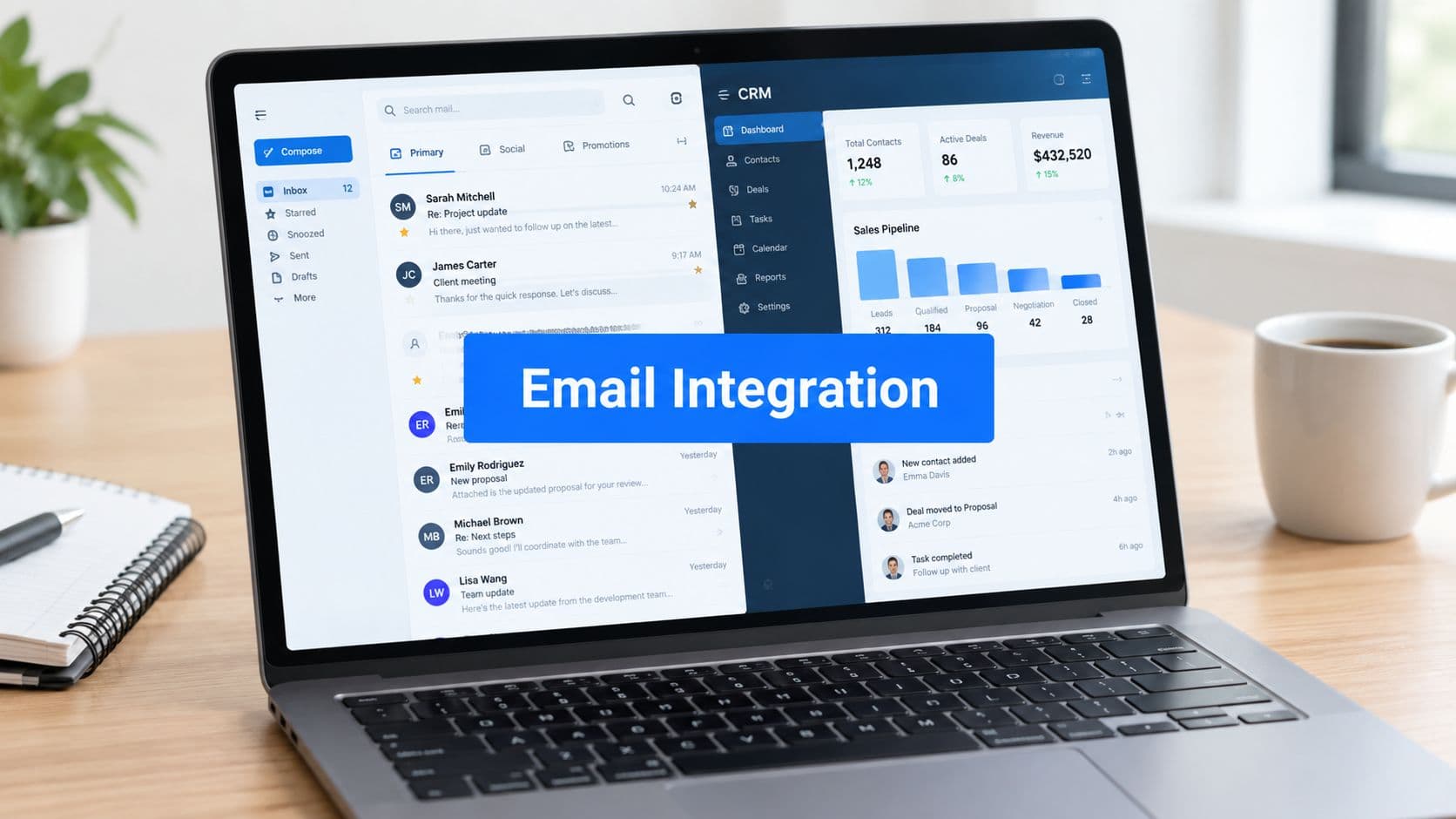
Modern sales stacks support connecting form responses to CRM workflows, calendar scheduling tools, and email automation sequences. When a prospect answers your qualification questions in a way that matches your high-value ICP criteria, the form can automatically route them to a calendar booking page, assign them to a specific rep, and send a personalized confirmation email. Lower-fit responses can trigger a nurture sequence or a self-serve resource email without any manual intervention.
AI-powered lead scoring takes this further by weighing multiple qualification signals together. Budget range, company size, timeline, and pain-point intensity can each contribute to a composite score that determines which routing path a lead follows. The result is a qualification engine that works continuously, even when your team is offline.
Implementation Steps
1. Define your routing tiers before building: establish the criteria that distinguish a high-value lead from a mid-value lead and a low-fit lead based on your actual ICP and historical conversion data.
2. Connect your form platform to your CRM and calendar scheduling tool so that high-value leads are automatically booked into a demo slot or assigned to a rep's queue.
3. Build a nurture sequence for lower-fit or longer-timeline leads that delivers educational content on a cadence, keeping your brand visible until their buying intent increases.
Pro Tips
Review your routing rules quarterly. As your ICP evolves and your product expands, the criteria that define a high-value lead will shift. Automated routing only stays accurate if the logic behind it reflects your current reality. Schedule a recurring audit to keep your qualification engine calibrated.
Putting It All Together: Your Qualification Form Implementation Roadmap
Sales qualification form questions aren't just a data-collection exercise. They're your first line of revenue intelligence. When each question is intentional and the form responds dynamically to answers, you create an experience that feels personal to the prospect while giving your team the signal clarity they need to prioritize effectively.
Start by auditing your current forms. Are you asking about budget, authority, pain points, timeline, company fit, current solutions, and urgency? If any of these dimensions are missing, you're leaving qualification gaps that slow your pipeline and cost your team time they can't get back.
Here's a practical starting point for prioritizing your implementation:
Start with pain points and timeline: These two questions deliver the highest immediate signal value and are the least friction-heavy for prospects to answer.
Add budget and authority next: Frame both diplomatically using the range and role-based formats covered above, then connect each response to a routing rule.
Layer in firmographics and current solution: These fields enrich your lead scoring model and give your sales team the context they need for personalized outreach.
Build conditional logic last: Once your core questions are validated, add branching logic to create adaptive paths that keep your form concise for every prospect segment.
The teams seeing the best results aren't asking more questions. They're asking smarter ones and automating what happens next. With a platform like Orbit AI, you can build conditional qualification flows, score leads automatically, and trigger the right follow-up the moment a form is submitted. That's the difference between a form and a qualification engine.
Ready to build forms that qualify leads for you? Book a demo and see how intelligent form design can transform your conversion strategy and keep your pipeline full of the leads that actually matter.