When lead routing takes too long, deals die in the queue. High-growth teams know this frustration intimately: a qualified prospect fills out a form, and instead of hearing from a rep within minutes, they wait hours. By then, they've already talked to a competitor.
The cost of slow lead routing isn't just lost revenue. It's wasted ad spend, burned sales capacity, and a pipeline full of leads that have gone cold before anyone picks up the phone. For SaaS companies and B2B teams running high-volume inbound, routing delays compound fast.
The good news? Most routing slowdowns aren't caused by a lack of effort. They're caused by the wrong systems, manual handoffs, and forms that don't capture the right qualification data upfront. Fix those foundational issues, and response times can drop from hours to minutes.
This guide covers seven strategies that high-growth sales and marketing teams use to eliminate routing delays. Whether you're dealing with messy CRM assignment rules, unqualified leads clogging your pipeline, or a form-to-rep handoff that relies on someone manually checking a spreadsheet, there's a fix here for you. Each strategy is designed to be actionable, not just conceptual, so you can start making changes today.
1. Qualify Leads at the Form Level Before They Enter Your Pipeline
The Challenge It Solves
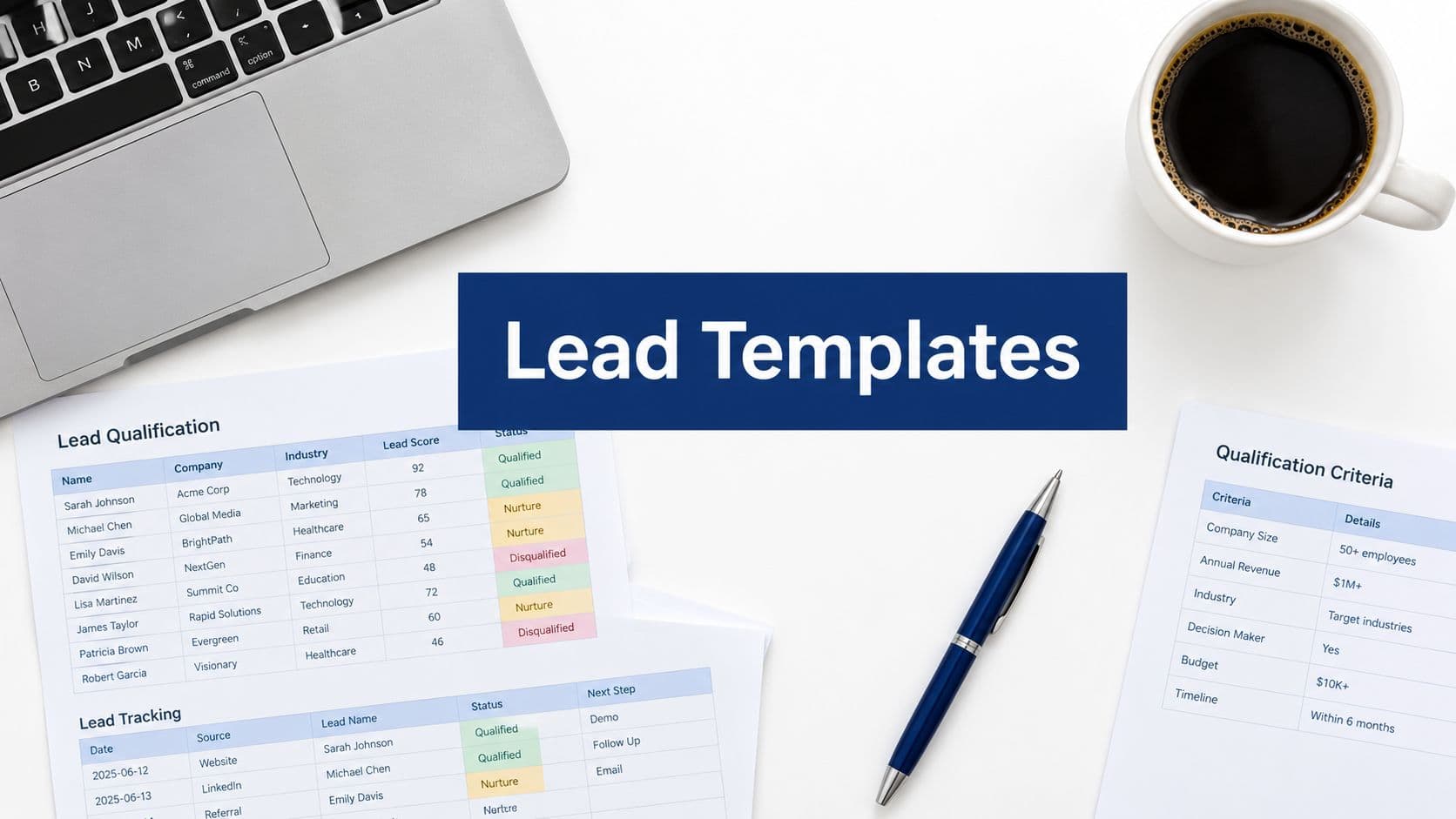
Most routing delays don't start in your CRM. They start the moment an unqualified lead enters your pipeline and forces someone to manually review, score, and decide what to do with it. When every submission looks the same, routing logic has nothing meaningful to work with, and the whole system slows down.
The Strategy Explained
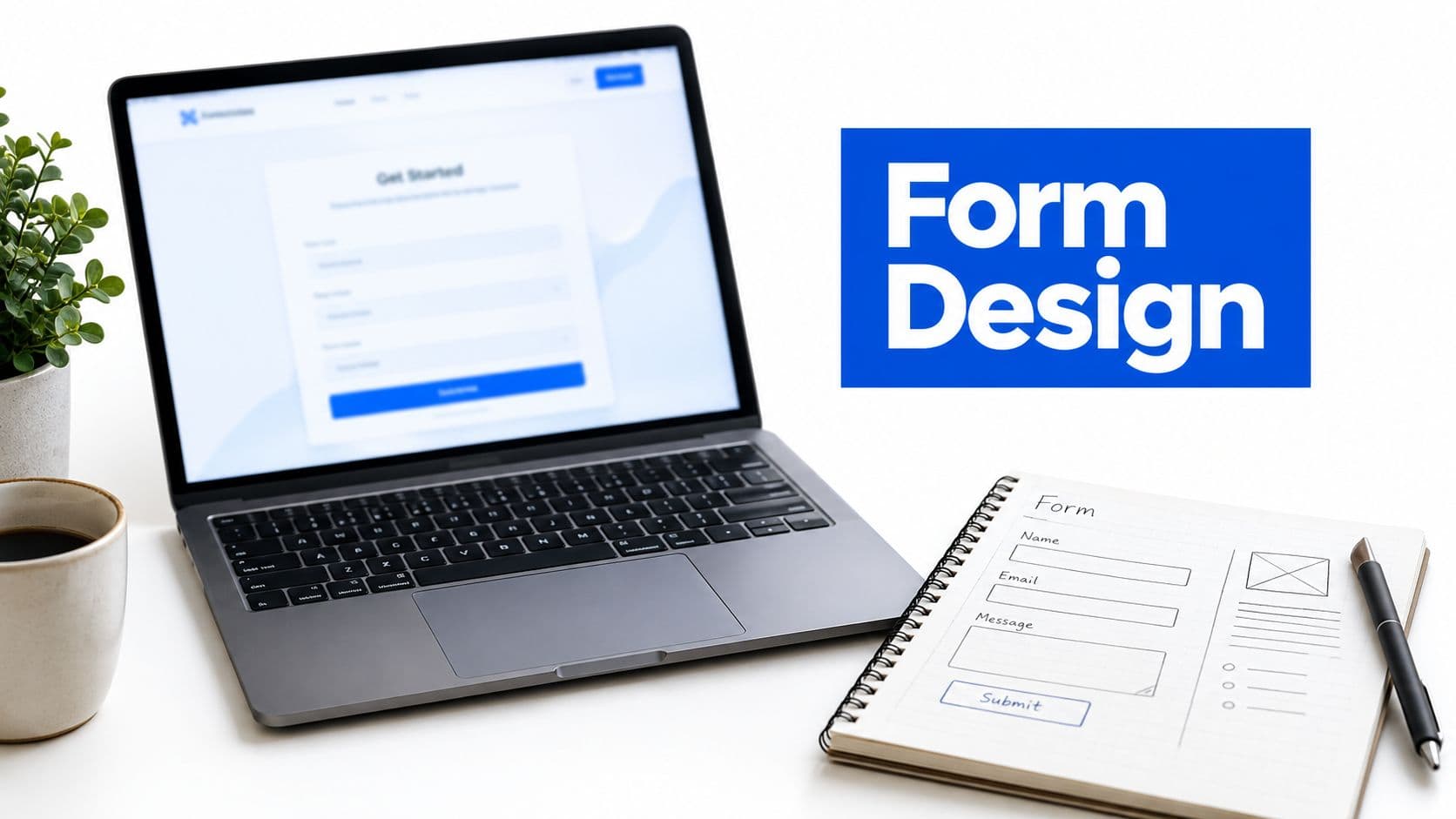
Use conditional logic and AI-powered qualification in your intake forms to score and segment leads before they ever hit your CRM. Think of your form as the first filter in your routing system, not just a data collection tool. When a form can identify whether a prospect is enterprise or SMB, high-intent or early-stage, it gives your routing automation exactly what it needs to make instant, accurate decisions.
Orbit AI's AI-powered form builder is built specifically for this use case. It lets you embed qualification logic directly into the form experience, so leads arrive in your CRM pre-scored and pre-segmented. The result is a smaller, cleaner routing queue with far less noise to process.
Implementation Steps
1. Identify the three to five data points that define a qualified lead for your team: company size, role, budget range, use case, or timeline.
2. Build conditional logic into your form so follow-up questions surface based on earlier answers, gathering richer data without overwhelming the prospect.
3. Map each qualification outcome to a routing destination before you publish the form, so every submission has a clear path the moment it's submitted.
Pro Tips
Keep your form focused. Asking too many questions upfront increases abandonment and reduces the quality of data you actually receive. Prioritize the signals that matter most for routing decisions, and use progressive profiling to gather additional context over time. A shorter, smarter form almost always outperforms a long, generic one.
2. Map Your Routing Logic Before You Build It
The Challenge It Solves
Routing systems built on the fly tend to develop blind spots. A rule gets added for one territory, then another for a new product line, then an exception for enterprise accounts, and suddenly nobody fully understands how the system actually works. Undocumented routing logic breaks silently and slows everything down because nobody knows where to look when something goes wrong.
The Strategy Explained
Before you configure a single automation rule, document every routing scenario your team needs to handle. Build a decision tree that maps each lead type to the correct destination. Consider variables like company size, industry, territory, deal type, and lead source. This document becomes the single source of truth for your routing system, and it makes future changes dramatically easier to implement without breaking existing logic.
This step feels like overhead, but it pays for itself immediately. Teams that skip documentation often spend more time debugging routing errors than they would have spent mapping the logic upfront.
Implementation Steps
1. List every routing variable your team currently uses or needs: territory, company size, industry vertical, product interest, and lead source are common starting points.
2. Create a decision tree that shows exactly which rep or team each combination of variables should route to, including edge cases and overflow rules.
3. Share the document with your sales and RevOps teams for review before building anything, so everyone agrees on the logic before it's locked into automation.
Pro Tips
Version-control your routing documentation the same way engineers version-control code. Every time you update routing rules, update the document. This makes quarterly audits (covered in Strategy 7) far less painful and helps new team members understand the system without reverse-engineering it from your CRM settings.
3. Automate CRM Assignment Rules to Eliminate Manual Handoffs
The Challenge It Solves
Manual lead assignment is one of the most common bottlenecks in inbound sales operations. When a human has to review a new lead and decide who to assign it to, every step of that process introduces delay. Someone has to notice the lead arrived, check availability, apply routing criteria, and make the assignment. High-growth teams often report that manual assignment is the single biggest source of lag in their inbound process.
The Strategy Explained
Replace manual lead assignment with automated rules inside your CRM. Depending on your team structure, this might mean round-robin assignment within territories, account-based routing that matches leads to existing account owners, or rule-based assignment driven by firmographic data. The goal is to remove humans from the routing step entirely so that the moment a lead enters your CRM, it's already assigned.
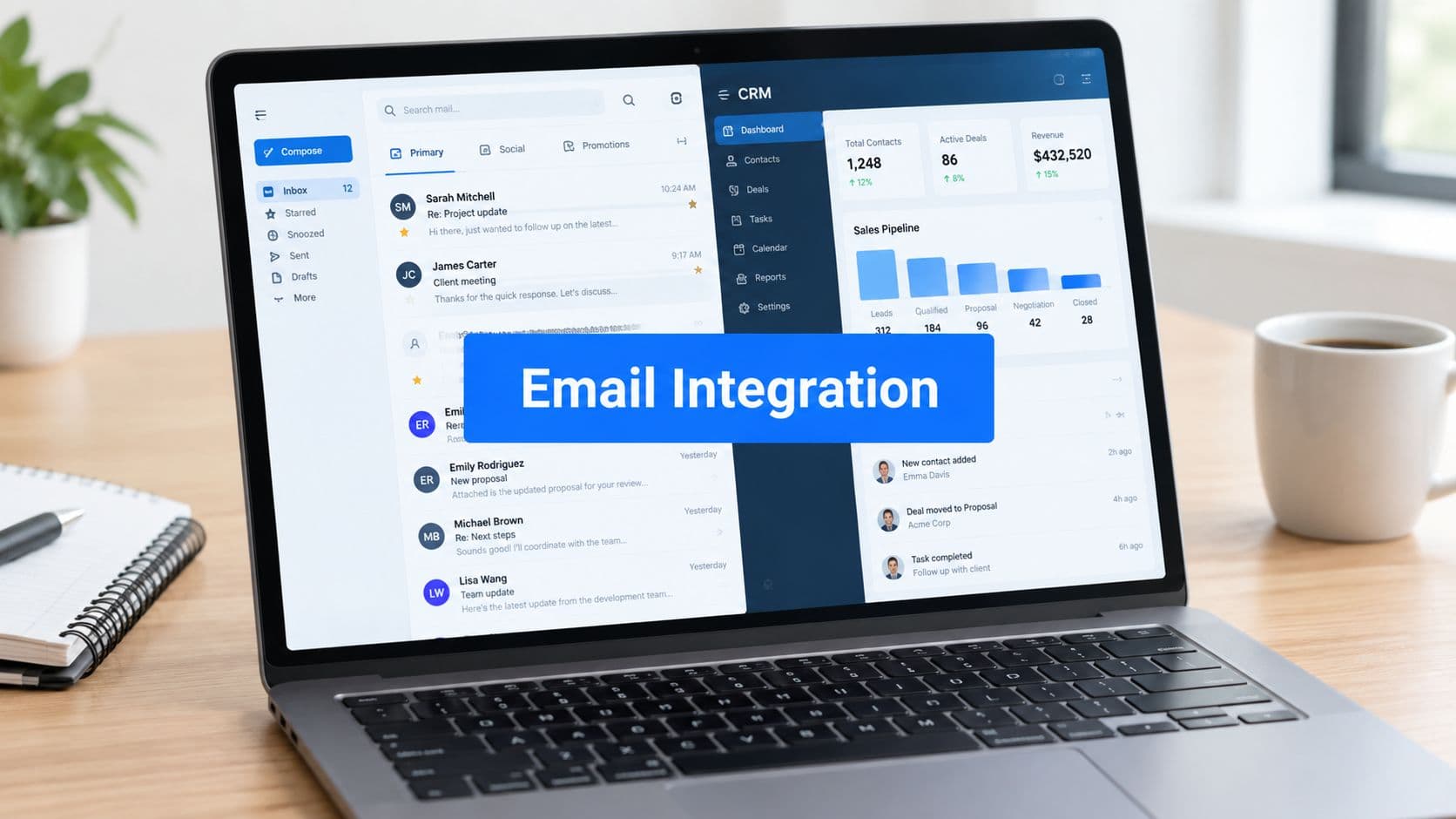
Salesforce, HubSpot, and most enterprise CRMs have native workflow automation tools that support this. For teams building on Salesforce, Orbit AI's guide to workflows in Salesforce covers the mechanics of setting up assignment rules that actually hold up at scale.
Implementation Steps
1. Audit your current assignment process and identify every point where a human is making a routing decision that could be handled by a rule.
2. Configure automated assignment rules in your CRM based on the decision tree you built in Strategy 2, starting with your highest-volume lead sources.
3. Set up fallback rules for scenarios your primary logic doesn't cover, such as leads that come in outside business hours or territories without an assigned rep.
Pro Tips
Test your assignment rules with real lead data before going live. Create test submissions that represent each routing scenario and verify the outcome matches your decision tree. Automation that routes incorrectly is often worse than manual routing because errors are harder to catch and accumulate silently over time.
4. Use Real-Time Notifications to Shrink Rep Response Time
The Challenge It Solves
Fast routing means nothing if reps don't act on assignments immediately. A lead can be correctly assigned within seconds of form submission and still sit untouched for hours if the rep doesn't know it's waiting. Notification gaps are one of the most overlooked causes of slow response time, particularly on teams where reps are context-switching between calls, demos, and email throughout the day.
The Strategy Explained
Build a multi-channel notification system that alerts reps the moment a lead is assigned to them. This means CRM push notifications, Slack alerts, and email notifications working together so that no assignment goes unnoticed regardless of where a rep is working. For high-priority leads, consider escalation logic that notifies a manager if a rep hasn't responded within a defined window.
Industry best practice suggests contacting inbound leads as quickly as possible after form submission. The longer the gap between assignment and first contact, the lower the probability of reaching the prospect when they're still engaged with your product.
Implementation Steps
1. Identify the communication channels your reps actually monitor throughout the day, whether that's Slack, email, mobile push notifications, or CRM activity feeds.
2. Configure automated notifications in your CRM to fire immediately upon lead assignment, and integrate with Slack or your team's primary messaging tool for redundancy.
3. Define a response time SLA for each lead tier and build escalation alerts that trigger when a rep hasn't logged first contact within the required window.
Pro Tips
Include key lead context directly in the notification. When a rep sees a Slack alert that shows company name, size, and stated use case alongside the assignment, they can prepare for outreach immediately rather than clicking into the CRM first to gather context. Reducing friction at the rep level shaves minutes off every interaction.
5. Segment Leads by Tier to Prioritize High-Value Routing
The Challenge It Solves
Not all leads deserve the same routing speed or the same rep. When every inbound lead enters a single queue and gets treated identically, your best reps spend time on low-fit prospects while high-value enterprise opportunities wait alongside everyone else. This approach wastes sales capacity and slows down the routing decisions that matter most.
The Strategy Explained
Define lead tiers based on firmographic and behavioral signals, then create separate routing queues for each tier. A common structure uses three tiers: high-priority leads that route immediately to your most experienced reps, mid-tier leads that enter a standard assignment queue, and low-priority leads that route to nurture sequences or SDRs. This ensures your fastest routing is reserved for the opportunities where speed creates the most leverage.
The qualification data you collect at the form level (from Strategy 1) is what makes tiering possible. Without structured intake data, tiering requires manual review, which reintroduces the delays you're trying to eliminate.
Implementation Steps
1. Define your tier criteria using two to three firmographic signals such as company size and industry, combined with one to two behavioral signals such as pages visited or content downloaded before the form submission.
2. Build separate routing queues or assignment rule sets for each tier in your CRM, with distinct rep pools and response time SLAs for each.
3. Review tier performance quarterly to confirm that leads classified as high-priority are actually converting at higher rates, and adjust criteria if the signal-to-outcome correlation weakens.
Pro Tips
Be careful not to over-engineer your tier definitions early on. Start with two tiers, high-priority and standard, and add complexity only when you have enough data to validate that additional segmentation improves outcomes. Premature complexity in tiering logic creates the same routing debt that plagues over-engineered CRM rules.
6. Connect Your Forms Directly to Your CRM and Sales Tools
The Challenge It Solves
One of the most common sources of invisible routing delay is the gap between form submission and CRM record creation. If your form data has to pass through a manual export, a spreadsheet review, or a disconnected tool before it reaches your CRM, hours can disappear before a lead ever enters your routing system. These integration gaps are easy to overlook because they happen in the background, out of sight of the sales team.
The Strategy Explained
Audit the complete path from form submission to CRM record creation and close every manual gap. Native integrations between your form builder and CRM are the fastest path to real-time data transfer. When native integrations aren't available, tools like Zapier can automate the handoff and eliminate data transfer delays that silently add hours to your routing time.
Orbit AI connects directly to the tools high-growth teams already use, so form submissions flow into your CRM instantly without manual intervention. For teams building custom workflows, Orbit AI's guide to Zapier form automation covers how to set up reliable form-to-CRM connections that hold up at volume.
Implementation Steps
1. Map the current path a lead takes from form submission to CRM record, noting every system, tool, and manual step involved in the transfer.
2. Identify any step that requires human action or introduces a time delay, and replace it with a native integration or automated workflow.
3. Test the complete path with live submissions and measure the time between form submission and CRM record creation to confirm delays have been eliminated.
Pro Tips
Pay attention to field mapping. Integration failures often happen not because the connection breaks but because form fields don't map correctly to CRM properties, causing records to arrive incomplete or malformed. Incomplete records can trigger routing errors or send leads to a manual review queue, undoing the speed gains you've worked to create.
7. Audit and Simplify Your Routing Rules Regularly
The Challenge It Solves
Routing logic accumulates technical debt as teams grow. A rule gets added for a new territory, then an exception for a specific account type, then a workaround for a rep who left the company six months ago. Over time, routing systems become fragile and opaque. Routing complexity tends to increase as teams scale, making regular audits essential for maintaining the speed and accuracy you built in the first place.
The Strategy Explained
Run quarterly audits of your routing logic to remove outdated rules, update territory assignments, and test routing accuracy end to end. Treat routing maintenance as a recurring operational task, not a one-time project. The goal isn't just to fix what's broken. It's to proactively simplify before complexity creates problems that are harder to diagnose under pressure.
During each audit, test representative lead scenarios against your routing logic and verify the outcomes match your current decision tree documentation. Any discrepancy between expected and actual routing is a signal that something has drifted and needs to be corrected.
Implementation Steps
1. Schedule a quarterly routing audit as a standing calendar event for your RevOps or sales operations team, with a defined scope that covers rule review, territory updates, and end-to-end testing.
2. During each audit, compare your live CRM routing rules against your routing documentation to identify rules that are outdated, redundant, or no longer aligned with your team structure.
3. Run test submissions for each lead tier and routing scenario, verify outcomes are correct, and document any changes made so your routing documentation stays current.
Pro Tips
Assign clear ownership for routing maintenance. When nobody owns the routing system, audits get deprioritized and technical debt accumulates faster. A single RevOps team member with quarterly accountability for routing health can prevent the kind of slow, invisible degradation that eventually causes routing to break entirely during a high-volume period.
Putting It All Together
Slow lead routing is a systems problem, not a people problem. When you fix the right layers, starting with qualification at the form, then automating CRM assignment, then ensuring reps are notified instantly, you eliminate the delays that cost you deals.
The strategies in this guide work best when implemented together. Start with Strategy 1 because qualifying leads at the form level reduces the volume of noise your routing system has to handle. Then move to CRM automation and notification systems to close the gap between form submission and first contact. Use tiering to make sure your fastest routing is reserved for your highest-value opportunities.
For high-growth teams, every minute matters. A lead that waits two hours is a lead that's already exploring your competitors. Build a routing system that treats speed as a feature, not an afterthought.
Ready to fix routing at the source? Orbit AI's AI-powered form builder lets you qualify, segment, and route leads automatically, right from the form. Book a demo and see how intelligent form design can eliminate the delays that are costing your team deals.