

Static contact forms are conversion killers. When visitors land on your site and encounter a wall of fields, many bounce before completing a single input. Interactive form builders solve this by transforming data collection into engaging, conversational experiences: think one-question-at-a-time flows, conditional logic, animations, and dynamic personalization. The result is higher completion rates, better-qualified leads, and a user experience that actually reflects your brand.
With dozens of form tools on the market, finding the right interactive builder for your website can feel overwhelming. We evaluated these tools based on interactivity features, design flexibility, integration ecosystems, ease of use, and pricing. Whether you're a startup optimizing your first lead funnel or an enterprise team managing complex intake workflows, this list has a tool for you.
1. Orbit AI
Best for: High-growth SaaS and B2B teams that want AI-powered lead qualification built directly into their forms.
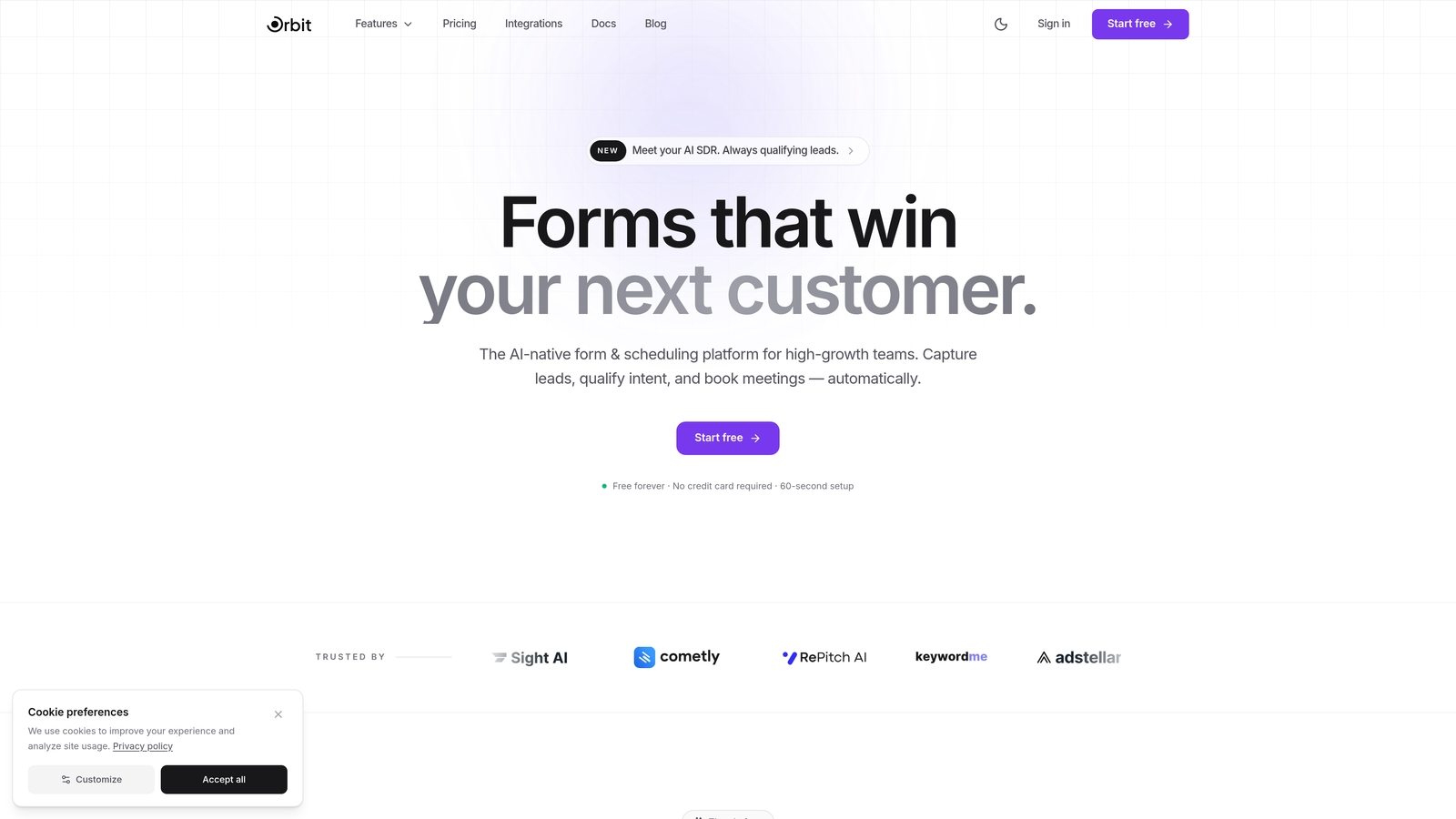
Orbit AI is an AI-powered interactive form builder that qualifies and scores leads in real time as prospects move through the form experience.
Where This Tool Shines
What separates Orbit AI from traditional form builders is the intelligence layer embedded in the experience itself. Instead of collecting raw responses and leaving your sales team to manually sort through submissions, Orbit AI's AI agents evaluate lead quality during the form session, so your CRM receives pre-qualified, scored contacts rather than a pile of unfiltered data.
The form designs are modern and conversion-optimized by default, with multi-step flows that keep respondents engaged. For growth-focused teams tired of stitching together a form tool, a lead scoring spreadsheet, and a CRM workflow, Orbit AI brings those pieces into a single platform.
Key Features
AI Lead Qualification: AI agents score and qualify leads in real time during form completion, so your team prioritizes the right prospects immediately.
Multi-Step Form Flows: Conversion-optimized, step-by-step form designs that reduce friction and improve completion rates.
Built-In Analytics Dashboard: Track form performance, identify drop-off points, and optimize your funnels without a separate analytics tool.
Native CRM Integrations: Direct integrations with HubSpot, Close, Attio, and other CRMs ensure qualified leads flow straight into your pipeline.
Workflow Automation: Trigger automated workflows based on form submissions and lead scores, reducing manual follow-up work for your team.
Best For
Orbit AI is the strongest fit for B2B SaaS companies, growth marketers, and revenue teams that treat lead quality as seriously as lead volume. If your current process involves manually reviewing form submissions before passing them to sales, this platform is designed to automate that entire step.
Pricing
Free plan available. Paid plans with advanced AI features and higher submission limits are available at orbitforms.ai/pricing.
2. Typeform
Best for: Teams that want polished, conversational forms with strong visual design and brand appeal.
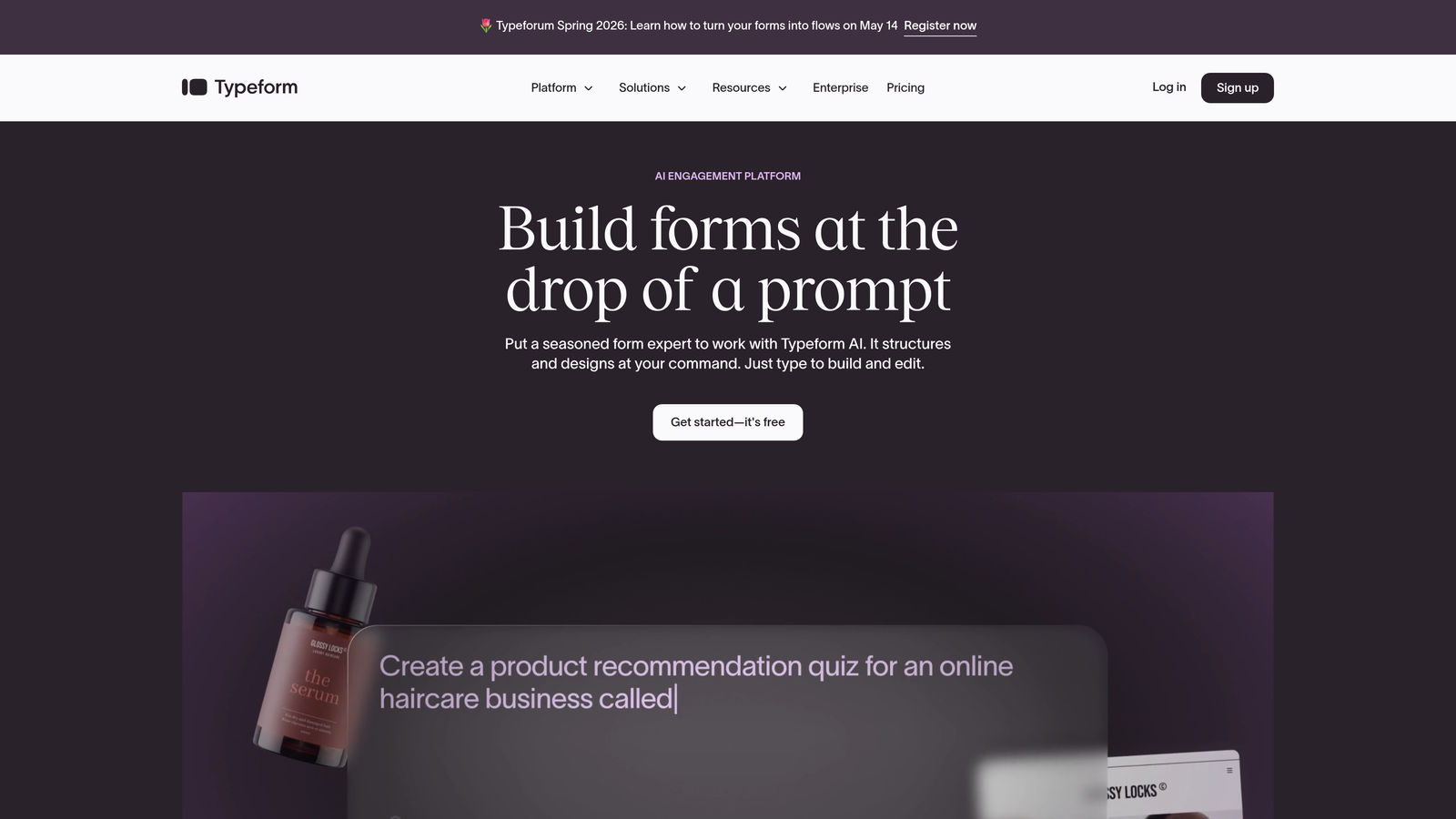
Typeform is the platform that popularized the one-question-at-a-time form format, and it remains a benchmark for conversational design.
Where This Tool Shines
Typeform's core strength is the experience it creates for respondents. The single-question flow removes the anxiety of seeing a long form all at once, which tends to keep people moving through to completion. The visual polish is exceptional out of the box, making it a popular choice for brand-conscious marketing teams and agencies.
Logic jumps allow you to branch the form path based on previous answers, creating genuinely personalized experiences without requiring any code. It's one of the most intuitive builders on this list for non-technical users who want sophisticated results.
Key Features
Conversational One-Question Flow: Typeform's signature format presents one question at a time, reducing cognitive load and improving completion rates.
Logic Jumps and Branching: Route respondents to different questions or outcomes based on their previous answers.
Custom Themes and Design: Beautiful default designs with extensive customization options for fonts, colors, and backgrounds.
Media Integration: Embed videos and images within individual form steps to enrich the experience.
Integration Ecosystem: Connects with Zapier, HubSpot, Google Sheets, Salesforce, and hundreds of other tools.
Best For
Typeform is ideal for marketing teams, agencies, and SaaS companies running surveys, lead generation forms, or onboarding flows where brand presentation matters. Teams that prioritize design quality and respondent experience will feel right at home here.
Pricing
Free plan available with limited responses. Basic plan starts at $25/month billed annually; higher tiers unlock more responses and advanced features.
3. Jotform
Best for: Teams that need a wide template library and versatile form types across industries, including payment collection and HIPAA compliance.
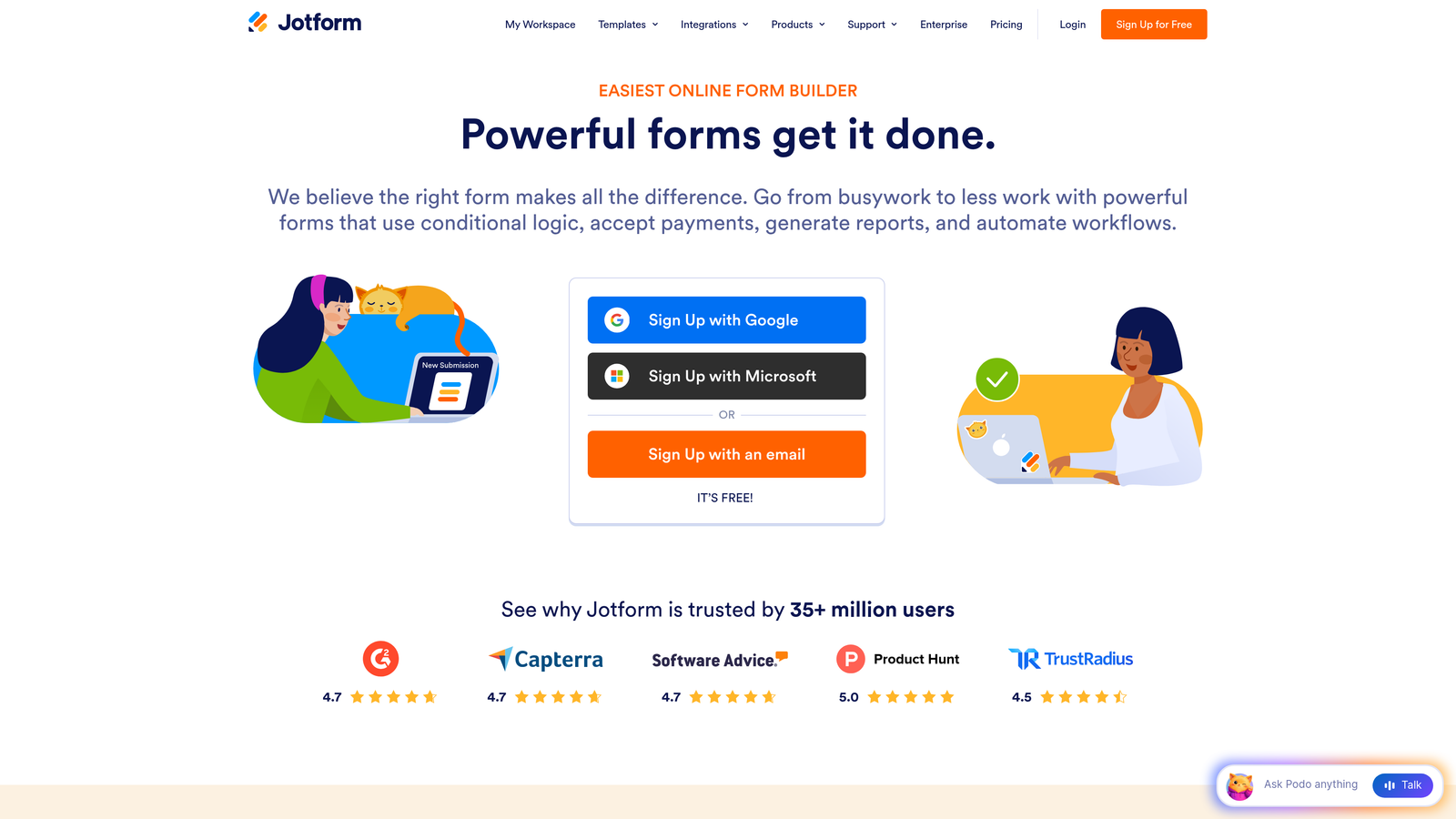
Jotform is one of the most feature-rich form builders available, offering over 10,000 templates and a drag-and-drop editor that handles everything from simple contact forms to complex multi-step workflows.
Where This Tool Shines
Jotform's template library is genuinely impressive. Whether you're building a job application form, a patient intake form, or an e-commerce order form, there's almost certainly a starting point already available. This makes it especially fast for teams that need to deploy forms across multiple departments or use cases without building from scratch each time.
The platform also handles payment collection natively through Stripe, PayPal, and Square, making it a practical choice for businesses that need to combine data collection with transactions in a single form.
Key Features
10,000+ Templates: Pre-built forms across virtually every industry and use case, ready to customize and deploy.
Conditional Logic and Calculations: Show or hide fields based on responses, and perform calculations within the form itself.
Native Payment Collection: Accept payments via Stripe, PayPal, and Square directly within your forms.
Jotform Tables: Manage and organize submission data in a spreadsheet-like interface without exporting to another tool.
HIPAA-Compliant Plans: Healthcare teams can use Jotform with compliance protections for sensitive patient data.
Best For
Jotform works well for small to mid-sized businesses, healthcare organizations, nonprofits, and e-commerce teams that need versatility across form types. It's particularly strong for teams that want a single tool to handle forms across multiple departments.
Pricing
Free plan supports 5 forms and 100 submissions per month. Bronze plan starts at $34/month with higher limits and additional features.
4. Tally
Best for: Individuals, startups, and small teams that want unlimited forms with a clean, Notion-like editing experience at no cost.
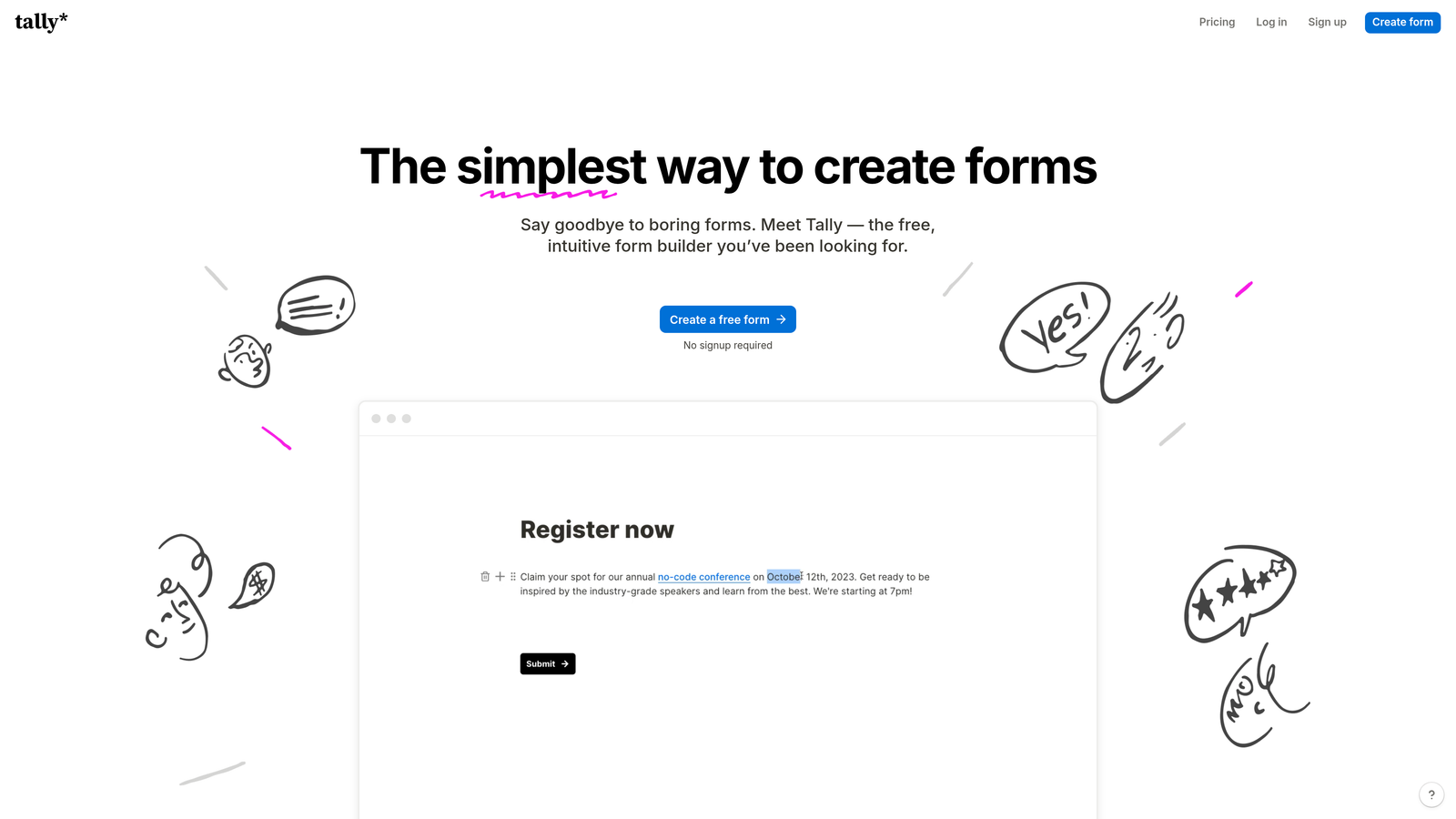
Tally is a minimalist form builder that offers unlimited forms and submissions on its free plan, making it one of the most generous tools in this category.
Where This Tool Shines
Tally's block-based editor will feel immediately familiar to anyone who uses Notion. You type a slash command, pick a field type, and keep building. There's no drag-and-drop complexity or overwhelming settings panel, which makes it genuinely fast to get a form live. For teams that value simplicity and speed over deep customization, Tally removes almost all friction from the process.
The free plan is unusually generous: no form limits, no submission caps, no response paywalls. That alone makes it a serious contender for bootstrapped teams or anyone who needs a quick form without a budget commitment.
Key Features
Unlimited Free Forms and Submissions: Build and publish as many forms as you need with no submission limits on the free tier.
Notion-Style Block Editor: Intuitive slash-command interface that makes form building feel like writing a document.
Conditional Logic and Hidden Fields: Create dynamic form paths and pass hidden data without extra tools.
Calculator Fields: Perform calculations based on respondent inputs, useful for quotes or scoring.
Integrations: Connects with Notion, Google Sheets, Airtable, Slack, and Zapier for automated workflows.
Best For
Tally is perfect for solopreneurs, early-stage startups, and content creators who need clean, functional forms without a monthly bill. Teams already working in Notion will appreciate the familiar editing experience.
Pricing
Free plan with unlimited forms and submissions. Pro plan at $29/month adds custom branding, custom domains, and advanced features.
5. HubSpot Forms
Best for: Teams already using HubSpot CRM who want native form-to-contact sync and progressive profiling without a separate tool.
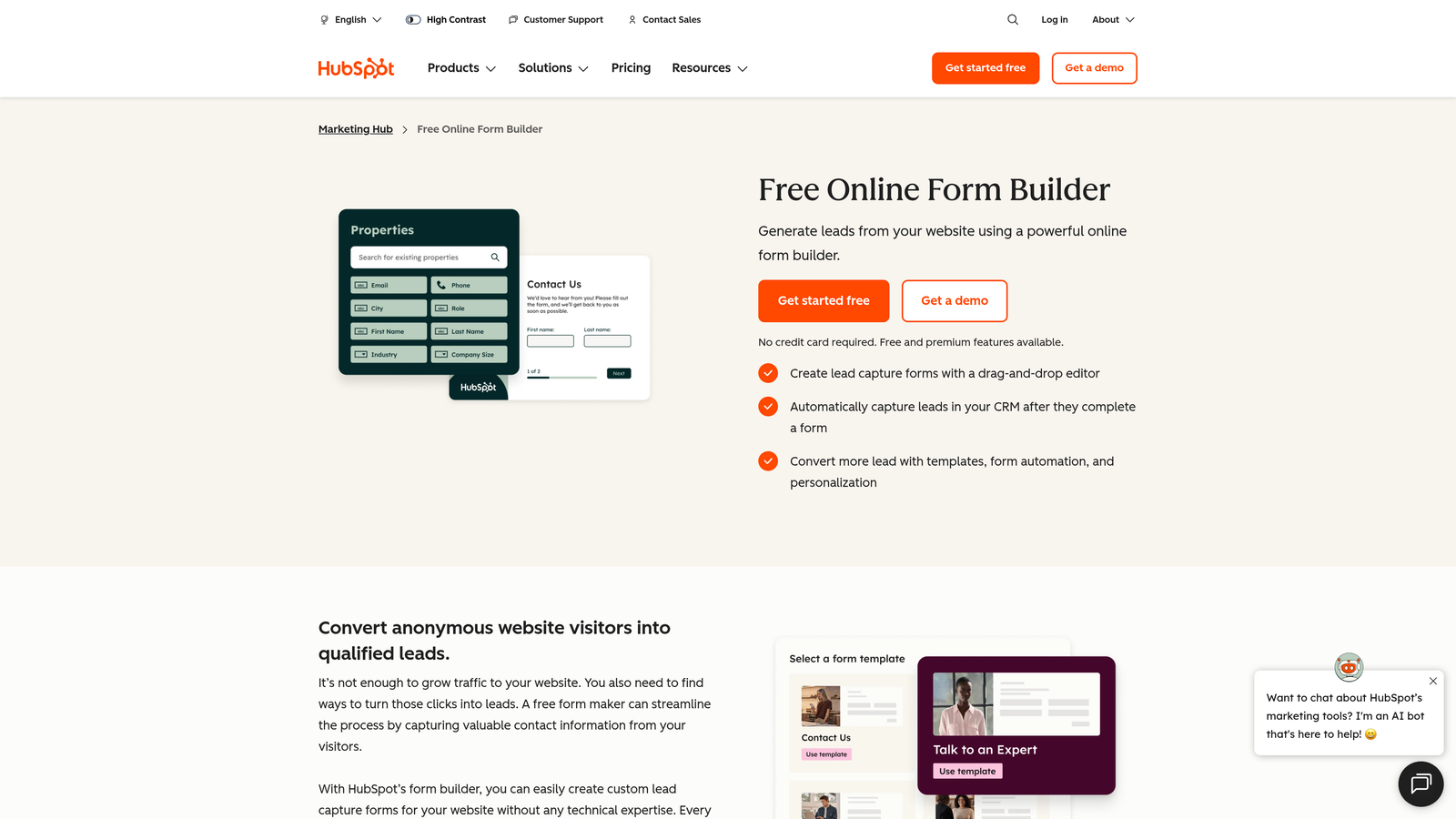
HubSpot Forms is the built-in form builder within the HubSpot ecosystem, tightly integrated with HubSpot CRM and Marketing Hub.
Where This Tool Shines
If your team lives in HubSpot, the native form builder removes an entire layer of integration complexity. Every submission creates or updates a contact record automatically, no Zapier zap required. The progressive profiling feature is particularly smart: returning visitors see new fields instead of the same ones they already filled out, which helps you enrich contact data over time without making forms longer.
For marketing teams running campaigns, the ability to A/B test form variations within Marketing Hub and trigger automated workflows directly from submissions makes this a genuinely powerful option within the HubSpot stack.
Key Features
Progressive Profiling: Automatically show new fields to returning visitors, building richer contact profiles over multiple interactions.
Smart and Dependent Fields: Display fields dynamically based on known contact data or previous answers.
Instant CRM Sync: Every submission creates or updates a HubSpot contact record in real time.
A/B Testing: Test form variations within Marketing Hub to optimize conversion rates.
Flexible Deployment: Embed forms on any page, use standalone landing pages, or deploy as pop-ups.
Best For
HubSpot Forms is the right choice for teams already committed to the HubSpot ecosystem. If you're not a HubSpot user, the standalone form builder is less compelling compared to dedicated tools on this list.
Pricing
Free with any HubSpot CRM account. Advanced features require Marketing Hub Starter at $20/month or higher tiers.
6. Formspark
Best for: Developers building custom form UIs who need a reliable backend submission endpoint without managing server infrastructure.
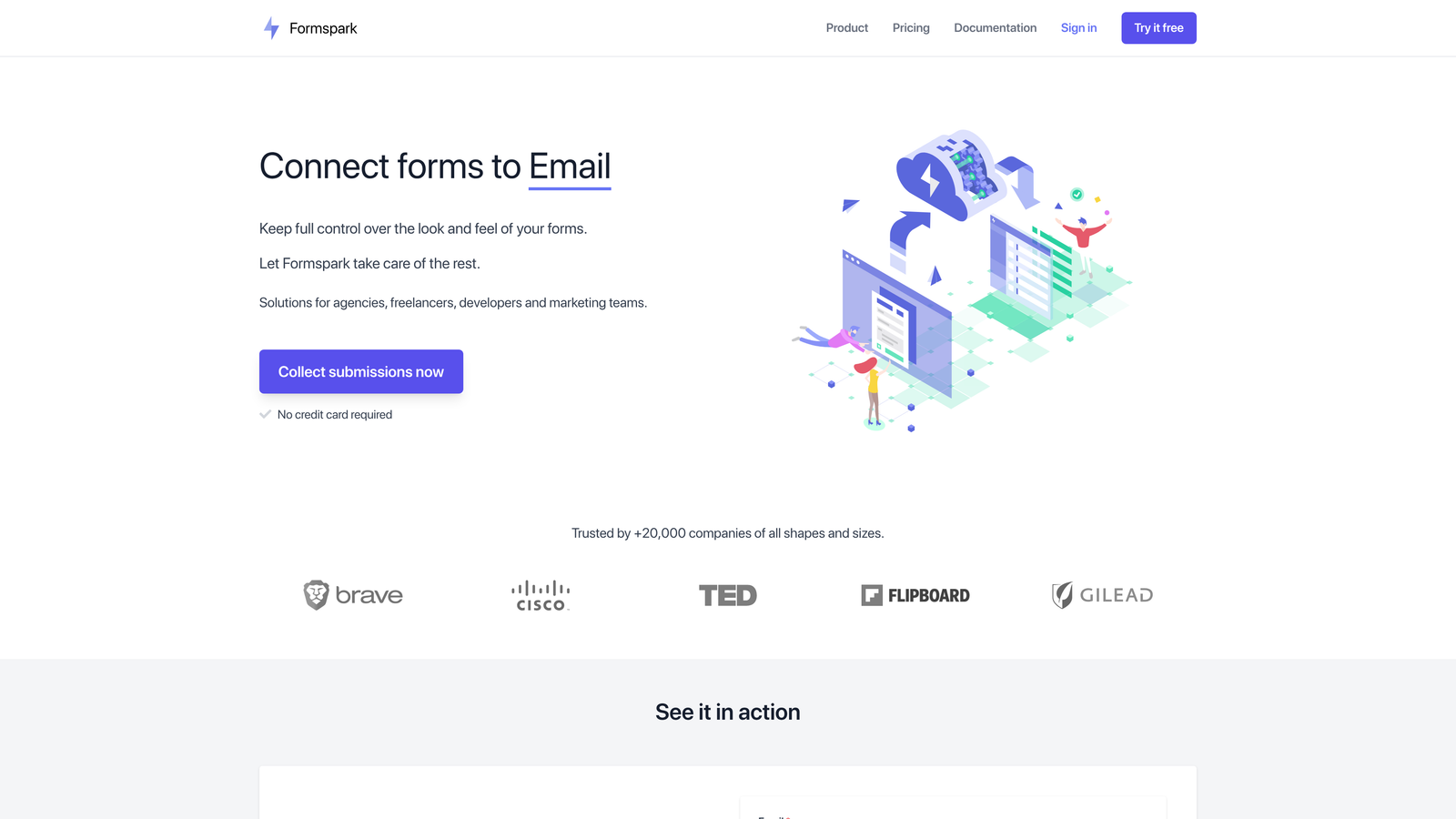
Formspark is a backend-as-a-service for forms: it provides the submission handling, spam protection, and notification layer while you build the frontend however you like.
Where This Tool Shines
Formspark occupies a unique niche on this list. It doesn't give you a form builder at all. Instead, it gives you a submission endpoint that you point your existing HTML, React, Vue, or static site form toward. This is a significant advantage for developers who want full design control without managing their own form backend or worrying about email deliverability and spam filtering.
For teams building custom web applications or marketing sites with bespoke designs, Formspark handles the unglamorous backend work so developers can focus on the frontend experience.
Key Features
Framework-Agnostic Frontend: Use any HTML, React, Vue, or static site generator; Formspark handles the backend.
Spam Protection: Built-in integrations with Botpoison and reCAPTCHA to filter out bot submissions.
Email Notifications and Webhooks: Receive email alerts or forward submissions to any webhook endpoint for further processing.
File Upload Support: Accept file attachments through your custom form UI.
Simple Integration: Point your form's action attribute to a Formspark endpoint and you're live in minutes.
Best For
Formspark is built for developers and technical teams who want complete control over their form's visual design but don't want to build or maintain a form submission backend. It's not the right choice for non-technical users looking for a visual builder.
Pricing
Free tier supports 250 submissions. Paid plans start at $8/month for higher submission volumes.
7. Fillout
Best for: Teams using Airtable, Notion, or Google Sheets who want two-way data sync and database-powered form workflows.
Fillout is a form builder built around deep native integrations with databases and productivity tools, enabling forms that read from and write to your existing data sources.
Where This Tool Shines
Fillout's defining feature is its two-way sync capability. Most form builders push data to a destination. Fillout can also pull data from Airtable, Notion, Google Sheets, or Supabase to pre-fill forms, which opens up use cases like update workflows, customer portals, and event registration with pre-populated attendee details. This is a meaningful differentiator for operations and product teams.
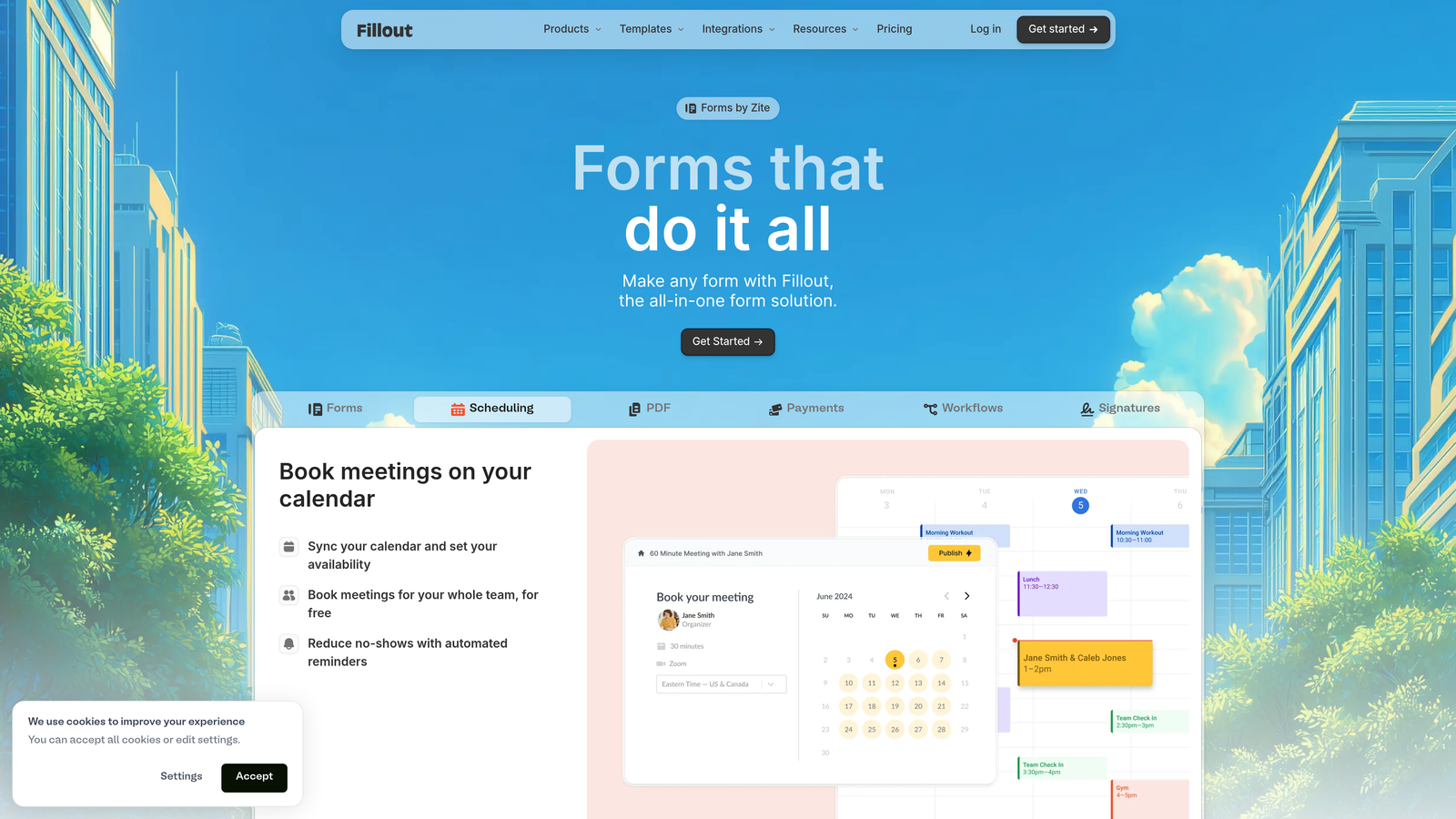
Beyond the database integrations, Fillout is a fully capable form builder with conditional logic, multi-step flows, scheduling, and payment collection. It's not a one-trick pony: the database sync is the standout feature, but the core builder is solid.
Key Features
Two-Way Database Sync: Read from and write to Airtable, Notion, Google Sheets, and Supabase within the same form workflow.
Pre-Fill from Database Records: Populate form fields with existing data for update and edit workflows.
Conditional Logic and Calculations: Build dynamic, branching form experiences with calculated field outputs.
Scheduling and Payment Modes: Handle appointment booking and payment collection within the same form builder.
Custom Themes and Embeds: Customize form appearance and embed on any website.
Best For
Fillout is an excellent fit for operations teams, product managers, and no-code builders who rely heavily on Airtable, Notion, or Google Sheets and want forms that integrate deeply with those environments rather than just appending rows to a spreadsheet.
Pricing
Free plan includes unlimited forms and up to 1,000 submissions per month. Starter plan at $19/month unlocks higher limits and advanced features.
8. Paperform
Best for: Small businesses and creators who want a form builder that doubles as a lightweight landing page with payments and scheduling built in.
Paperform blends rich content blocks with form fields, allowing you to create experiences that feel more like branded landing pages than traditional forms.
Where This Tool Shines
Paperform's editor lets you mix text, images, and video alongside form fields in a single document-style layout. The result is forms that feel like complete experiences rather than isolated data-collection widgets. This makes it particularly useful for product launches, event registrations, and service bookings where context and presentation matter.
The built-in payment processing and appointment scheduling features mean smaller teams can often avoid adding separate tools for those functions. For a business that needs a form, a booking page, and a checkout flow, Paperform can handle all three without additional subscriptions.
Key Features
Rich Content Blocks: Mix text, images, and video with form fields in a single document-style layout.
Built-In Payment Processing: Accept payments via Stripe, PayPal, Braintree, and Square directly within your forms.
Appointment Scheduling: Let respondents book time slots without a separate scheduling tool.
Conditional Logic and Calculations: Create dynamic form paths and calculated outputs based on responses.
Custom Success Pages: Redirect respondents or show custom confirmation content based on their specific answers.
Best For
Paperform suits freelancers, small business owners, coaches, and creators who want a polished form-plus-landing-page experience without managing multiple tools. It's especially strong for service businesses that combine information collection with booking or payment.
Pricing
Essentials plan at $24/month billed annually. Pro at $49/month; Agency plan at $159/month for client work and multiple workspaces.
9. Formstack
Best for: Enterprise teams that need form-driven workflow automation, document generation, e-signatures, and compliance in a single platform.
Formstack is an enterprise-grade platform that extends well beyond form building into document generation, e-signature collection, and approval routing.
Where This Tool Shines
Formstack's value proposition becomes clear when your use case involves what happens after the form is submitted. The platform can automatically generate PDFs and contracts from submission data via Formstack Documents, collect legally binding signatures through Formstack Sign, and route submissions through multi-step internal approval workflows. For HR, legal, finance, and operations teams, this end-to-end automation is genuinely powerful.
The compliance credentials are also a differentiator at the enterprise level. HIPAA, GDPR, and SOC 2 compliance options make Formstack viable for industries with strict data handling requirements, including healthcare, financial services, and government.
Key Features
Advanced Conditional Logic: Drag-and-drop form builder with sophisticated branching and display rules for complex intake workflows.
Formstack Documents: Auto-generate PDFs, contracts, and other documents from form submission data.
Formstack Sign: Collect legally binding e-signatures as part of your form or document workflow.
Approval Routing: Route submissions through multi-step internal approval processes with automated notifications.
Compliance Options: HIPAA, GDPR, and SOC 2 compliance available for regulated industries.
Best For
Formstack is built for enterprise teams in healthcare, finance, legal, and operations that need forms to trigger complex downstream processes. It's overkill for most small business use cases, but for organizations managing contracts, approvals, and compliance, it's one of the most complete solutions available.
Pricing
Forms-only plan starts at $50/month. Full platform bundles that include Documents and Sign are available at higher tiers.
Which Tool Is Right for Your Team?
Every tool on this list solves the core problem of making forms more interactive and engaging, but they each do it for a different audience and a different set of needs. Here's a quick way to think about the right fit.
For AI-powered lead qualification: Orbit AI is the clear choice for B2B and SaaS teams that want their forms to do more than collect data. The built-in lead scoring and CRM integrations make it purpose-built for revenue-focused teams.
For conversational design and brand polish: Typeform remains the gold standard for teams where visual presentation and respondent experience are top priorities.
For template variety and versatility: Jotform's library of 10,000+ templates makes it the fastest starting point for teams that need forms across multiple departments or industries.
For budget-friendly simplicity: Tally's unlimited free plan is hard to beat for startups and individuals who need clean, functional forms without a monthly commitment.
For HubSpot-native teams: HubSpot Forms eliminates integration overhead if you're already running your marketing and CRM in that ecosystem.
For developers who want full design control: Formspark handles the backend so your team can build any custom form UI without managing server infrastructure.
For database-driven workflows: Fillout's two-way sync with Airtable, Notion, and Google Sheets makes it the right pick for operations and no-code teams.
For landing page hybrids: Paperform is ideal for small businesses that want forms, payments, and scheduling in a single polished document-style experience.
For enterprise workflow automation: Formstack's document generation, e-signatures, and compliance features make it the enterprise-grade choice for regulated industries.
If your focus is on converting more of your website traffic into qualified leads, the combination of interactive multi-step forms and real-time AI qualification is where the biggest gains tend to be. Start building free forms today with Orbit AI and see how intelligent form design can transform your conversion strategy from the first interaction.


